Load Newsreader Bold Font
Is Showit a good website builder? For creative entrepreneurs who care how their site looks, yes.”
A friend of mine spent four months researching website platforms before building her coaching business site. Four months of comparison charts, YouTube reviews, and Reddit threads written by people who clearly had strong feelings and a lot of free time. By the end, she still didn’t know which platform was actually right for her, because most of what she found was written by people trying to convince her their favorite platform was right for everyone.
It isn’t. No platform is right for everyone, and Showit is no exception. So instead of trying to sell you on it, let’s actually figure out whether it fits your business. Here’s the honest answer to who Showit is for, including who might be happier somewhere else.
Who Is Showit For? Creative Entrepreneurs Who Care How Their Site Looks
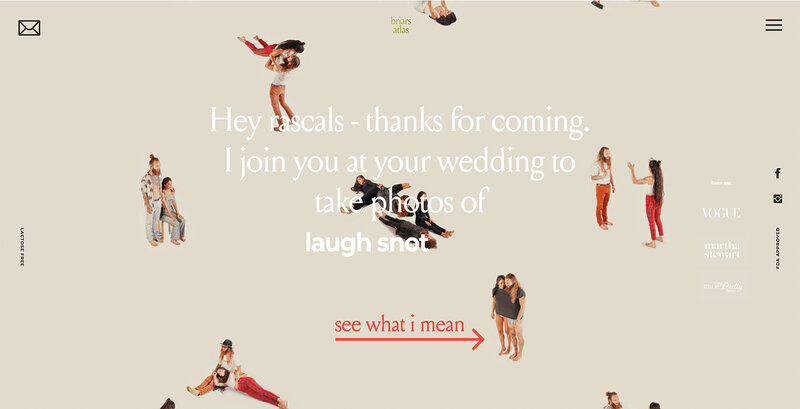
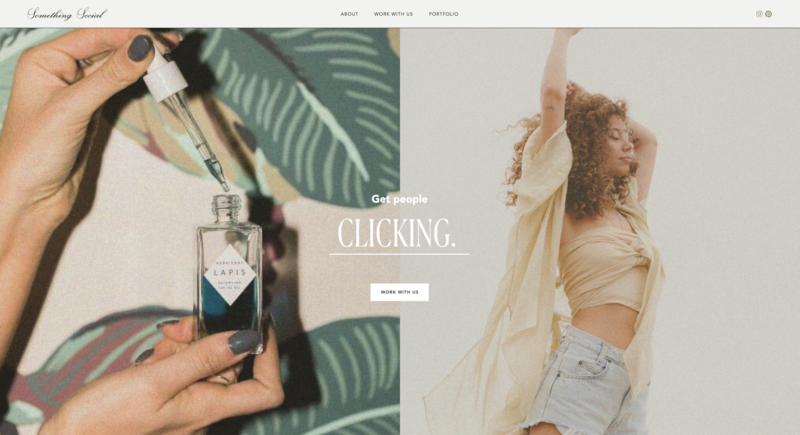
Showit is for creative entrepreneurs and small business owners who want their website to look exactly like their brand, without learning to code.
If there’s one thread that runs through almost every Showit user, it’s that they care about how their website looks and feels as much as what it says. Showit was built by creatives, for creatives, and you can see it in the kinds of businesses that thrive there.
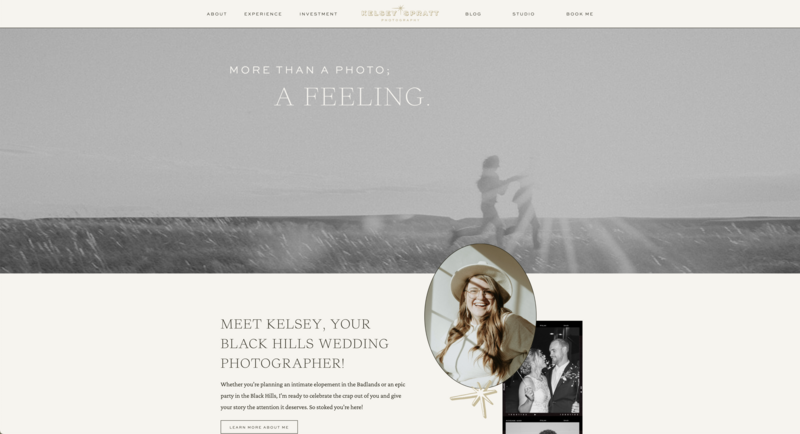
Photographers
Photography is a visual business, so it makes sense that photographers were some of Showit’s earliest and most loyal users. The drag-and-drop canvas lets you build portfolio layouts that show off your actual work instead of cramming it into a template’s predetermined grid. If you’ve ever tried to make a gallery-heavy site look intentional on a rigid builder, you know exactly why this matters.
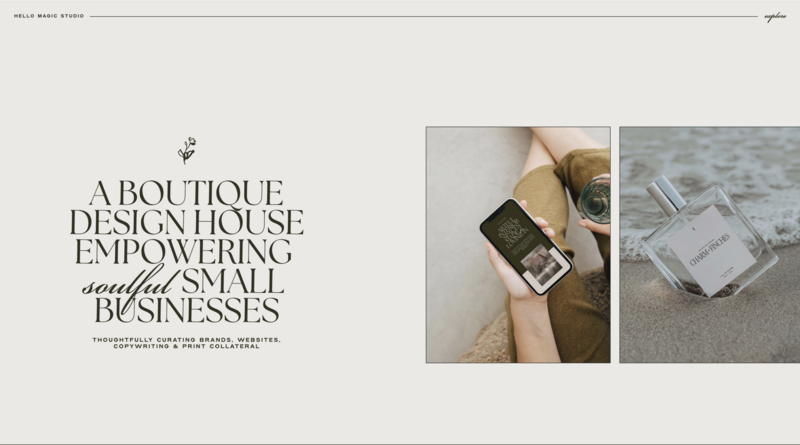
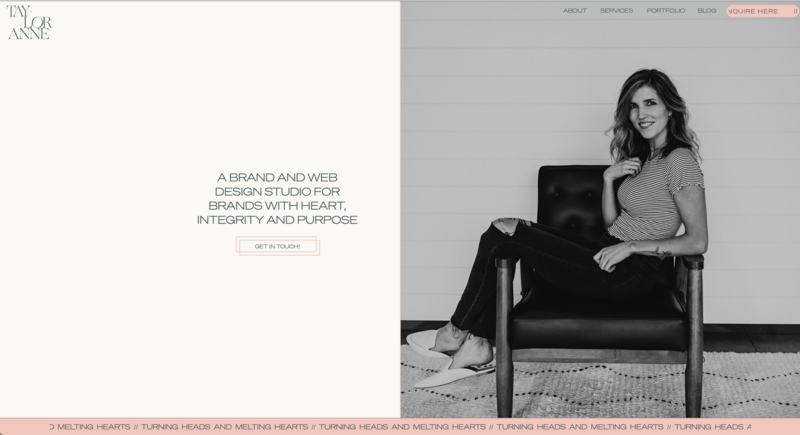
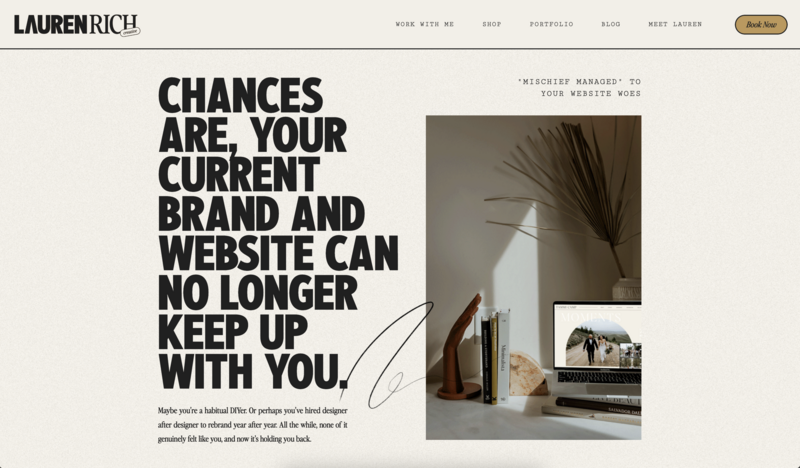
Web and Brand Designers
If you design websites for clients, Showit gives you the flexibility to bring very different visions to life, so every client doesn’t walk away with the same template in new colors. Designers also make up a meaningful chunk of the Showit community, which means you’re joining a real network of professionals building similar businesses. Many of them sell their templates in the Showit Design Market, too.
Coaches, Consultants, and Course Creators
If your business is built on trust and expertise, your website needs to communicate credibility fast. Showit gives coaches and consultants the design control to build a site that feels as polished as the service they’re selling, without needing a developer on retainer.
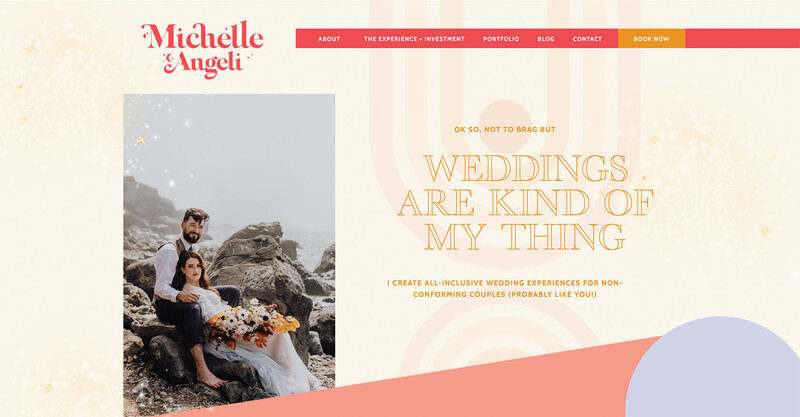
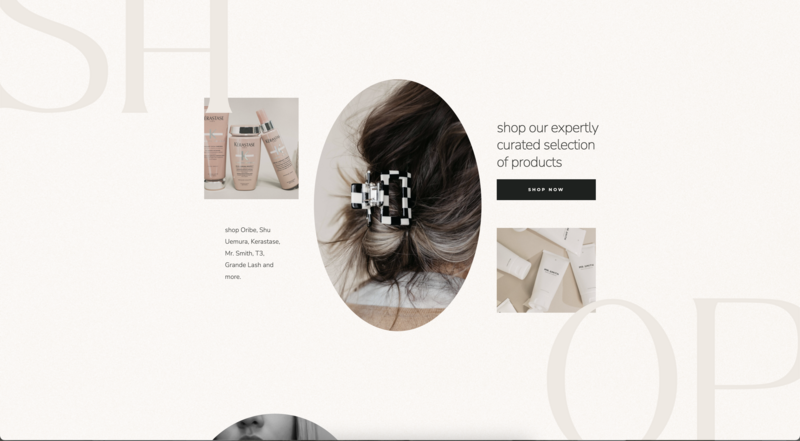
Wedding, Beauty, and Event Professionals
Businesses where the visual experience basically is the sales pitch (think stylists, florists, planners, and venues) tend to do well on Showit for the same reason photographers do. The canvas lets the work speak for itself.
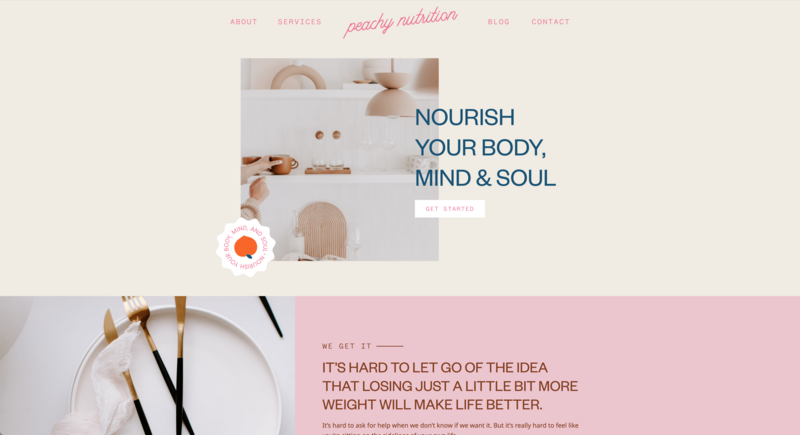
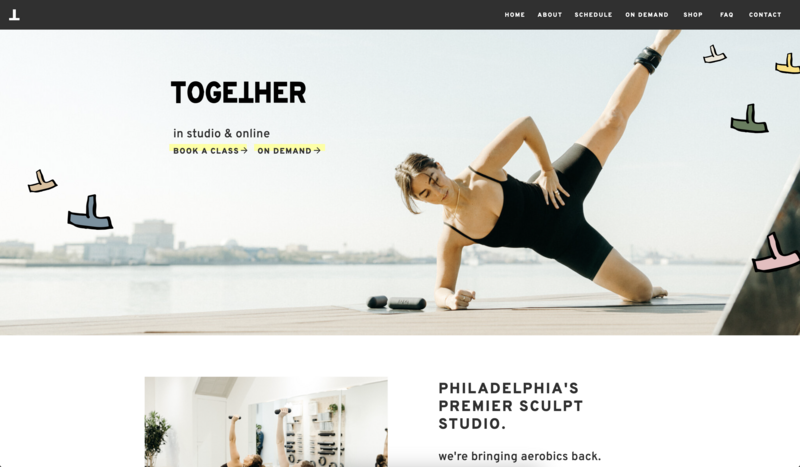
Health, Wellness, and Fitness Pros
Yoga teachers, personal trainers, nutrition coaches, and wellness practitioners often sell a feeling as much as a service. A site that feels calm, energizing, or welcoming, whatever fits your brand, does a lot of the convincing before someone ever books a session. Showit lets you design that mood into every page, and you can connect the tools you already use to run your business.
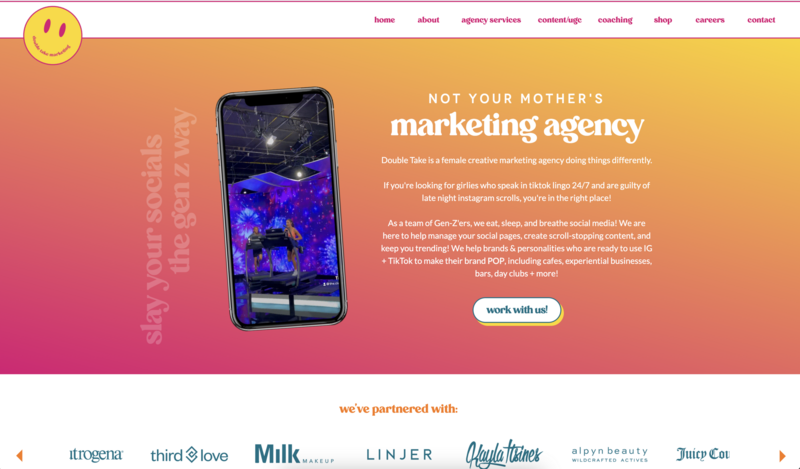
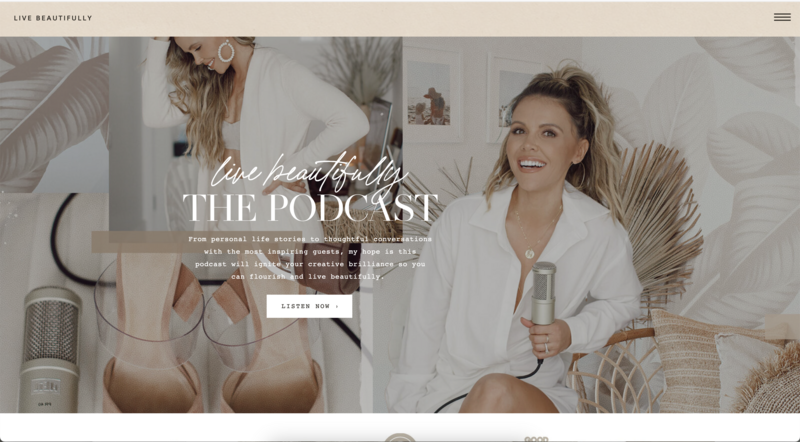
Content Creators and Podcasters
If you publish regularly, whether that’s weekly podcast episodes or a steady stream of blog posts, your website is where all of it lives together under your own name. Showit’s blog runs on WordPress, so you get a strong publishing setup with a design you fully control. Your show notes and posts can look as polished as your homepage.
The Bigger Pattern: Solopreneurs Who Don’t Want to Feel Like Solopreneurs
Here’s the part that surprised me when I started paying closer attention to the Showit community. Most of the people building on this platform are solopreneurs and small business owners. They’re running their business largely by themselves, wearing every hat, making every decision. And a lot of solopreneurs quietly feel isolated, even when their business is doing well.
Being solo doesn’t have to mean being isolated. That distinction is baked into how Showit approaches support.
When you get stuck, Showit Support is there for you 24/7 in chat, with the fastest replies during business hours (7am to 7pm MST, Monday through Friday). Beyond support, there’s an active community of business owners and designers who show up for each other at community events and at Spark, Showit’s conference. And there are free trainings built to guide you through actual growth milestones, whether you’re chasing your first 5,000 dollars or scaling toward your next 100,000.
If you’ve been building your business completely on your own and it’s starting to feel lonely, that’s worth paying attention to. A website platform can’t fix isolation entirely, but the right one can make sure you’re never stuck without someone to ask.
Is Showit Worth It? Signs It’s a Great Fit.
Showit is probably right for your business if you want your site to look distinctly like your brand and you’re happy to make some design decisions to get there. You’re likely a strong fit if a few of these sound like you.
You want your website to look distinctly like your brand. A template with your logo dropped in won’t feel like enough.
You value design control. You want the ability to move things exactly where you want them, pixel by pixel.
Blogging or content marketing is part of your strategy. You want a platform where publishing is fully supported, and a Showit blog runs on WordPress right on your own domain.
You’re running your business solo or with a small team. Having real people to ask when you get stuck matters to you.
You’re not building a large online store. You don’t need hundreds of products, complex inventory, or subscription billing built directly into your site.
Who Should Skip Showit?
Showit isn’t the right fit for every business, and it’s more useful to say that plainly than to pretend otherwise. You might want a different platform if one of these describes you.
You’re building a large product catalog with complex inventory. Showit connects with tools for smaller shops, and the Advanced Blog plan supports WordPress e-commerce plugins, but it’s not built to be a full-scale e-commerce engine the way Shopify is. If selling products is the core of your business, a platform built around commerce will serve you better.
You want zero involvement in design decisions. If you’d rather fill in a template and move on, that’s a completely valid preference. It’s just not what Showit is optimized for. One middle path is to hire a Showit Design Partner to build your site, so you get a custom design without making every call yourself.
You need highly specific, custom-coded functionality. If your site needs features that go beyond what a visual builder (even a flexible one) can support, and you have the budget for custom development from scratch, a developer-built site is likely the better route.

What Kind of Business Owner Tends to Thrive Here
Beyond industry, there’s a mindset that tends to predict whether someone loves building on Showit. It’s less about your job title and more about how you want to show up in your business.
You probably lean toward loving Showit if you notice when something looks slightly off and can’t leave it alone until it’s fixed, you’d rather spend an extra hour getting a layout right than settle for “close enough,” and you think of your website as an extension of your brand rather than a box to check off your launch list.
You might feel more neutral about it if you think of your website purely as a functional necessity, you’d rather spend zero time on design decisions, and “good enough, fast” matters more to you than “exactly right, eventually.” That’s not a character flaw. It just means your energy and attention are better spent somewhere other than layout decisions, and that’s worth being honest with yourself about before you choose a platform that asks a lot of you in that department.
Is Showit Good for Beginners With No Design Experience?
This comes up constantly, so let’s address it directly. Yes, beginners can build on Showit, and you don’t need any design background to get started.
It’s fair to say the platform asks a little more of you upfront than a strict fill-in-the-template builder does, simply because you have more decisions available to make. The tradeoff is that those decisions are exactly what let your site end up looking like your business.
Showit helps with that learning curve in a few ways.
Templates to start from. Customizable templates in the Showit Design Market give you a real starting point, so you’re never staring at a blank page unless you want to.
Showit 101, right inside the editor. A built-in training walks you through the basics while you’re actually building your site.
Free trainings on design fundamentals. The courses on Showit’s training hub go past software mechanics into the design basics that make a site look polished.
Support when you’re stuck. The support team is in chat when you hit something specific you can’t figure out.
If you’re willing to learn a bit as you go, most beginners get comfortable faster than they expect. Our guide to getting started with Showit walks through the first steps if you want a head start.
How Does Showit Compare to Squarespace and Wix?
The biggest difference is design freedom. Squarespace and Wix are both easy-to-use website builders, and Showit gives you more control over exactly where everything goes on the page.
Squarespace keeps sites consistent with preset style rules for its templates, which makes it easy to get something clean up quickly. Showit lets you place elements anywhere on the page, and you can start from a blank canvas or from templates made by independent designers. Wix is another drag-and-drop builder with plenty of templates, and one of the biggest differences there is blogging, since a Showit blog runs on WordPress.
The right choice comes down to how much design control you want and what your site needs to do. If you want the full side-by-side, we’ve put together detailed comparisons of Showit vs. Squarespace and Showit vs. Wix.
Frequently Asked Questions
I’m just starting my business. Is Showit too advanced for me?
Not necessarily. Showit’s free trainings are built around real growth stages, including guidance for business owners still working toward their first meaningful revenue milestones. You don’t need an established business to get value from the platform.
I already have a website on another platform. Is switching worth the hassle?
It depends on how much you value design control and whether your current platform is limiting how your site looks or how your blog performs. If you’re not experiencing either frustration, there may be no urgent reason to switch. If you are, it’s worth exploring what a change could actually look like.
Does Showit work for service-based businesses that don’t sell physical products?
Yes. This describes a large share of the Showit community, including coaches, consultants, designers, photographers, and other service providers whose website exists to build trust and bring in leads.
Is Showit only for photographers?
No. Photographers were some of Showit’s earliest fans, but today the community includes designers, coaches, wellness pros, event pros, podcasters, and all kinds of small business owners who want a site that looks like their brand.
Can I try Showit before I pay for it?
Yes. Showit offers a 14-day free trial with no credit card required, so you can build inside the platform and see how it feels before you choose a plan.
Try It Before You Decide
Before you commit to any platform, ask yourself one question. Do I want a website that looks like a template, or a website that looks like my business?
If the answer is “I don’t care, I just need something functional,” almost any builder will do. But if the answer is “I want people to land on my site and immediately understand who I am and what makes me different,” that’s the exact problem Showit was built to solve.
You don’t have to take anyone’s word for this, mine included. Showit offers a 14-day free trial with no credit card required, so you can build inside the platform, get a feel for the canvas, and see whether it clicks before you commit to anything.
If you want the fuller picture first, we’ve got guides for that too, including what Showit costs and how to get started. But if you’re the kind of business owner who wants a website that looks like you and a platform that has your back when you get stuck, you’re probably in the right place.
Ready to see what building your site could actually feel like? Try Showit free for 14 days and find out if it’s the fit you’ve been looking for.

Sarah has been part of the Showit team for nearly four years, where she works as a copywriter crafting content that educates, encourages, and celebrates the creative entrepreneurs who make up the Showit community. When she's not writing, you'll find her with a book in hand (usually something about leadership or personal growth), cheering on Arizona sports teams, or connecting with people over a really good cup of coffee because, let's be honest, there's always a cup nearby. Sarah believes in the power of stories, the importance of showing up authentically, and that every entrepreneur deserves to be celebrated for the brave work they're doing.