Load Newsreader Bold Font
The first time someone asked me what Showit was, I gave a terrible answer. I said something like “it’s a website builder, but like, a good one,” and watched their eyes glaze over. Which is fair. “Website builder” is one of those phrases that means everything and nothing, kind of like when someone describes their job as “consulting.”
So let’s do better this time.
If you’ve landed here, you’re probably a photographer, designer, coach, or small business owner who’s tired of choosing between a website that looks like everyone else’s and a website you’d need a computer science degree to build. Or maybe someone in a Facebook group mentioned Showit and you nodded along like you knew what they meant. No judgment. We’ve all been there.
Here’s the real answer. Showit is a drag and drop website builder made specifically for creative entrepreneurs who want total design freedom without writing a single line of code. It’s pixel-level design control on the front end, with the ease of use of a page builder on the back end. And unlike most website platforms, it treats blogging and SEO as a core feature from day one.
Let’s get into what that actually means for you.
How Does Showit Work?
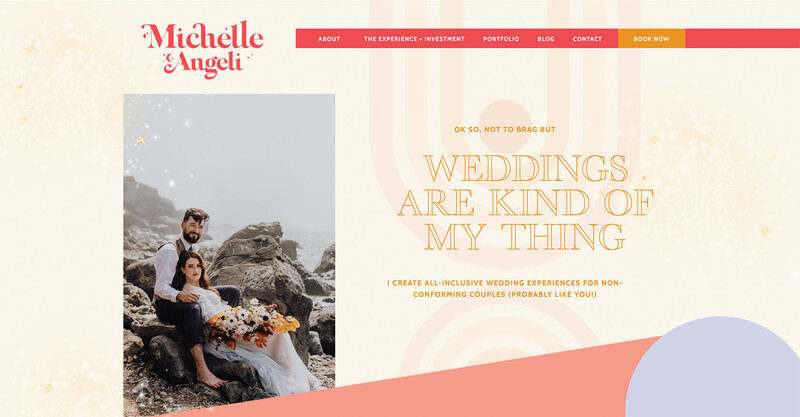
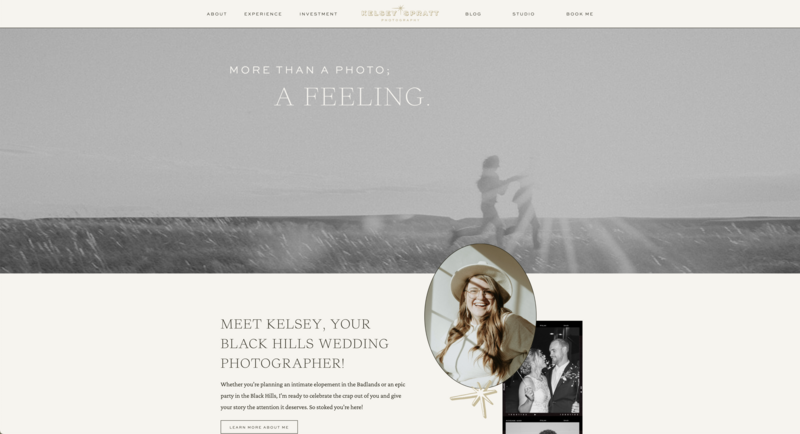
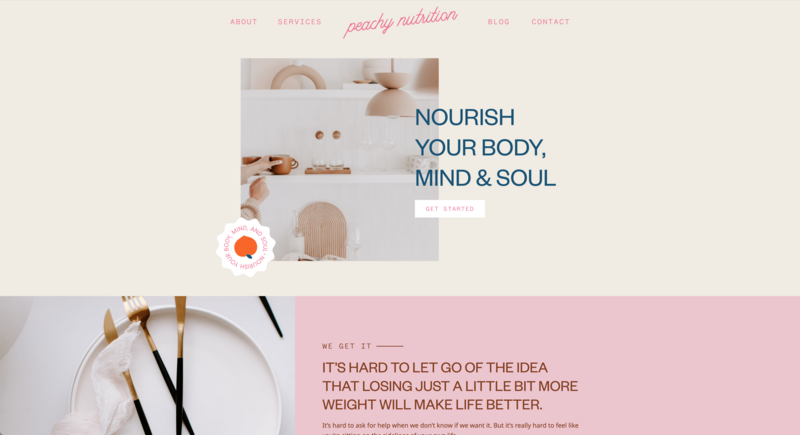
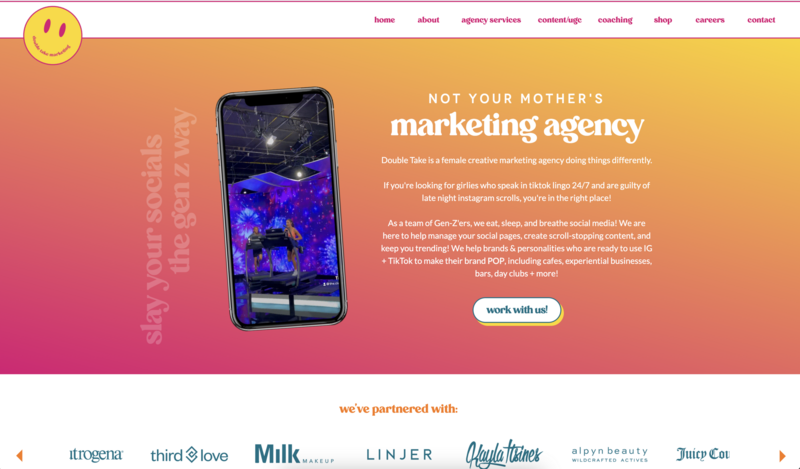
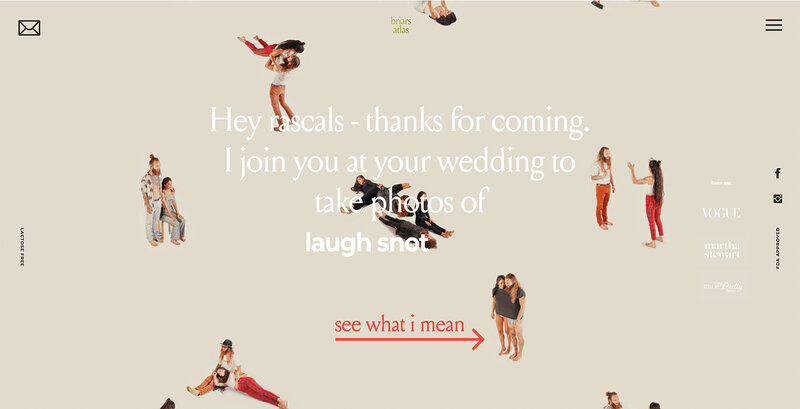
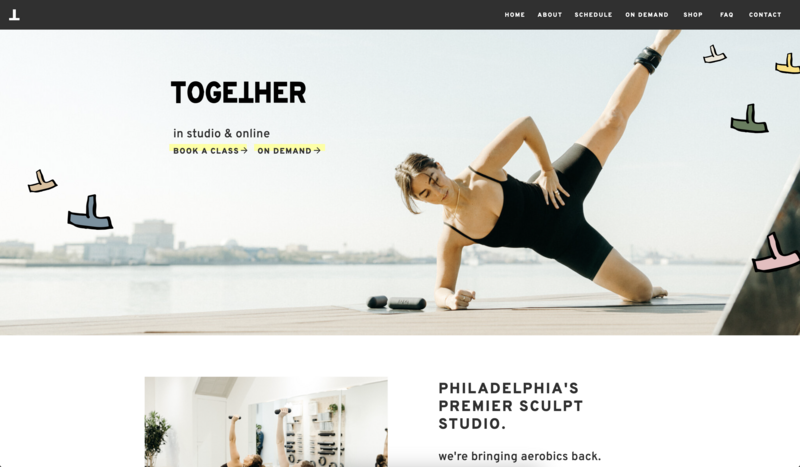
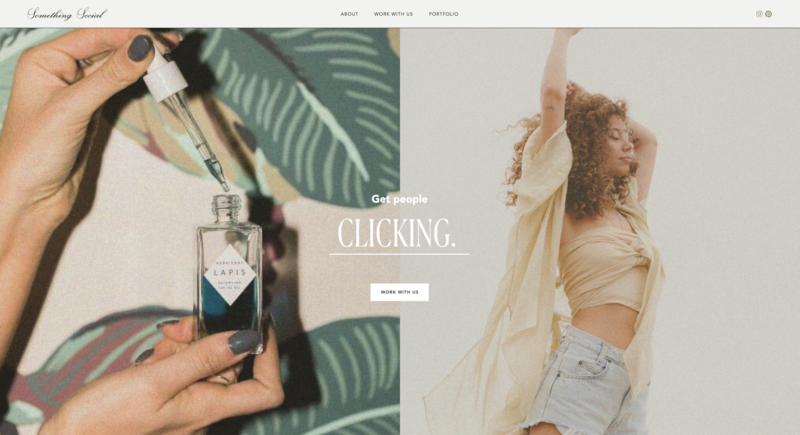
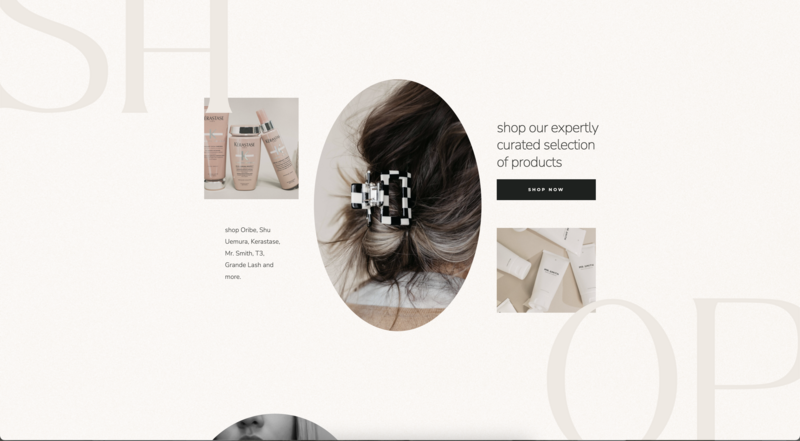
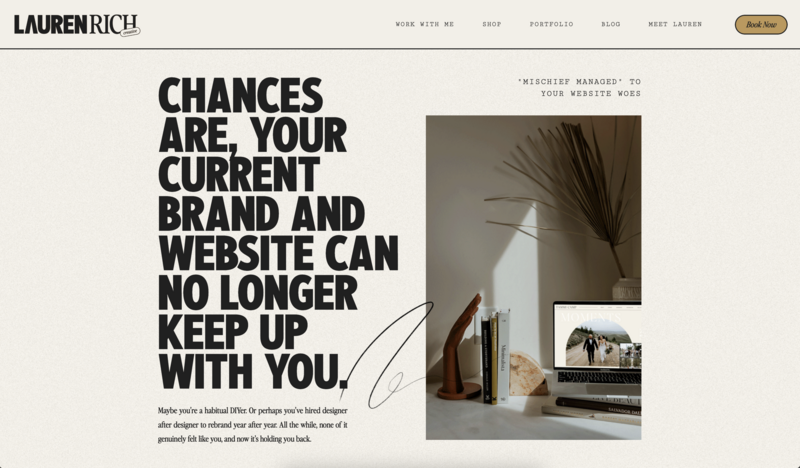
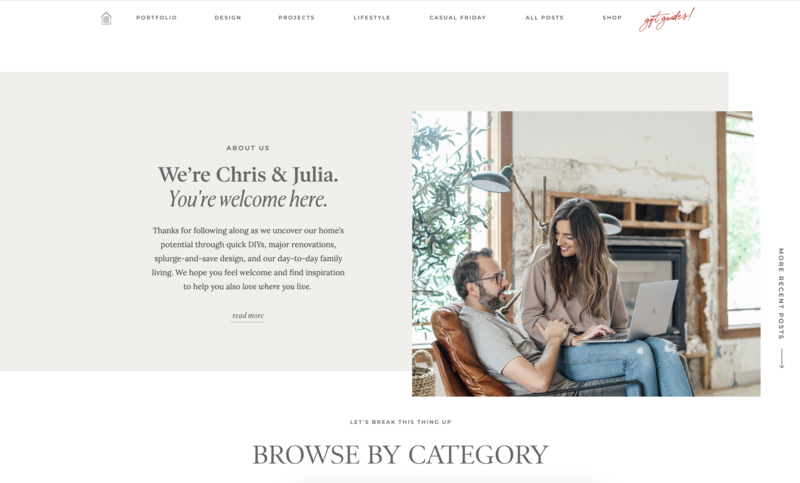
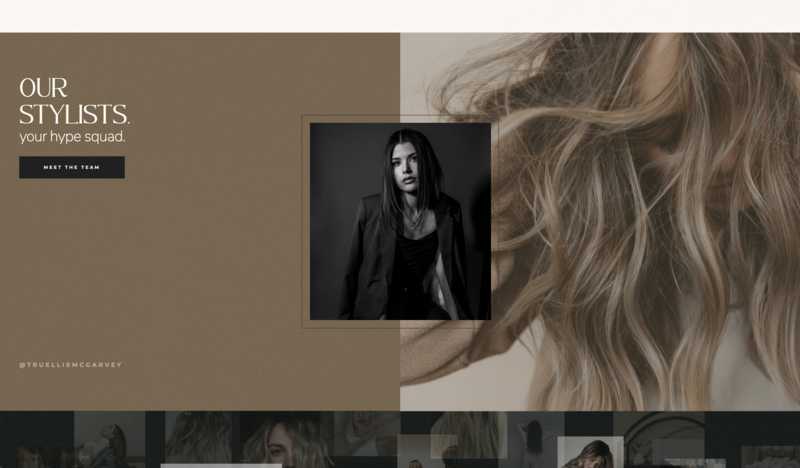
Showit works like a design canvas instead of a grid, so you decide exactly where everything on your page goes.
Most website builders give you a grid. You drop your content into that grid, and the grid decides where things go. It’s fine. It’s also why so many small business websites look suspiciously similar.
With Showit, you place every element exactly where you want it, down to the pixel, using a canvas that behaves more like a design tool than a website builder. If you’ve ever used Canva or Adobe InDesign, the drag and drop interface will feel familiar almost immediately.
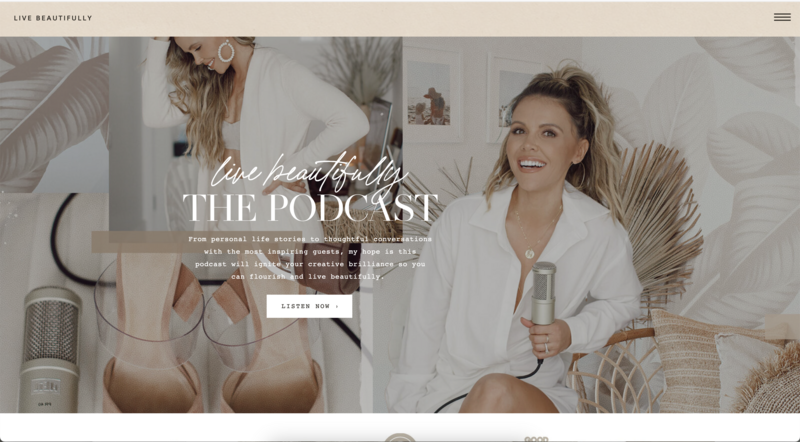
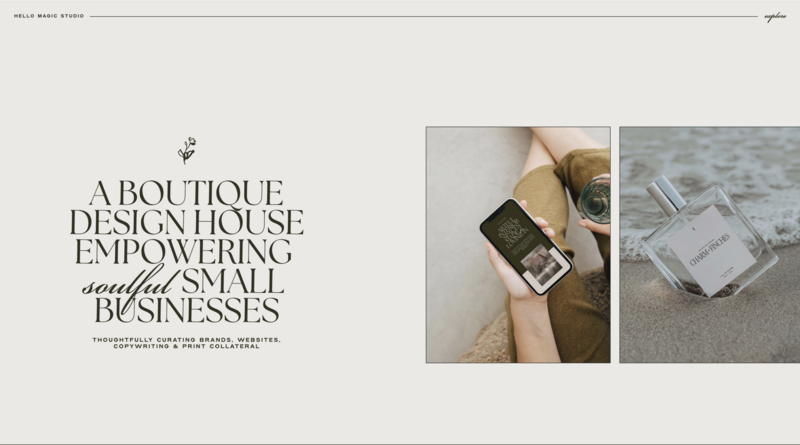
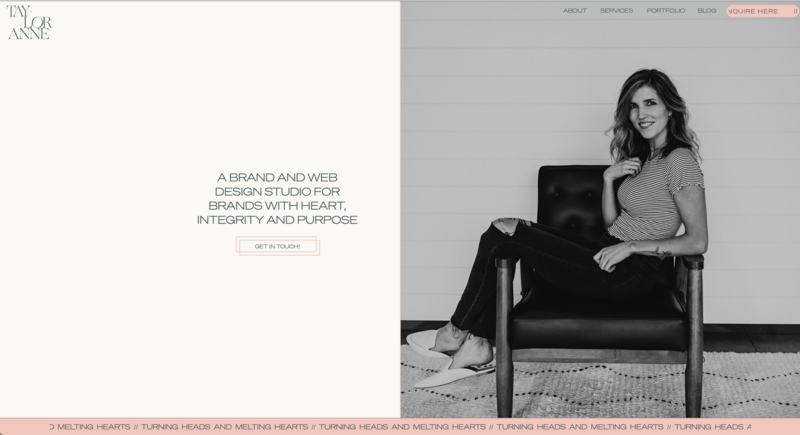
This matters because your website is often the first impression a potential client or customer has of your business. A rigid template can only stretch so far before your site starts looking like a slightly different version of your competitor’s. Showit gives you the layout control to actually look like you, not like Template #47 with a different font.
A quick story. I once worked with a designer who spent three days trying to convince a different platform’s template to move a button two pixels to the left. Two pixels. On Showit, that’s a five-second drag. It sounds like a small thing until you’re the one losing an afternoon to it.
No Coding Required
You don’t need to know HTML, CSS, or any of the acronyms that make non-technical business owners break into a cold sweat. The visual editor handles the code behind the scenes while you focus on how things look and feel. If you can use Canva, you can build a Showit site.
Desktop and Mobile, Designed Separately
One detail that surprises new users is that Showit lets you design your desktop and mobile layouts independently, instead of forcing your mobile site to be an automatically shrunk version of your desktop one. That matters more than it sounds like it does. A layout that looks great on a laptop screen doesn’t always translate cleanly to a phone, and a huge share of your visitors are browsing on their phones whether you’ve planned for it or not. Being able to intentionally design each version means your site actually looks considered on every screen, not just the one you built it on.
Templates, If You Want a Head Start
Full design freedom doesn’t mean starting from a blank canvas every time. The Showit Design Market offers professionally designed templates you can customize completely. That’s a useful middle ground if you want a running start without giving up the ability to make it your own. You’re never locked into someone else’s layout decisions the way you often are with template-based builders. Think of it as borrowing someone else’s starting point, then taking it anywhere you want.
And if you’d rather not do the design yourself at all, you can hire a Showit designer to build a custom site for you. Plenty of designers build client sites on Showit for exactly that reason, since the platform gives them the flexibility to bring any vision to life without coding from scratch.

Is Showit Good for Blogging and SEO?
Yes. Showit pairs its design canvas with a WordPress blog, so you get serious blogging and SEO power without giving up design control.
Here’s something a lot of people don’t realize until they’ve already committed to a different platform. Many drag and drop website builders treat blogging as an afterthought. You get a basic post editor, limited SEO controls, and a strong feeling that the platform would rather you not blog at all.
Showit takes a different approach. It works in partnership with WordPress to run the content side of your blog while you design the visual side entirely within Showit’s canvas. WordPress is one of the most widely used blogging platforms in the world, and it powers more than 40 percent of all websites, according to W3Techs.
You write and manage posts through a familiar WordPress dashboard. You control exactly how those posts look on the front end, using the same drag and drop tools you use for the rest of your site. Showit also takes care of the WordPress hosting, security, and updates, so you’re not stuck maintaining it yourself.
Already have a blog somewhere else? The Showit & Advanced Blog plan includes a free migration from WordPress or Squarespace, covering your posts, images, and comments.
Why does this matter? If content marketing, SEO, or blogging is part of your business strategy (and for most creative entrepreneurs, it should be), you’re not fighting your website platform to make it happen. You’re using a system that was built to support it.
Who Actually Builds Websites on Showit?
Showit describes itself as a web builder by creatives, for creatives, and that shows up in who actually uses it. The community leans heavily toward these groups.
Photographers who need portfolio-driven layouts that show off their work without a template flattening it.
Coaches and consultants who need a professional, credible presence without hiring a developer.
Course creators, stylists, wedding and event pros, and other service-based entrepreneurs who care as much about how their site feels as what it says.
Web and brand designers who build client sites and need a tool flexible enough to bring any vision to life.
If your business lives or dies by how professional and intentional your online presence looks, Showit tends to resonate. If you just need a bare-bones site with zero design opinions, you might not need everything Showit offers. (We wrote a full breakdown of who Showit is and isn’t right for if you want to dig deeper into that question.)
You’re Not Building Alone
This is the part that surprises people most, so I want to spend real time on it.
A lot of website platforms hand you the tools and wish you luck. Showit takes a different stance. When you get stuck, Showit Support is available 24/7 through chat, and most questions get a reply in under an hour. You’re talking to a real person who knows the platform and can help you solve the actual problem in front of you, which beats a chatbot reading you a help article every time.
Then there’s an active user community of designers and business owners who show up for each other. Add in free trainings and business growth resources to help you keep growing, and you’ve got a lot more than a website builder on your side.
Just because you’re building your business by yourself doesn’t mean you should have to build your website by yourself too.
How Does Showit Handle AI?
Showit treats AI as a tool you can choose to use, while the creative decisions about your site stay in your hands.
You’ve probably noticed every website builder on the planet is racing to bolt on an AI generator that spits out a “custom” site in thirty seconds. Some of those tools are useful. A lot of them also produce websites that look and read exactly like every other AI-generated website, which kind of defeats the purpose of having your own brand.
With Showit, you can use AI to speed up parts of your workflow if that’s helpful to you. The design decisions that make your site actually yours stay with you. As more of the internet starts to look and sound the same, that only matters more.
What Does Showit Cost?
Showit plans range from about $22 to $119 a month when you pay annually, depending on whether you want a blog and how much traffic you expect. The most popular plan, Showit & Basic Starter Blog, runs about $27 a month billed annually and includes a WordPress blog.
We’ve broken down every plan, what’s included, and how to pick the right one in our Showit pricing guide, so that’s the place to go for the details. Here’s the short version. Every plan starts with a 14-day free trial with no credit card required, so you can build inside the platform and get a real feel for it before spending anything. The trial is focused on the design side, so you’ll connect your domain and set up your blog once you choose a plan.
Frequently Asked Questions
Is Showit good for beginners?
Yes, though it does ask more of you than a fill-in-the-blank template builder. The drag and drop canvas is intuitive to use. Showit’s support team and free trainings are built to help beginners get comfortable with design decisions they may never have made before.
Do I need a developer or designer to use Showit?
No. Showit is built so business owners without any coding or design background can build a fully custom site themselves. That said, many web and brand designers also use Showit specifically because it lets them build custom client sites faster than coding from scratch.
Can I use my own domain name with Showit?
Yes. You can keep your domain registered wherever it is now and point it to your Showit site, and Showit handles the hosting and HTTPS security. If you don’t have a domain yet, you can register one with a provider like Namecheap or GoDaddy.
Is Showit good for e-commerce?
Showit works well for smaller shops and simpler product catalogs. It doesn’t have a built-in store, so most sellers connect a tool like Shopify, ThriveCart, or WooCommerce. If you’re running a large catalog with complex inventory, a dedicated e-commerce platform like Shopify is worth factoring into your decision.
Is Showit better than Squarespace?
It depends on what you need. Squarespace is a polished all-in-one platform with built-in e-commerce and section-based layouts. Showit gives you full drag and drop design freedom, separate mobile design, and a WordPress blog for SEO. If design control and blogging matter most to you, Showit is usually the better fit.
So, What Is Showit? The Bottom Line
I’ve got a better answer now than “a website builder, but like, a good one.”
Showit is a drag and drop website platform that gives creative entrepreneurs full design control, a powerful blogging and SEO engine through its WordPress partnership, and a level of human support and community that most software companies don’t offer. It’s built for people who want their website to look like their business, not like a template with their logo slapped on top.
If you’ve been piecing together your online presence with a platform that fights you at every turn, or you’re starting from scratch and want to get it right the first time, Showit is worth a real look.
Curious what building your own site would actually feel like? Try Showit free for 14 days, no credit card required, and see what it’s like to finally build something that looks like you.

Sarah has been part of the Showit team for nearly four years, where she works as a copywriter crafting content that educates, encourages, and celebrates the creative entrepreneurs who make up the Showit community. When she's not writing, you'll find her with a book in hand (usually something about leadership or personal growth), cheering on Arizona sports teams, or connecting with people over a really good cup of coffee because, let's be honest, there's always a cup nearby. Sarah believes in the power of stories, the importance of showing up authentically, and that every entrepreneur deserves to be celebrated for the brave work they're doing.