Load Newsreader Bold Font
Your website is the first impression you make online, and if it isn’t working for you, it’s working against you. A vague button or a confusing menu can quietly cost you sales you’ll never know you lost, even when plenty of people are visiting.
Chris, one of our in-house Showit designers, walks through six must-haves every website needs to increase website conversions and turn more visitors into paying customers or clients. Each one is simple to check, and most of them are fixable without a redesign. They work for any business site, though online stores also need to look at checkout and product pages, which Chris doesn’t cover here.
What Is a Good Call to Action?
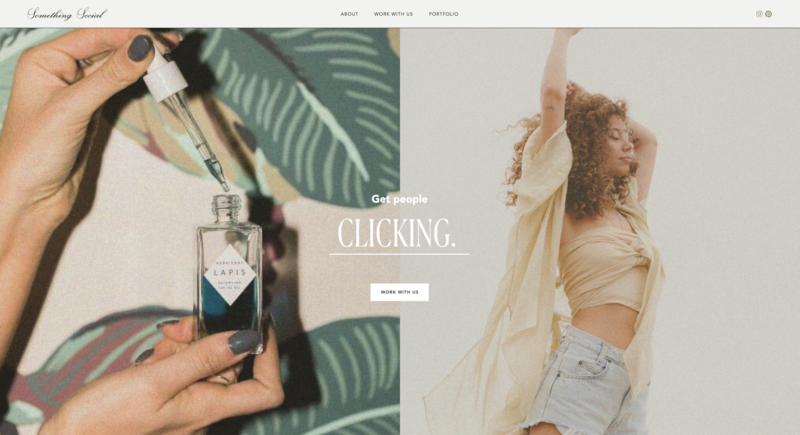
A good call to action is a button that says exactly what happens when someone clicks it, like buying a product or booking a call. If your button isn’t clear about what it does, visitors hesitate, and hesitation costs you customers and clients.
Chris’s examples of clear button text are “Buy now” and “Sign up for a call.” Cute phrases like “Let’s do this” or “Are you ready for awesomeness” leave people guessing.
The biggest mistake Chris sees is a button that doesn’t explain what comes next. That matters because your website is really about building trust. Visitors want to know a click won’t land them on a pushy sales page that grabs their information and fills their inbox with spam. Clear button text is the simplest way to show them you’re someone they can trust.
What Are Website Navigation Best Practices?
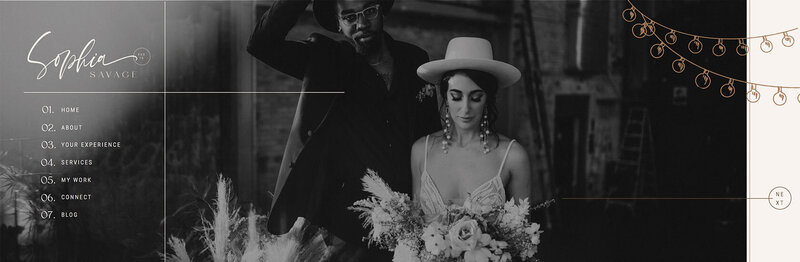
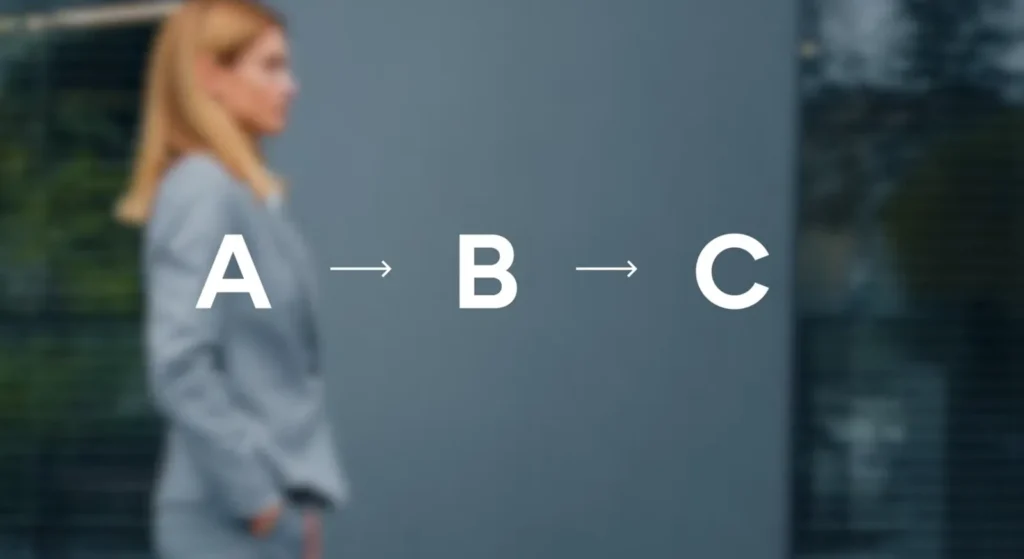
Good website navigation means visitors always know where they are and can easily get where they’re going. Chris calls this user flow, the path a visitor takes through your site. His test is to click through your own website and see whether it makes sense. If you want people to end up at Z, they should be able to get there from A to B to C without any dead ends. And if someone takes a wrong turn, they should be able to find their way back out.
Unclear navigation is something Chris sees often, where visitors can’t tell which way is up. Make sure people always know where they are on your site and how to get where they’re going. That’s the simplest way to improve website navigation.
One more website navigation tip is to keep your main call to action visible on every page, so a visitor can buy or sign up the moment they’re ready, no matter where they land. If you’re planning where those buttons should go, our homepage layout formula shows how to place a CTA roughly every three sections.
How to Make a Website Accessible
To make a website accessible, think through how people with impairments move through it. Chris points to two fixes that are easy to take care of.
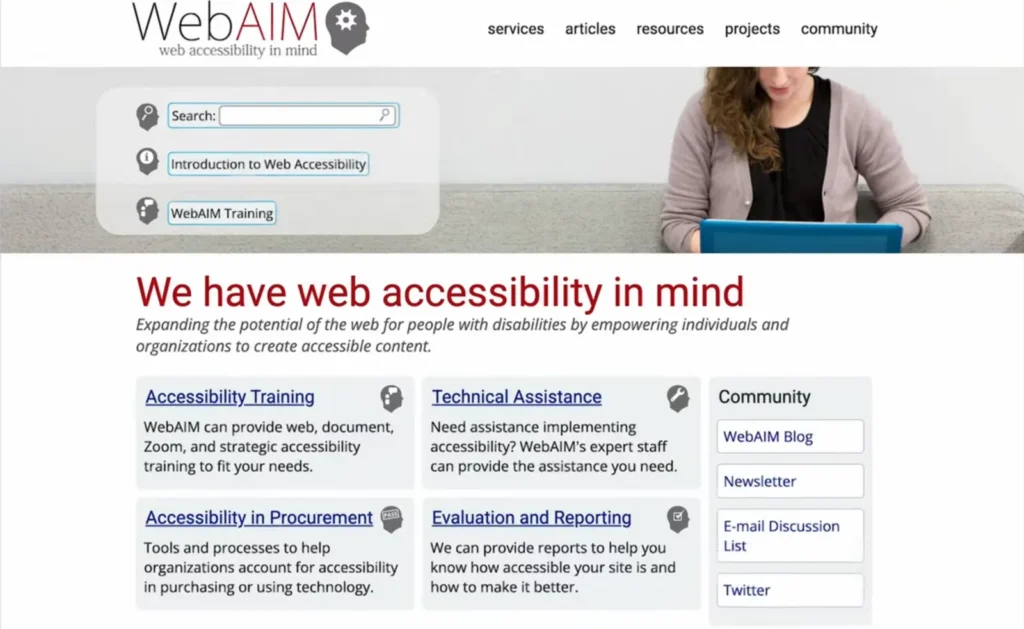
Color contrast. Make sure there’s enough contrast between your text and your background so people with visual impairments can read your content without a struggle. The contrast checkers from WebAIM and Coolors both show whether a color pairing passes. The Web Content Accessibility Guidelines call for a ratio of at least 4.5 to 1 for regular text (W3C).
Alt text. Add alt text to your images so people using screen readers know what each image shows. Write it to describe the image, not to pack in SEO keywords.
Think of these as a starter checklist, not a complete one. For a deeper look, WebAIM has a full set of accessibility resources worth bookmarking.
What Makes a Good Website Design?
A good website design looks like one brand and is easy to move through. It affects conversions because visitors judge your site quickly, and a lot of that judgment is visual. In a Stanford study where 2,684 people rated the credibility of websites, design look was the most common thing they mentioned, showing up in 46.1% of comments (Stanford and Consumer WebWatch). The study dates to 2002, but Chris makes the same point today. People decide fast whether they’ll work with you, and what they see drives a big part of that decision.
You don’t need to be a graphic designer or have a design degree. You do need to be intentional about how your site looks. Chris suggests checking these three website design best practices.
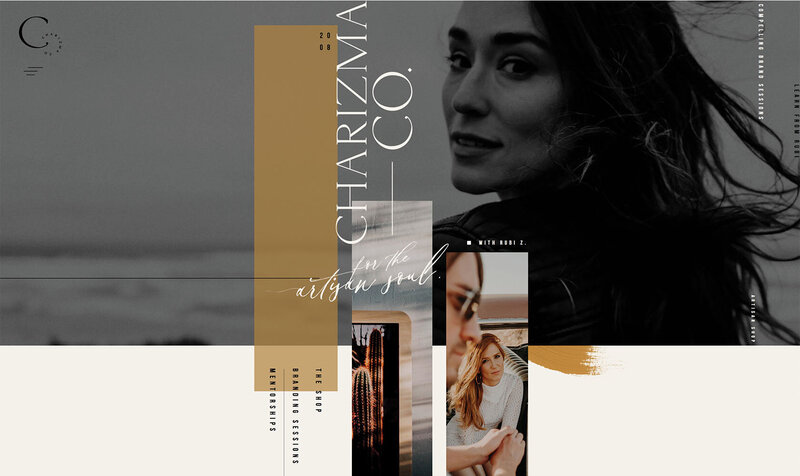
Is your branding cohesive? Your site should look like one brand on every page, from the colors you use to the photos you choose.
Are your visuals engaging? Choose images that show what you do and who you do it for.
Is your layout easy to walk through? A visitor should be able to move down the page without hunting for the next thing.
How to Write Website Copy
Website copy is the writing on your site that explains who you help and why they should choose you. Chris is a designer first, and he’s the first to say messaging matters more than the visuals. It’s the biggest factor in whether someone signs up or buys from you.
Strong website copy is more than a list of credentials. A 30-day money-back guarantee and ten years of experience are worth mentioning, but they don’t explain why someone wants what you offer. Get to the core of what actually motivates your visitor. Some visitors want to achieve something or get a handle on their schedule or finances. Others are motivated by relationships. Figure out which describes your audience and write to that.
For a step-by-step way to build this into your page, see the stakes and value proposition sections in our homepage layout formula.
SEO Basics for Beginners
The SEO basics for beginners come down to clear headers and long-tail keywords. You don’t have to be an SEO expert, but a few best practices go a long way.
Use clear headers. Every page should have one H1, which is the clearest description of the entire page. Below it, H2s divide the page into sections, and H3s divide those further. You can have plenty of H2s and H3s, but keep it to a single H1.
Target long-tail keywords. Think about what people would actually search to find you. A photographer shouldn’t aim for “photographer.” Something like “brand photographer in Charlotte, North Carolina” is longer and much easier to rank for. You don’t need a crazy amount of keyword research, just a few phrases that match how your customers search.
There’s a lot more to SEO than these two basics. Showit’s SEO resources cover the full picture, including a video and help docs for the settings inside Showit.
Frequently Asked Questions
How do I increase my website conversion rate?
Start with Chris’s six must-haves. He says messaging does the most to convince someone to sign up or buy, and a clear call to action makes the next step obvious. Check that all six are in place on every page, not just your homepage.
What is a good call to action?
A good call to action is a button with specific text that says what happens next, like “Buy now” or “Sign up for a call.” Cute or vague phrases leave visitors unsure, which hurts trust. Keep your main call to action visible on every page.
What is website copy?
Website copy is the writing on your site, from headlines and button text to the descriptions of what you offer. Good copy explains who you help and why they should choose you. Chris recommends writing to what motivates your visitors, not just listing credentials.
What is alt text for images?
Alt text is a short written description of an image that screen readers read aloud for people who can’t see it. Write it to describe what’s actually in the image, not to pack in keywords.
How many H1 tags should a page have?
One. Your H1 should be the clearest description of the whole page. Use H2s and H3s to break the rest of the page into sections.
Website Conversion Checklist
Run through this checklist on every page of your site, not just your homepage.
Call to action. Every button says exactly what happens next, and your main call to action shows on every page.
Navigation. A visitor can always tell where they are and how to get where they’re going.
Accessibility. Text has enough contrast against its background, and images have descriptive alt text.
Design. Your branding is cohesive and your layout is easy to walk through.
Website copy. Your messaging speaks to what motivates your visitors, not just your credentials.
SEO. Each page has one H1 and targets a long-tail keyword.
If something is missing, you don’t need to overhaul everything. Small changes can make a big difference, so start with the easiest fix (usually button text) and work down the list.
Once the six are in place, you can start testing changes one at a time with website A/B testing to see what actually lifts sales.
If you’re building your site on Showit, you can make most of these changes right in the editor, from button text to headers, without touching code.

Sarah has been part of the Showit team for nearly four years, where she works as a copywriter crafting content that educates, encourages, and celebrates the creative entrepreneurs who make up the Showit community. When she's not writing, you'll find her with a book in hand (usually something about leadership or personal growth), cheering on Arizona sports teams, or connecting with people over a really good cup of coffee because, let's be honest, there's always a cup nearby. Sarah believes in the power of stories, the importance of showing up authentically, and that every entrepreneur deserves to be celebrated for the brave work they're doing.