Load Newsreader Bold Font
Between running a business, serving clients, and creating great work, it is easy to miss a product update or two from Showit.
That is why we are taking a moment to look back at the biggest features we released in Showit during 2025. These updates were designed to support your creativity and business growth, whether that meant smoothing out your workflow, helping you launch faster, or giving you better tools to turn visitors into customers.
Here are 11 standout features and updates from 2025 and how they support the way you build.
1. Light Mode and Adjustable Interface Density
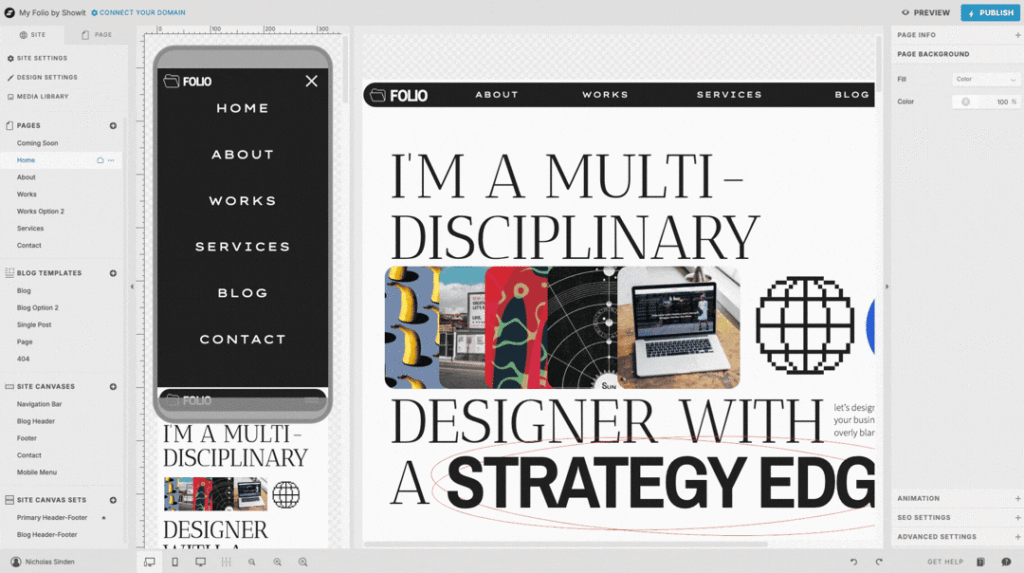
We introduced Light Mode for designers who prefer a brighter workspace, along with a new Density setting that lets you choose between Compact and Spacious views.
These updates give you more control over how the app feels day to day, helping reduce eye fatigue and keep your focus on creating.
Learn more about light mode and density settings
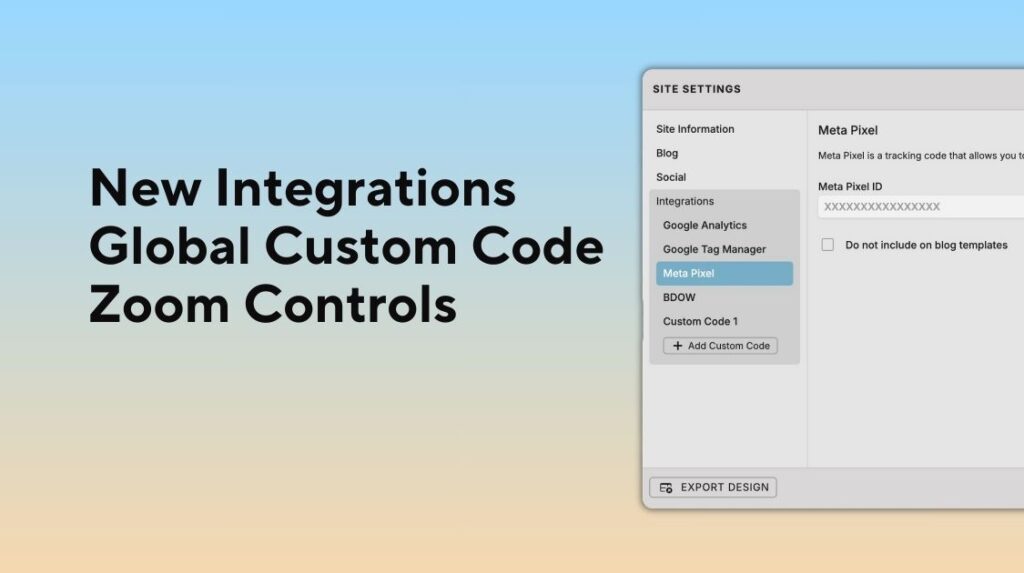
2. New Site-Wide Embeds & Integrations and Zoom Controls
Showit added three new site-wide integrations in 2025, all available directly in Site Settings.
- Meta Pixel integration
- Google Tag Manager integration
- Global Custom Code integration
These integrations make it easier to connect your site to analytics, marketing, and tracking tools, giving you clearer insight into what is working and where to optimize for growth.
You'll also find new zoom controls for the design stage including a default Zoom to Fit that makes viewing your design in Showit even better.
Learn more about global embed code and integrations
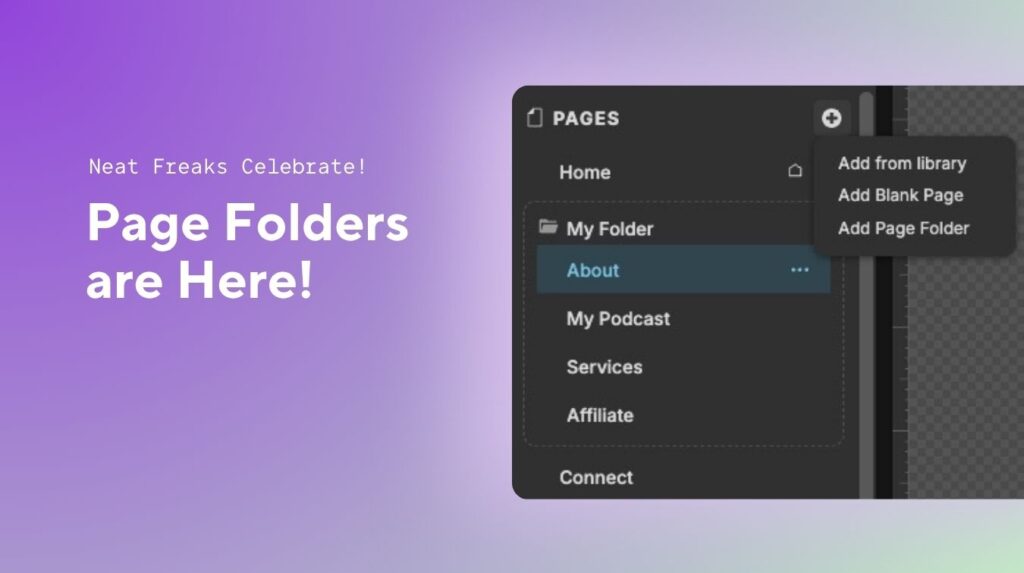
3. Page Folders for Better Page Organization
You can now add folders to the Page list to organize your site more effectively.
Page Folders are designed to support larger, more complex sites by keeping your workspace clean and easy to navigate, without affecting anything on your published site.
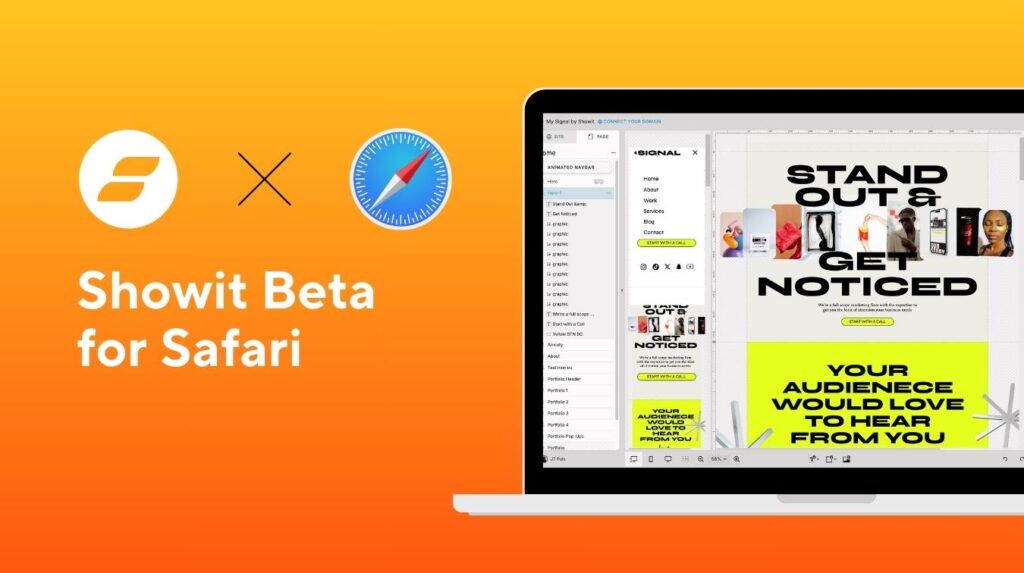
4. Safari Desktop Browser Support
Showit is now supported on Safari desktop browsers version 17 and newer.
This gives Mac users more flexibility in how they access the design app and ensures a smoother experience for those who prefer Safari as part of their daily workflow.
Learn more about using Safari desktop with Showit

5. Domain Purchasing Inside Showit
We introduced domain registration directly inside the Showit setup process through our partnership with Ionos.
With your first year free, you can move from design to launch faster and manage more of your site setup in one place.
Learn more about domain purchasing in Showit

6. A Dedicated Button Element and Global Button Styles
Buttons are now available as a dedicated element inside Showit.
Along with this update, we introduced Primary and Secondary button style defaults, making it easier to create consistent calls to action and update button styles across your entire site as your business evolves.
Learn more about buttons in Showit
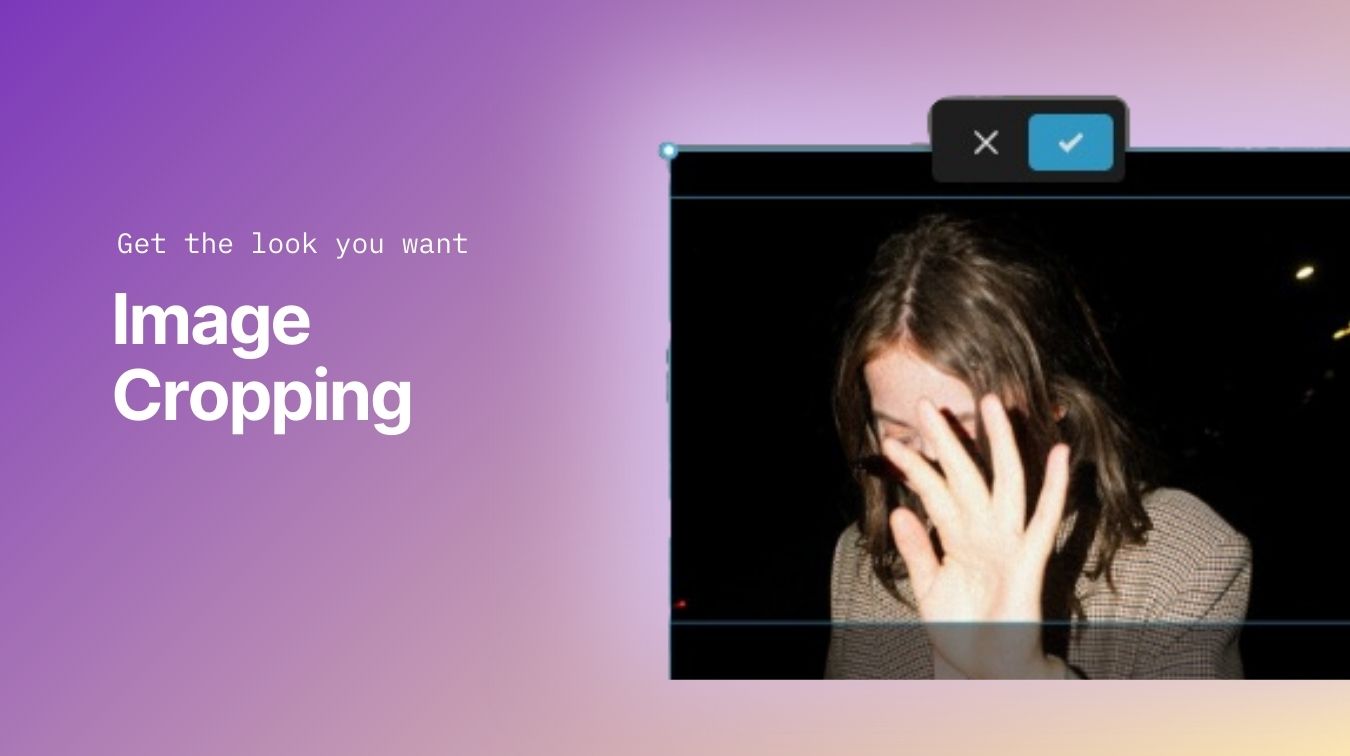
7. Built-In Image Cropping
You can now adjust image crops directly inside Showit.
This feature helps you make quick visual adjustments without leaving Showit, keeping your creative momentum intact.
Learn more about image cropping
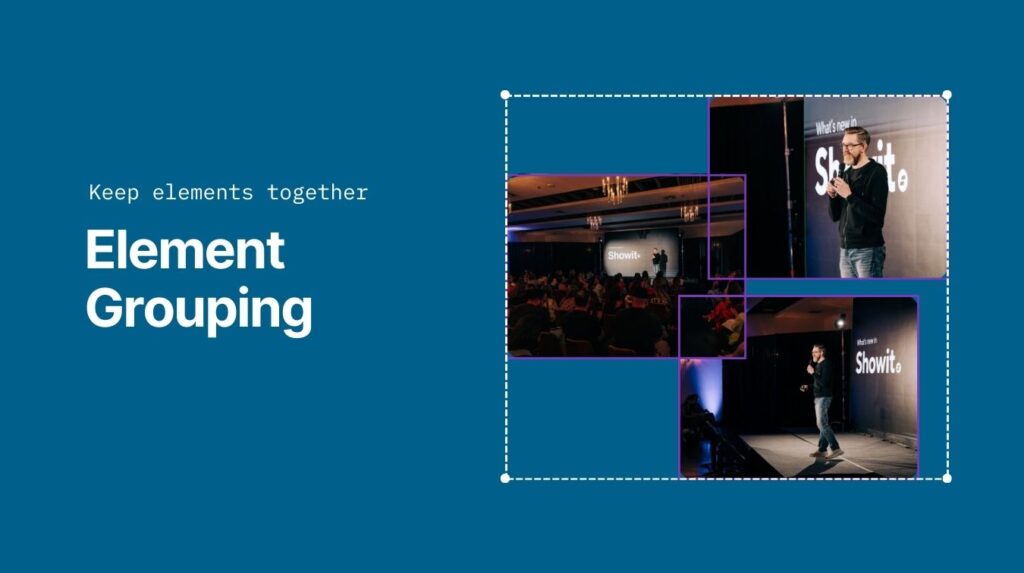
8. Layer Grouping for Faster Layout Editing
Layer Grouping allows you to multi-select layers and group them together.
This makes it easier to resize, reposition, and apply shared click actions, while still allowing individual hover animations for more creative interaction design.
Learn more about element grouping
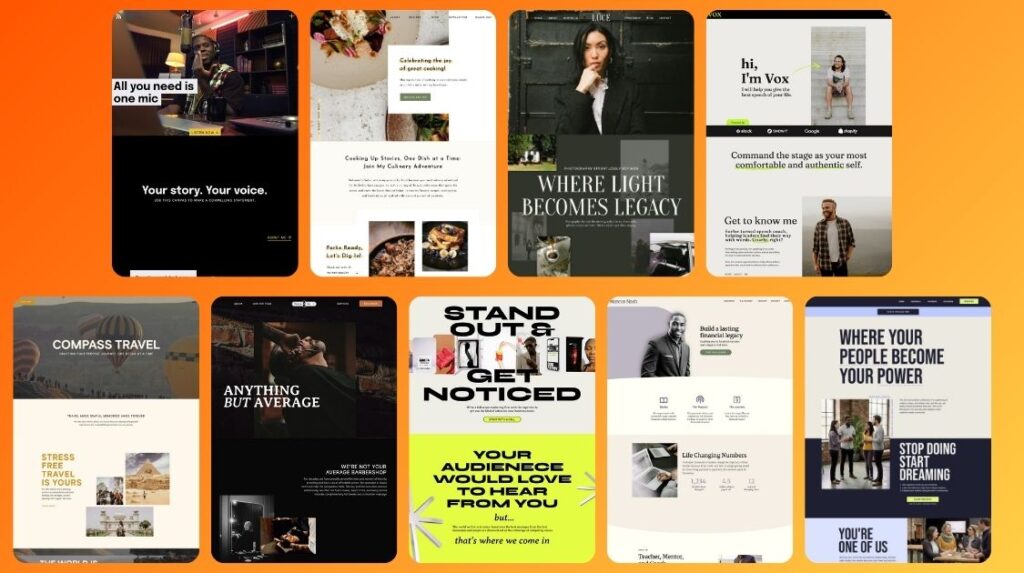
9. Nine New Built-In Free Templates
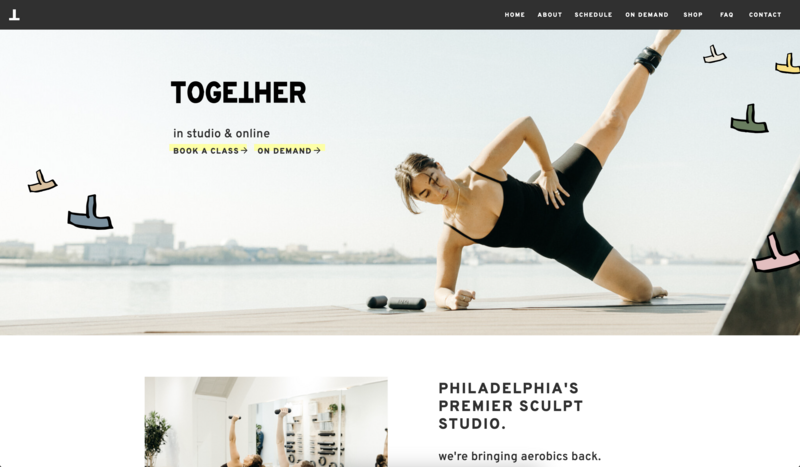
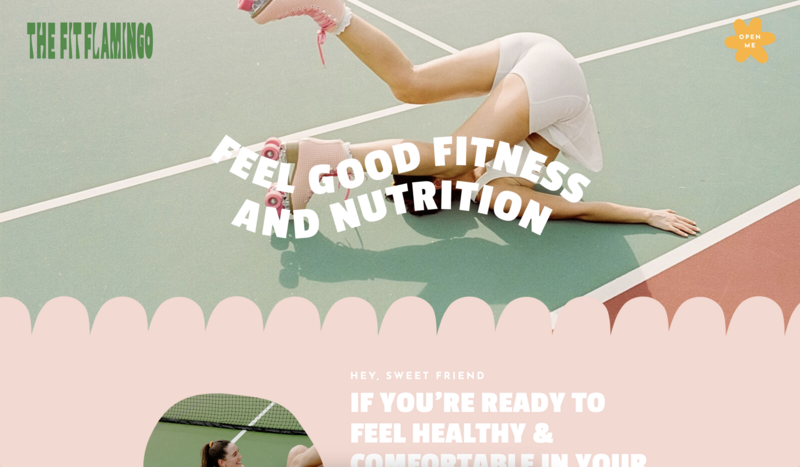
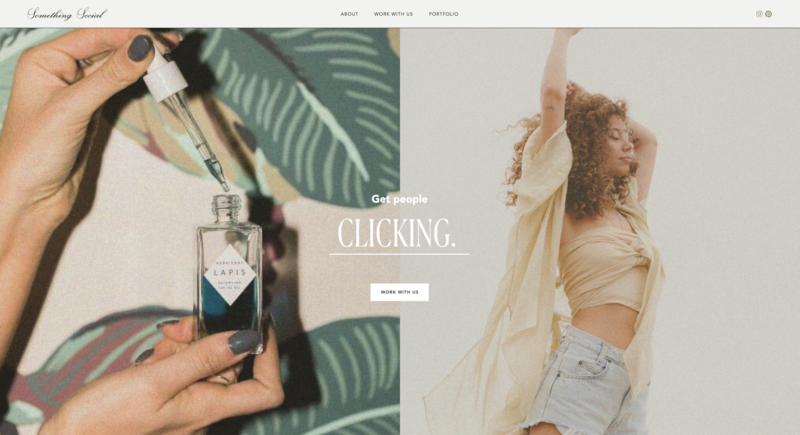
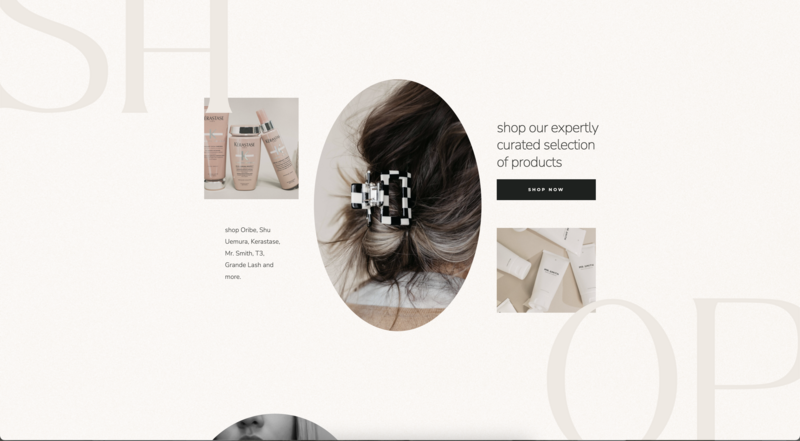
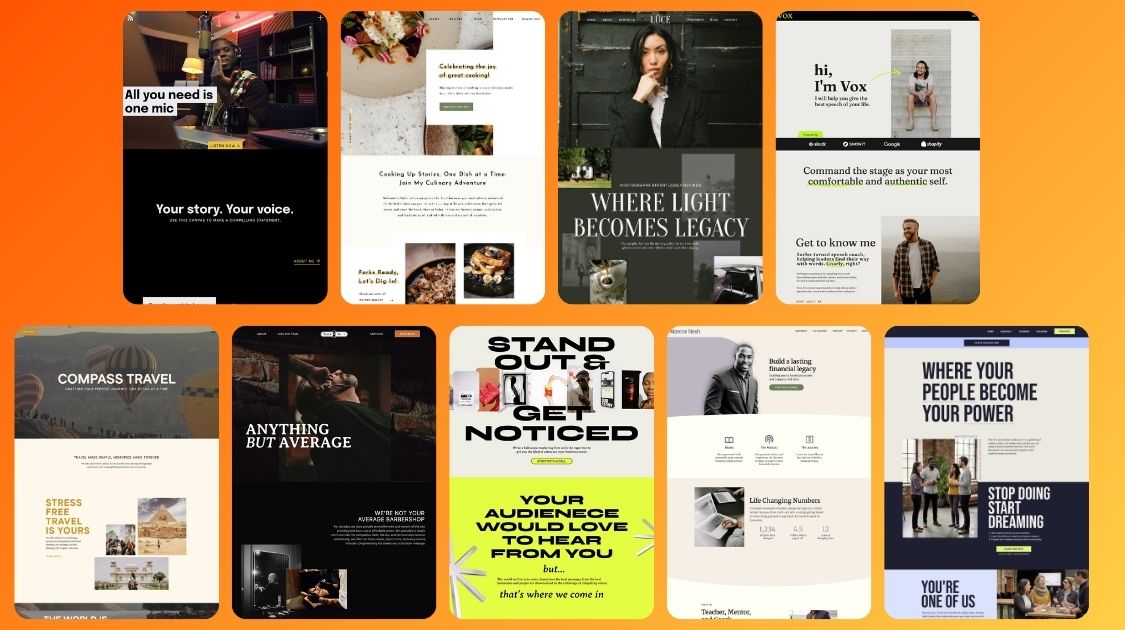
We added nine amazing new templates to the Showit app in 2025 across a range of industries.
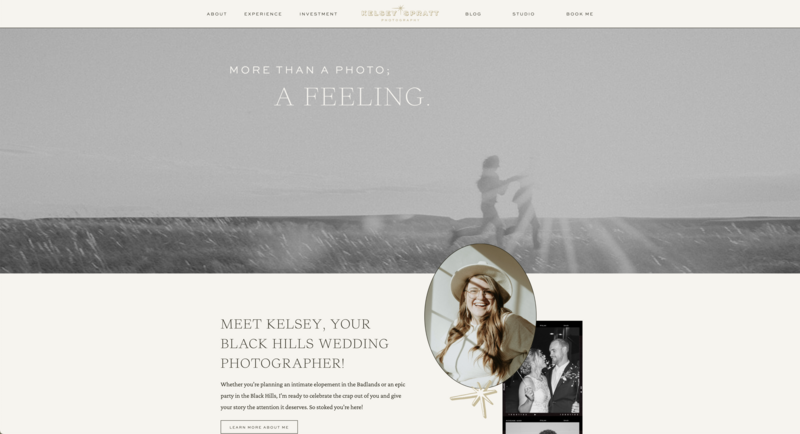
- Lūce – Photography
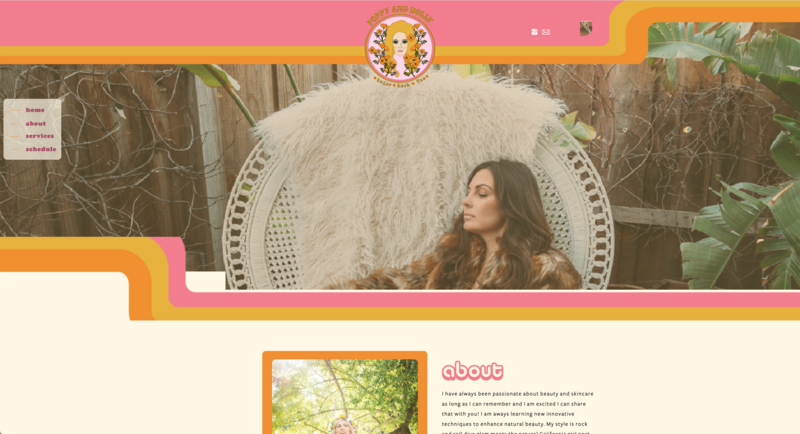
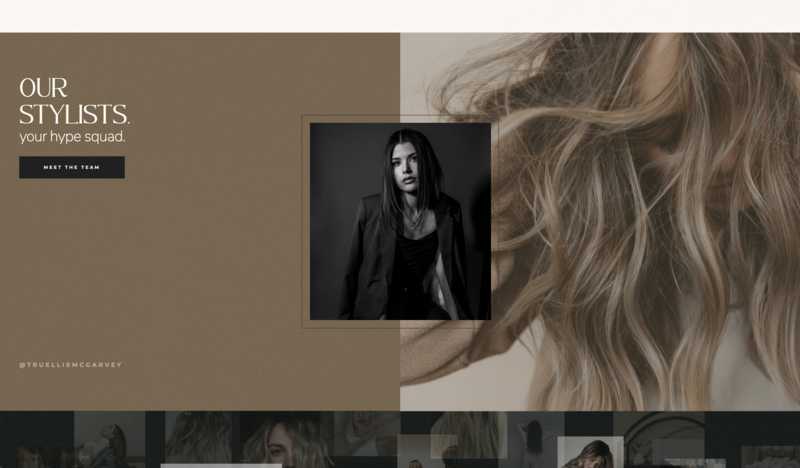
- Chair No. 1 – Beauty
- Fennel – Health and Wellness
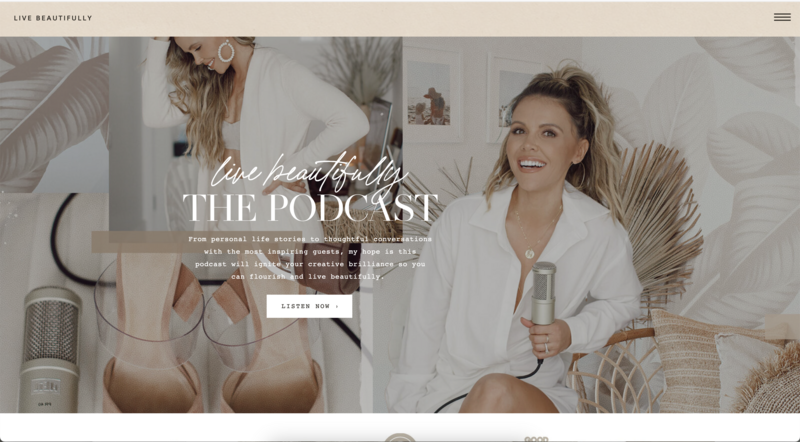
- Waveform – Podcast
- Compass – Event Professional
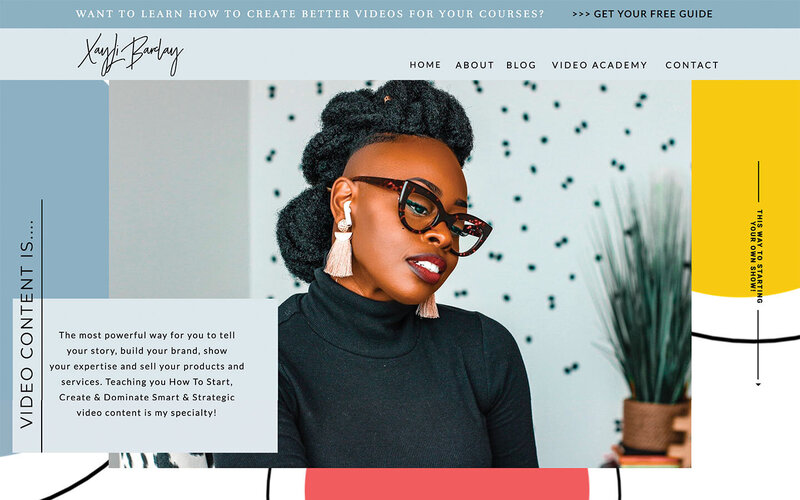
- Ledger – Coaching and Consulting
- Signal – Portfolio and Showcase
- Vox – Coaching and Consulting
- Dynamis – Event Professional
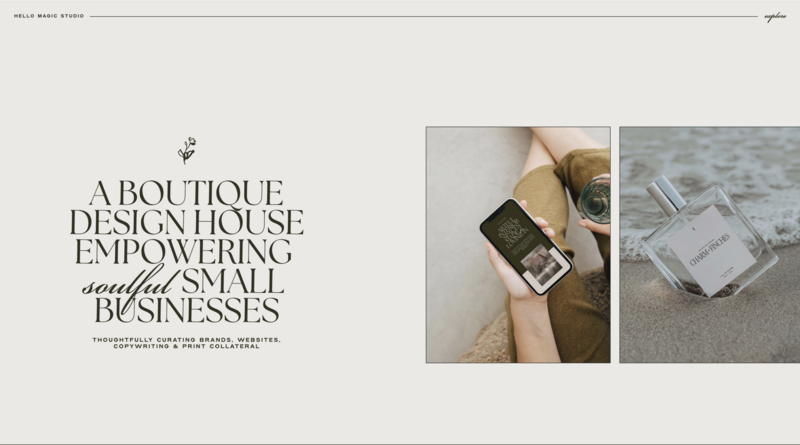
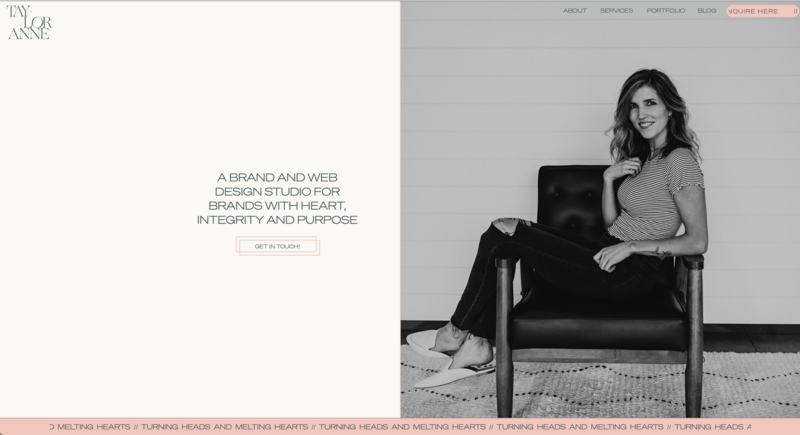
These free templates give you a strong starting point so you can spend less time building from scratch and more time customizing for your brand. If you're ready for a website update, be sure to check out these new options found directly in the Showit app when creating a new design.
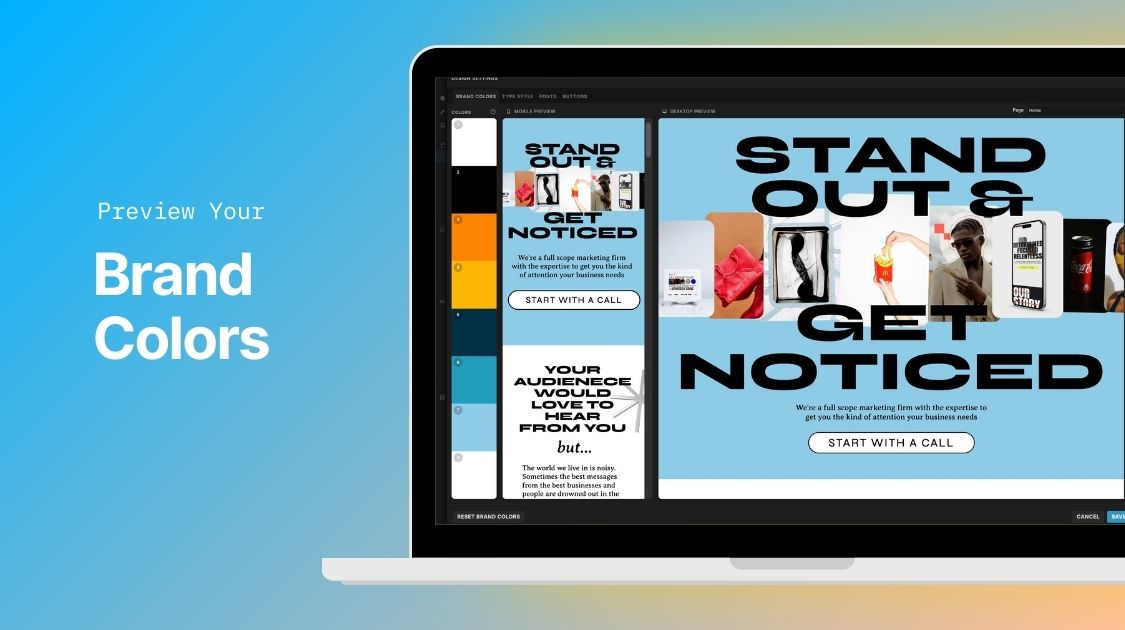
10. Brand Colors with Live Design Preview
Design Style Colors have evolved into Brand Colors inside Design Settings.
You can now preview color changes directly on your site before saving, making it easier to experiment confidently and maintain visual consistency across your designs.

11. New Blur Effect
We added a new Blur effect to customization settings.
This gives you another creative tool for adding depth, emphasis, and visual interest to your designs without relying on external software.
Learn more about the Blur effect
Keep Building, Keep Updating
Your website is not a one and done project. It is something that should evolve as your business grows, shifts, and gains clarity.
The features we released in 2025 were built to make it easier to keep showing up, keep refining, and keep moving forward. You don’t have to overhaul everything at once. Try one new feature, make one small improvement, or revisit a part of your site that has been on your list for a while. Those small updates are often what create the biggest momentum.
Showit is designed to grow with you, and we’re not slowing down. We have a lot of thoughtful, creative updates planned for 2026, and we can’t wait to keep building alongside you.

JT is the Product Marketing Lead at Showit and has worked on the platform for over ten years. He partners with the Product and Marketing teams to shape features, guide launches, and advocate for customer needs. Previously, he led Showit’s designer community and brings firsthand creative experience from his background as a professional wedding photographer.