Load Newsreader Bold Font
What would you make or create if you got eleven hours of your week back?
I ask because that is roughly what I was losing, and I had no idea until I started timing myself. Last month I tracked a full week, and not the fun stuff but the other stuff, which meant resizing the same graphic into nine formats, rewriting a meta description for the fourth time, and hunting through my inbox for a link I’d already sent twice.
By Friday I had logged eleven hours on work that required zero creativity and produced very little joy. That adds up to a full creative day and then some, vanished into busywork that nobody even asked me to do well.
The work that drains you when you run a business or a design studio usually isn’t the hard work at all. It’s the small, repetitive, low-stakes stuff that piles up between the meaningful parts of your day, and it’s exactly the stuff that AI tools have become genuinely good at handling.
Most articles about AI tools get this backwards, though. They hand you a list of 22 apps and call it a strategy, when the list was never the point. The point is building a system that protects your creative time instead of simply filling it more efficiently.
So that is what this post is about, which means we are talking less about which buttons to click and more about how to think clearly about what you hand off versus what you fiercely keep for yourself.
Why “More AI Tools” Won’t Free Up Your Creative Time
Let’s clear something up first, because it trips up a lot of people. Adding AI tools to a chaotic workflow doesn’t create calm, it creates faster chaos.
If you don’t know which tasks are draining you, then no tool will fix the underlying problem. You will simply generate more drafts and more variations to wade through. AI is a force multiplier, and a multiplier works on whatever you point it at, including your bad habits.
The real win isn’t doing more things faster, it’s doing fewer things by hand so you finally have room to think. A small business owner who automates their appointment reminders isn’t trying to send more reminders. They are trying to stop thinking about reminders entirely, so their brain is freed up for the work that only they can do.
The goal of AI in a creative business is subtraction rather than addition. You are removing friction from your day instead of adding more features to it, and if you hold onto that frame, the tool choices get much simpler.
What Should You Offload to AI vs. Keep Human?
This is the question that matters the most, so let’s answer it directly.
You should offload the tasks that are repetitive, rules-based, or low in judgment, and you should keep the tasks that require your taste, your relationships, and your point of view. AI is excellent at the first category and mediocre to dangerous at the second.
Here is a simple sorting test. For any task on your plate, ask yourself whether anyone would notice it was you if you did it perfectly.
If the answer is no, formatting a document, transcribing a call, resizing images, then that task is a strong candidate to offload. If the answer is yes, the actual idea, the voice, the design decision that makes a client say “that’s so us” then that task stays with you.
To make it concrete, here is how the split usually looks.
Good to offload:
- Resizing and reformatting graphics across platforms
- First drafts of routine copy: like FAQ pages, product descriptions, and meta descriptions
- Transcribing and summarizing meetings or client calls
- Sorting and labeling your inbox
- Research synthesis: turning ten open tabs into a clean one-page summary
- Repurposing content from one format into several
Keep human:
- The core creative concept: the big idea behind a brand or campaign
- Final design and editorial judgment about what to cut and what to emphasize
- Client relationships and any message where trust is on the line
- Pricing, positioning, and strategic decisions
- Anything where being wrong is expensive or hard to undo
There is a deeper reason to protect that second list and it isn’t a sentimental one. Writer and professor Cal Newport calls focused, cognitively demanding work “deep work,” and the uncomfortable truth is that the skill atrophies if you stop using it.
If you outsource every creative decision, you will slowly lose the ability to make those decisions at all. So you protect the hard parts not because AI cannot attempt them, but because that productive struggle is where your real value lives.
How to Build an AI-Assisted Creative Workflow Without Losing Your Voice
Once you know what to offload, the next move is to build a simple, repeatable system around it. You don’t need fifteen tools to do this. You need three layers working together.
Layer 1: Capture and Triage
Tools like Otter.ai or the built-in AI note-takers can transcribe and summarize a client call so that you aren’t scribbling while trying to listen. Email tools that auto-sort and draft routine replies mean you can triage in fifteen minutes rather than an hour.
The aim of this layer is to get information organized and out of your head so that it stops nagging you in the background.
The payoff here is mental rather than purely logistical. Every open loop your brain is tracking, like wondering whether you ever replied to that one email, is a quiet tax on your focus, and automating capture pays that tax for you.
Layer 2: Draft and Produce
You can use a writing assistant like ChatGPT, Claude, or Jasper to get a first draft onto the page, not to publish it but to beat the blank page that stops so many projects before they start.
You can use Canva’s Magic tools or Adobe Express to knock out social graphics and resize them across formats in one click. You can use Gamma to turn a rough document into a presentation you would feel good showing a client.
The rule for this layer is that AI produces the rough draft while you produce the final version. A first draft from AI is clay rather than a finished sculpture.
The web designer who lets Canva generate fifteen layout options still makes the final call on which one ships, then tweaks it until it feels right. The business owner who uses AI to draft a newsletter still adds the personal story that makes people read it to the end.
Layer 3: Automate the Connective Tissue
Zapier and Make let you build automations in plain English, so you can set up a rule that adds someone to your CRM and sends a welcome email the moment they book a call.
There is no code involved and no copying and pasting between five different apps. Each automation removes a small recurring task for good, and “for good” is the operative phrase.
A five-minute task you do every day works out to more than thirty hours a year, so when you automate it once, you have effectively bought back a full work week.
When these three layers run together, something genuinely shifts in your day. The noise gets captured, the rough work gets drafted, and the busywork starts running itself, which leaves a clean and open block of time for the work that needs the real you.
How to Use AI Without Sounding Like Everyone Else
The fear I hear most often comes from designers and brand-conscious business owners who worry that using AI will make their work sound generic.
It will sound generic if you let the tool drive the whole thing. AI defaults to the average of everything it has ever seen, and the average is by definition unremarkable.
That flat, faintly corporate “AI voice” you have learned to spot is simply a tool running with no real direction from a human.
The fix is to treat AI like a talented intern rather than an oracle, which means you bring the point of view while it brings the speed.
You feed it your actual voice by pasting in a few things you have written and telling it to match the tone. You edit hard afterward, cutting the throat-clearing and the phrases you would never say out loud.
You reserve the soul of the piece, meaning the personal story and the strong opinion and the specific detail, for yourself.
I learned this lesson the embarrassing way. Early on, I let a tool write a full “about” page for a client and shipped it after only a light edit.
The client read it and told me it was nice but didn’t sound like her in the slightest, and she was completely right, because the page was competent and entirely hollow at the same time.
Now I use AI to handle the structure and the boring connective sentences, while I write every line that carries any personality myself. The result is faster and more “us” than before, rather than less.
What’s the ROI of Freeing Up Creative Time?
Let’s talk about why this matters beyond simply feeling less frazzled, because “I’m less busy” doesn’t amount to a business case on its own.
When you reclaim ten hours a week from busywork, you aren’t only resting, you are redirecting that time toward the work that compounds over the long run.
That might be the signature project that becomes your best portfolio piece, or the offer you finally have space to develop, or the client relationship you finally nurture instead of neglecting. Time freed from low-value tasks is the raw material for nearly everything that grows a business.
There is also a quieter return worth naming. Creative burnout is overwhelmingly a problem of administrative load rather than creative load, because people rarely burn out from making great things, they burn out from the swamp of small tasks surrounding the great things.
Cutting that load protects the one resource your whole business quietly depends on, which is your willingness to keep showing up and doing good work.
So the real ROI of AI isn’t measured in tasks completed, it’s measured in creative capacity preserved. That is the number that decides whether you are still excited about this in two years.
Frequently Asked Questions
What are the best AI tools to free up creative time?
The most useful ones fall into three groups: capture and triage tools like Otter.ai for meeting notes and AI email sorting, drafting and production tools like ChatGPT or Claude for first drafts alongside Canva, Adobe Express, and Gamma for visuals, and automation tools like Zapier or Make for connecting your apps. Honestly the best tool is just the one that removes something you do repeatedly and hate doing.
Will using AI make my work less creative?
Not if you use it for the right things. AI earns its place when it handles the repetitive, low-judgment work – formatting, first drafts, research synthesis – while you keep the creative decisions for yourself. Creativity only declines when you outsource the thinking, not the busywork surrounding it.
Is AI worth it for a small business or solo designer?
Especially for solo operators wearing every hat at once. A single automation that saves five minutes a day adds up to roughly thirty hours over a year. For someone with no team to delegate to, that’s meaningful. AI tools act as a low-cost assistant for the repetitive parts so you can focus on clients and the work you actually started this for.
How do I keep AI-generated content from sounding generic?
Feed it examples of your real writing and ask it to match your tone, then edit hard afterward and cut anything you’d never actually say. Write the personal parts yourself. The point is to use AI for structure and speed while keeping your point of view firmly in your own hand
Your Time Is the Whole Point
If you take away one idea from all of this, let it be this one. AI will not make you more creative, because nothing can outsource that part of you, but what it can do is clear the underbrush of resizing and reformatting and inbox triage so that the creative part of you has room to breathe again.
The system behind it stays simple. You decide what only you can do and you protect it carefully, then you hand off the rest to tools that are genuinely good at it, and you build a workflow where capture and drafting and automation quietly handle the noise on your behalf. After that, you spend the hours you have reclaimed on the work that made you start this whole thing in the first place.
You didn’t go into business or design so that you could spend eleven hours a week on formatting, you went in so that you could make things. AI, used with a little intention, is how you find your way back to that.
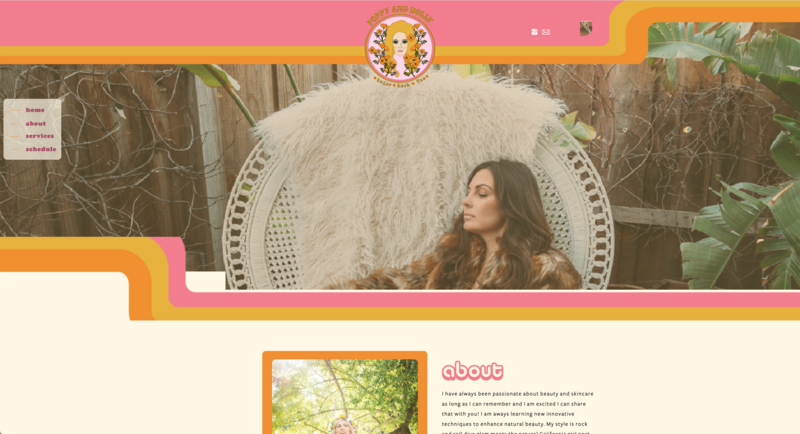
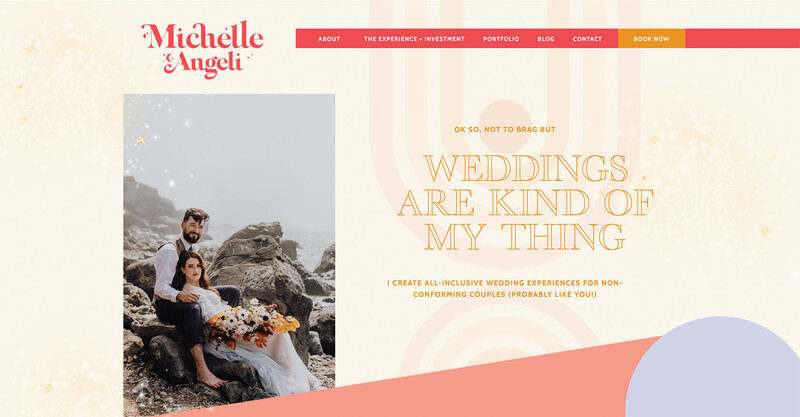
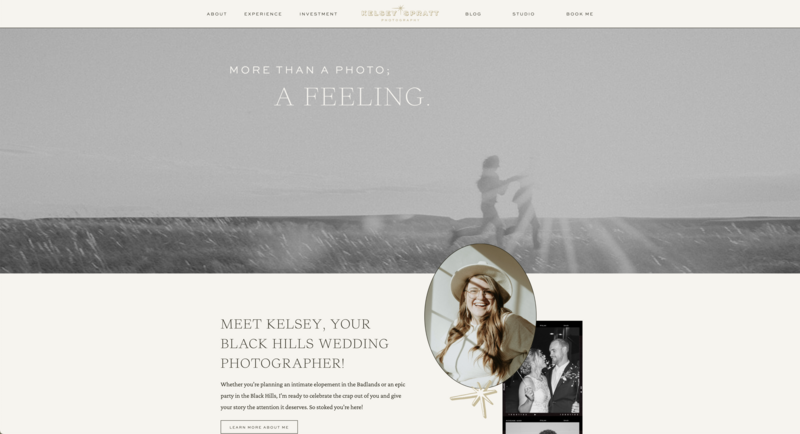
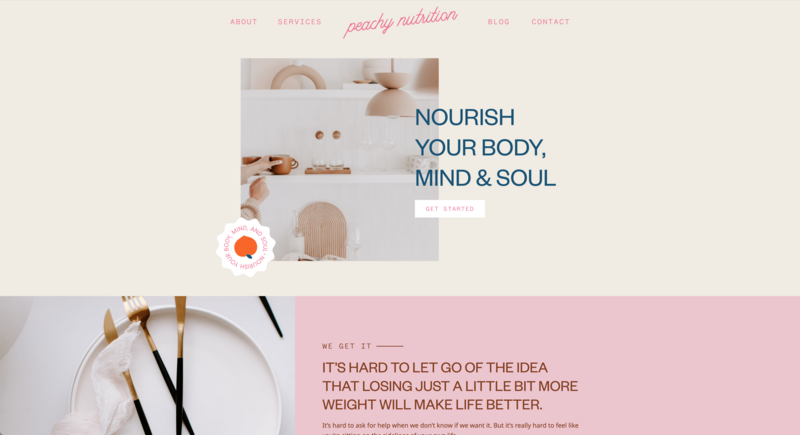
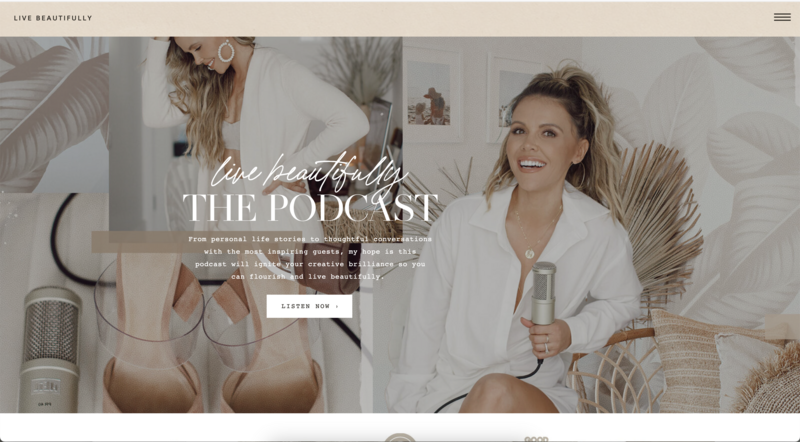
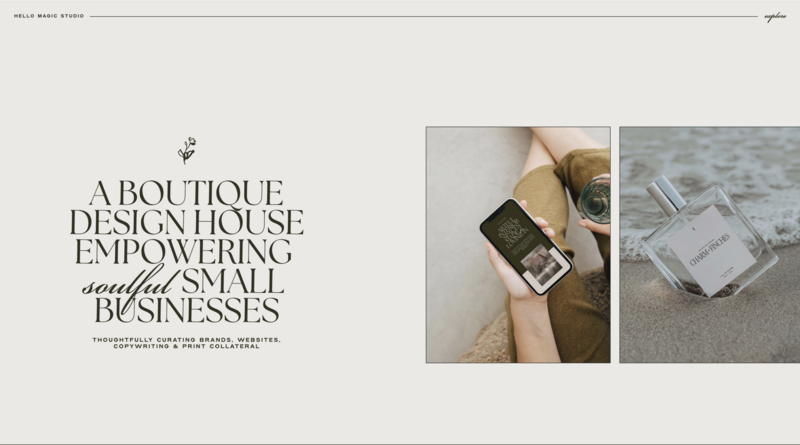
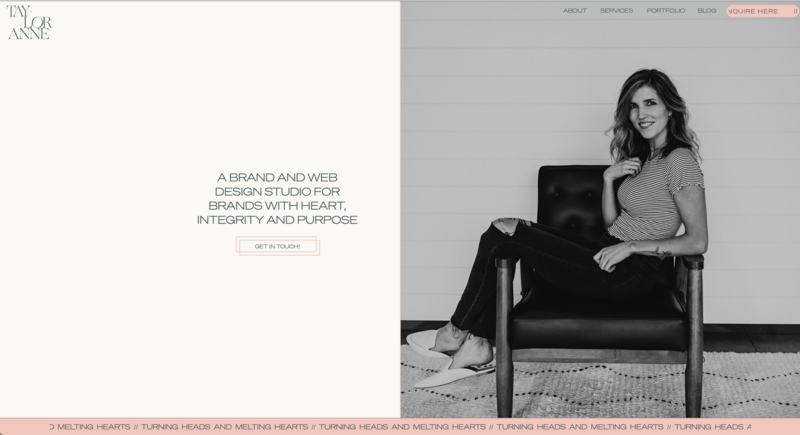
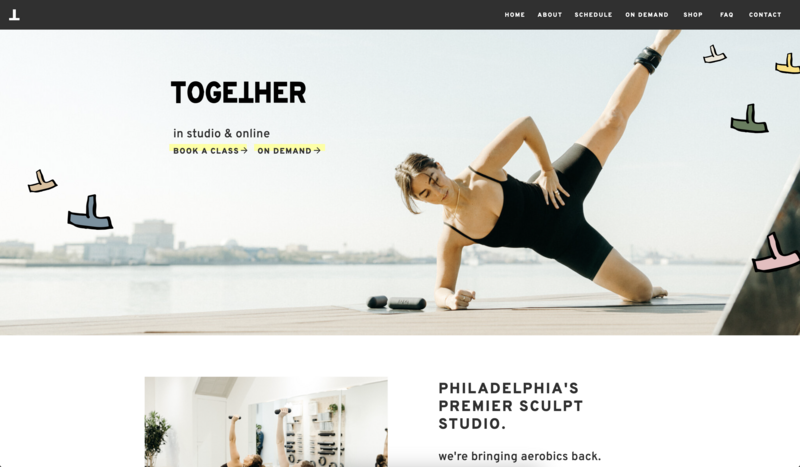
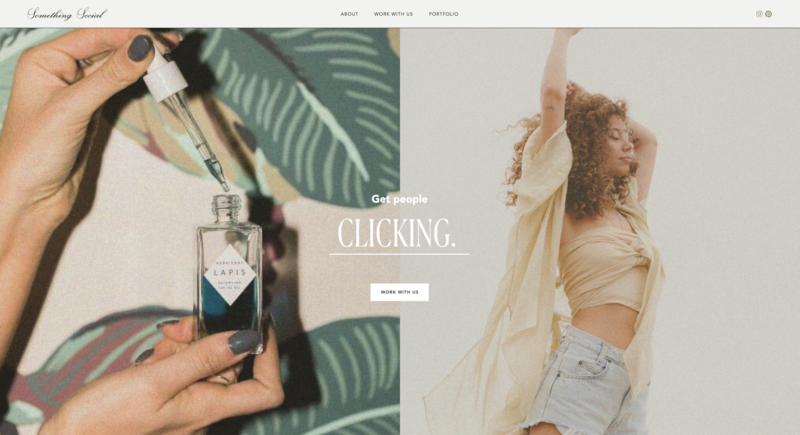
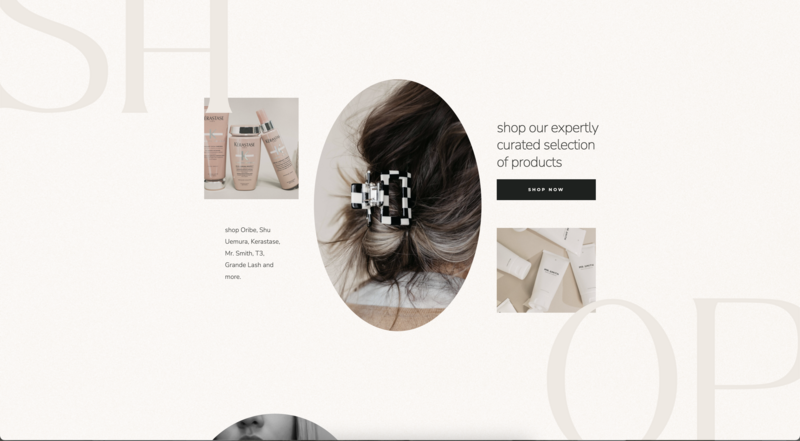
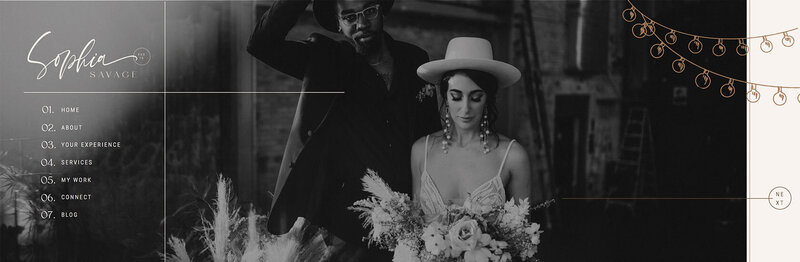
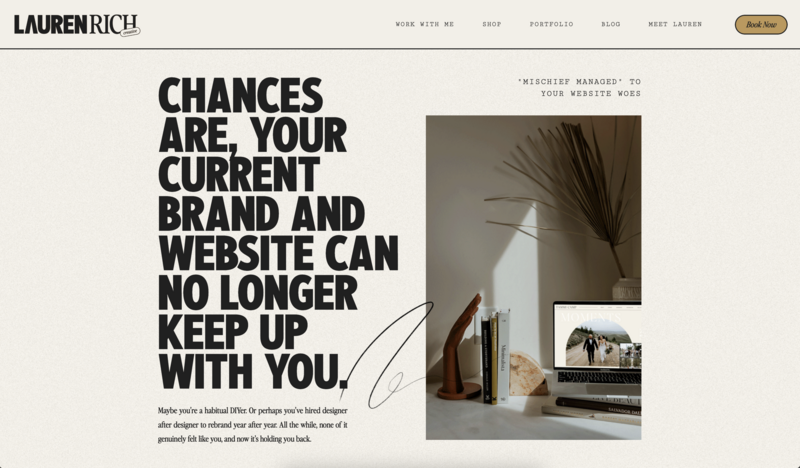
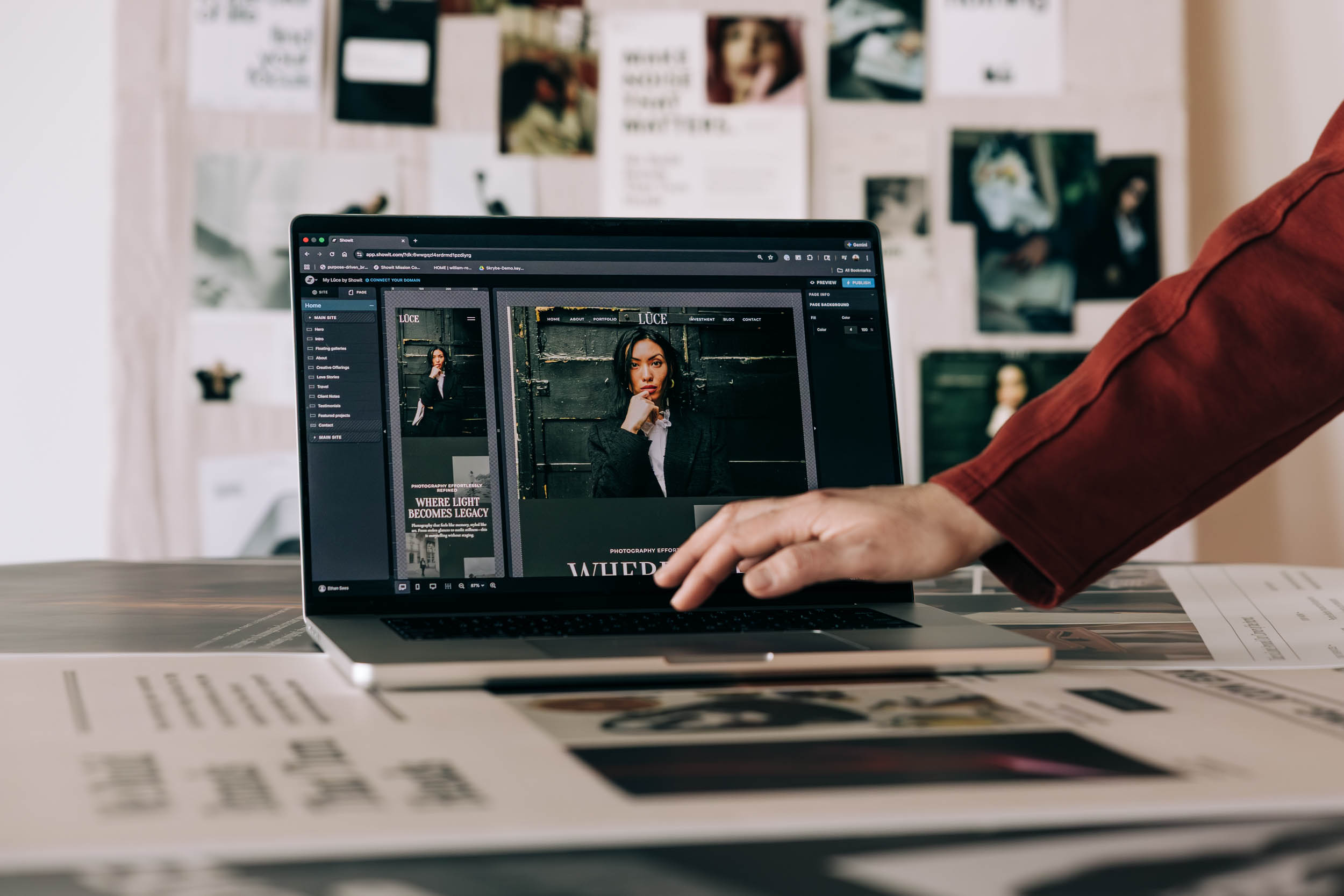
Speaking of getting back to the work that matters, your website shouldn’t be one more thing eating your creative time. Showit gives you complete drag-and-drop design freedom without any code, so you can build a site that looks exactly like you envisioned and then get back to running your business.
If you are ready to spend less time fighting your website and more time creating, you can try Showit free for 14 days and see why thousands of designers and business owners trust it to bring their ideas to life.

Sarah has been part of the Showit team for nearly four years, where she works as a copywriter crafting content that educates, encourages, and celebrates the creative entrepreneurs who make up the Showit community. When she's not writing, you'll find her with a book in hand (usually something about leadership or personal growth), cheering on Arizona sports teams, or connecting with people over a really good cup of coffee because, let's be honest, there's always a cup nearby. Sarah believes in the power of stories, the importance of showing up authentically, and that every entrepreneur deserves to be celebrated for the brave work they're doing.