Load Newsreader Bold Font
Remember when website templates were a lifesaver? You found one that worked, plugged in your info, tweaked a thing or two, and hit publish. Fast, affordable, functional—what wasn’t to love?
Then somewhere along the way, they all started looking… the same. Same layout. Same font pairings. Same “this could literally be anyone’s website” vibe. And it’s no wonder a lot of entrepreneurs feel skeptical when they hear the words website template.
But as we head into 2026, the conversation is shifting.
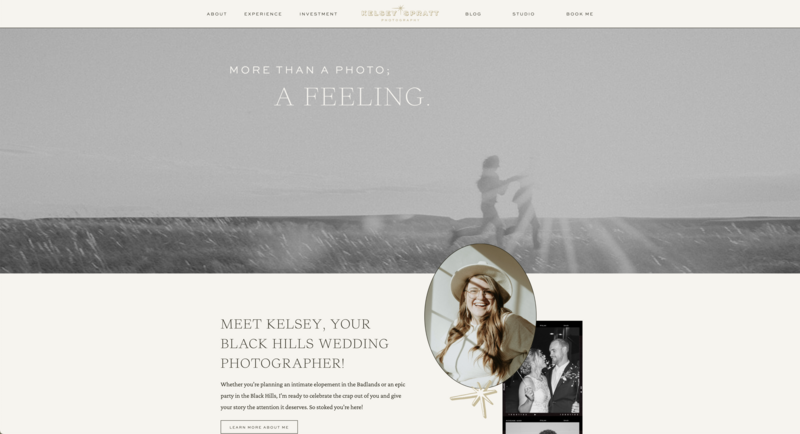
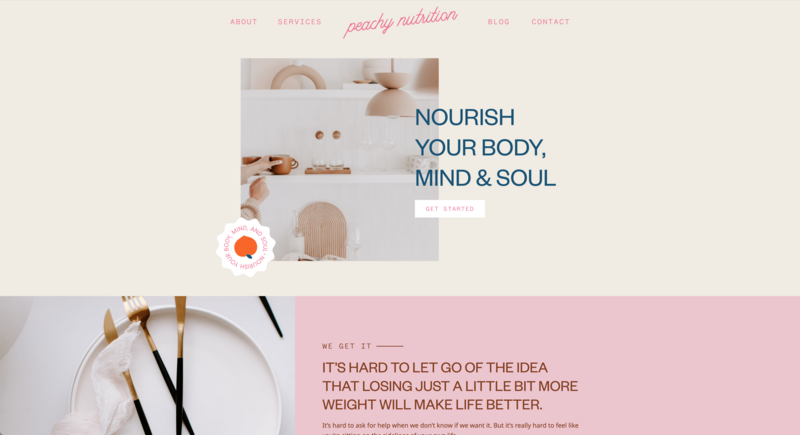
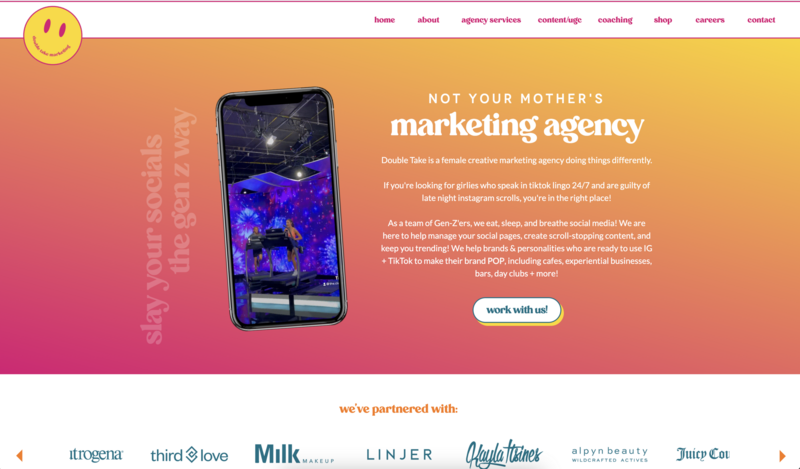
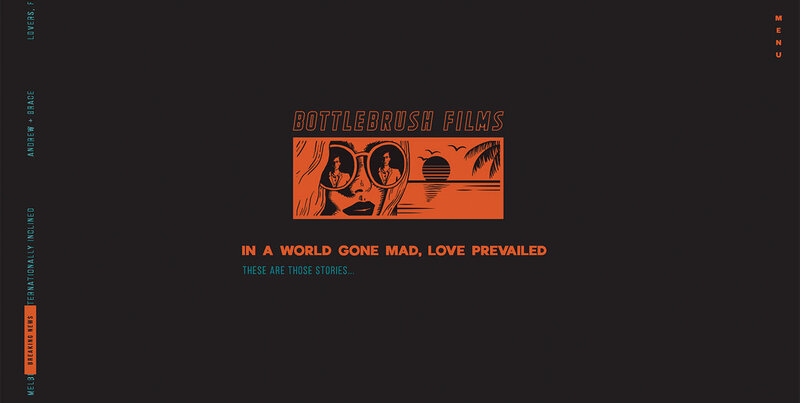
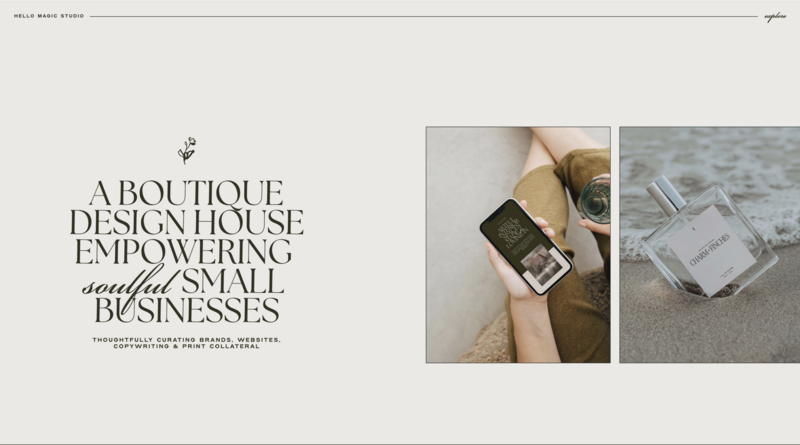
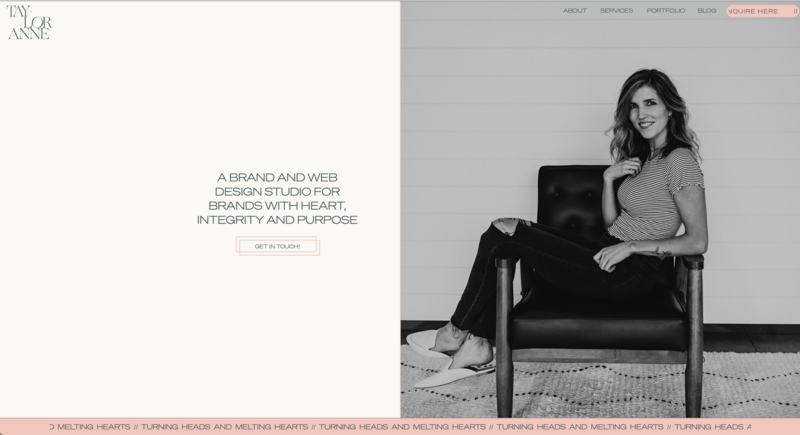
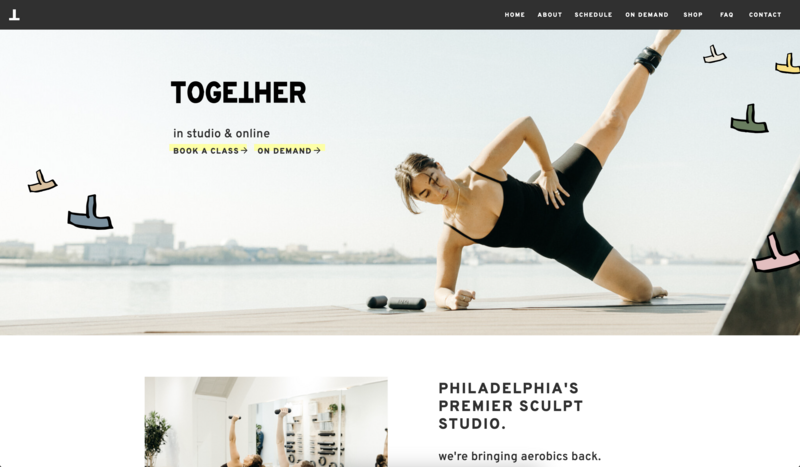
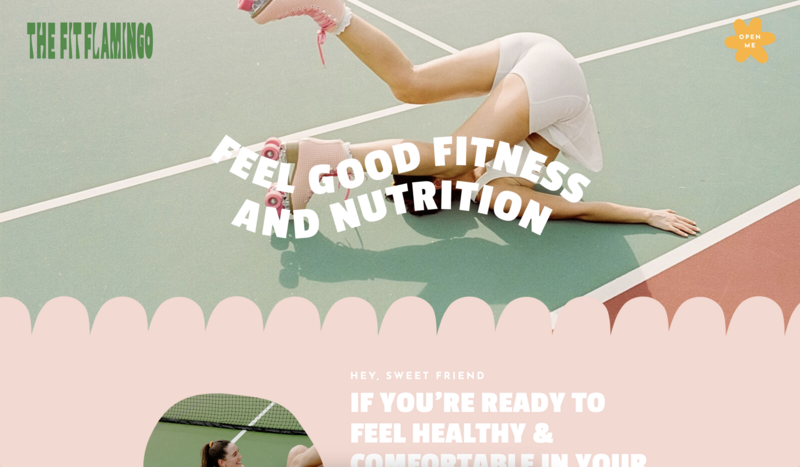
Because templates don’t have to feel like templates at all. With the right approach, you can customize website templates so they have custom energy, strategic personality, and brand-forward design—without the cost (or timeline) of a full custom build.
In other words: your template is the starting point, not the final product.
TL;DR: How to Customize Website Templates to Look Original
In this post, you’ll learn how to customize website templates using the exact elements that make a site feel “designed from scratch,” including:
- Visual identity upgrades (brand photos, colors, icons) that instantly remove “template vibes”
- Layout personalization (spacing, overlap, asymmetry) that makes your site feel curated
- Typography choices that add personality and improve readability
- Motion + interactions (micro-animations, hover effects) that make your site feel modern
- Content-driven customization (brand voice, testimonials, story) that builds trust and converts
What the in on exactly how to do each one of these? Keep reading for a step-by-step process you can so you’re not guessing what to change first.

What Are Templates That Don’t Feel Like Templates?
let's just say it, templates are still one of the fastest ways to launch a website, especially if you’re not a designer or you don’t want the cost and timeline of a full custom build.
The shift is how we use them.
The goal isn’t to pick a template and publish it as is. Although there are some pretty solid Showit templates you could realistically do that with. But instead to customize website templates so they feel like they were built for your brand, not the original designer’s demo content.
A template “doesn’t feel like a template” when:
- It avoids overused layouts that feel predictable or copy-and-paste
- It feels brand-specific, shaped by your visuals, voice, and audience
- It prioritizes storytelling over structure, guiding visitors through a message instead of just stacking sections
- It looks intentional, not assembled, with thoughtful hierarchy, spacing, typography, and imagery
That all matters because perceived authenticity builds trust.
When visitors feel like your website was designed specifically for you, even if it started with a template, they’re more likely to stay engaged and convert into a lead or buyer.
Shameless plug: if you want a platform that lets you customize a template enough for it to feel truly yours, Showit may be a good fit, click below to try it for yourself.
Best Ways to Customize Website Templates (So They Feel Designed From Scratch)
You don’t need to be a designer, or start from a blank canvas to get a website that feels high-end and brand-specific.
The difference between a site that looks like a template and one that feels like it was designed from scratch usually comes down to a handful of intentional decisions.
So if you’ve got a template pulled up and you’re ready to make it yours, start here.
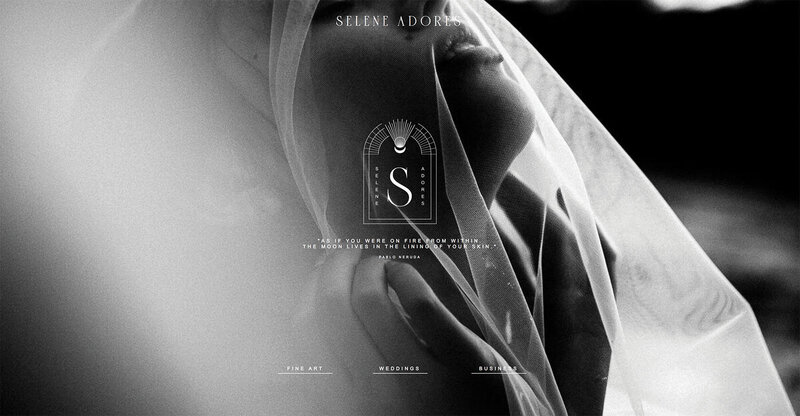
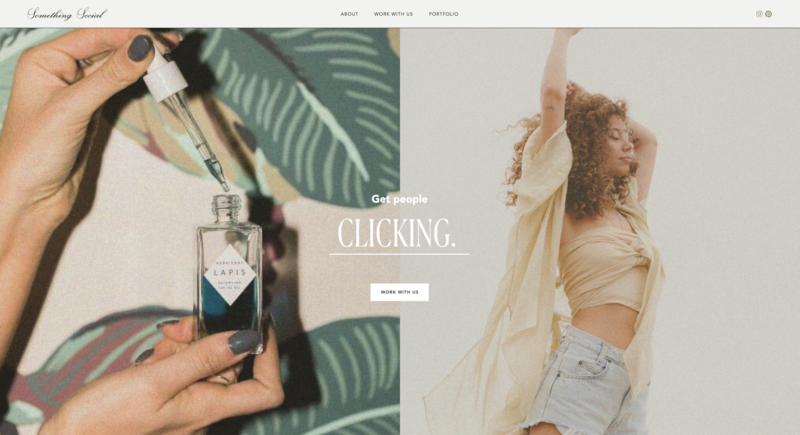
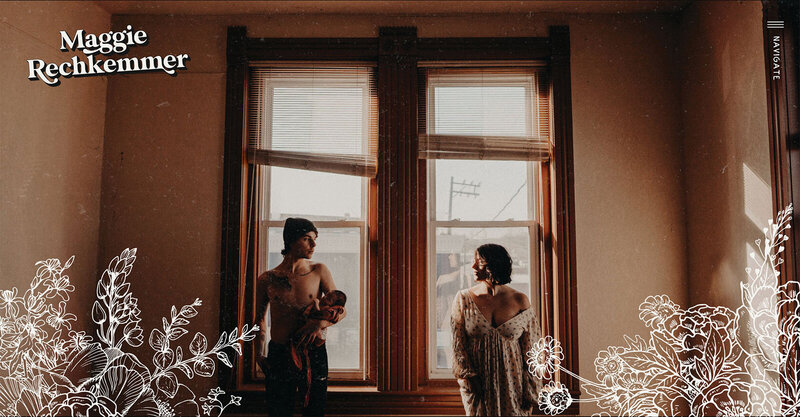
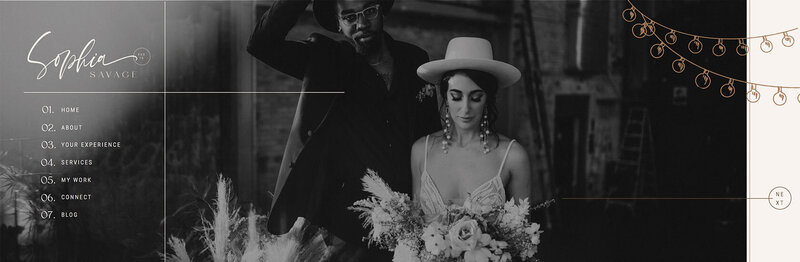
- Create a custom visual identity: Your colors, imagery, icons, and overall aesthetic should look like your brand, not the default vibe of the template. Swapping in brand photography, using consistent brand colors, and adding small design details (textures, shapes, patterns, icon sets) instantly makes the site feel custom.
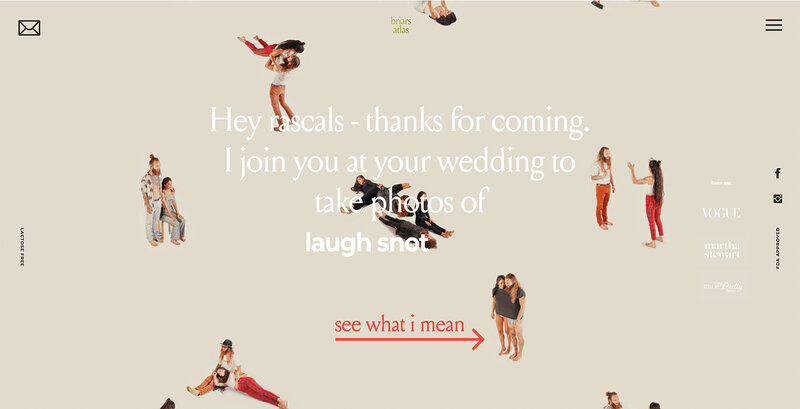
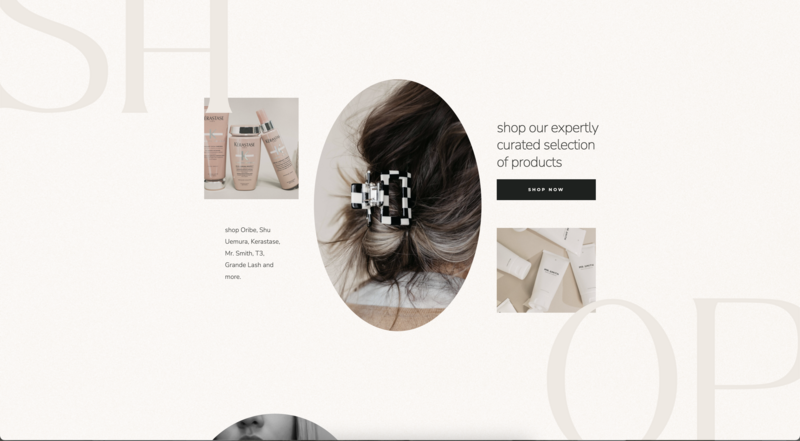
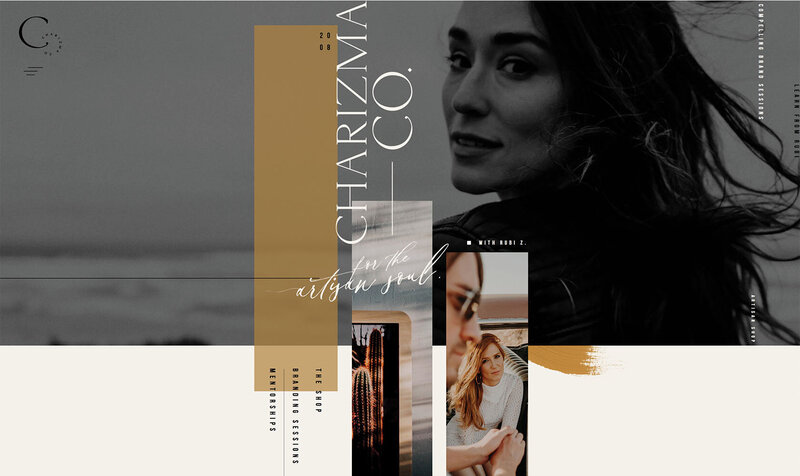
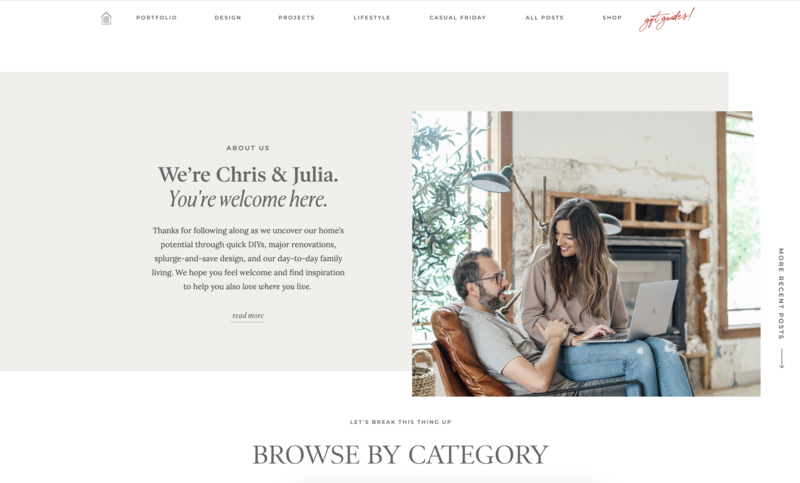
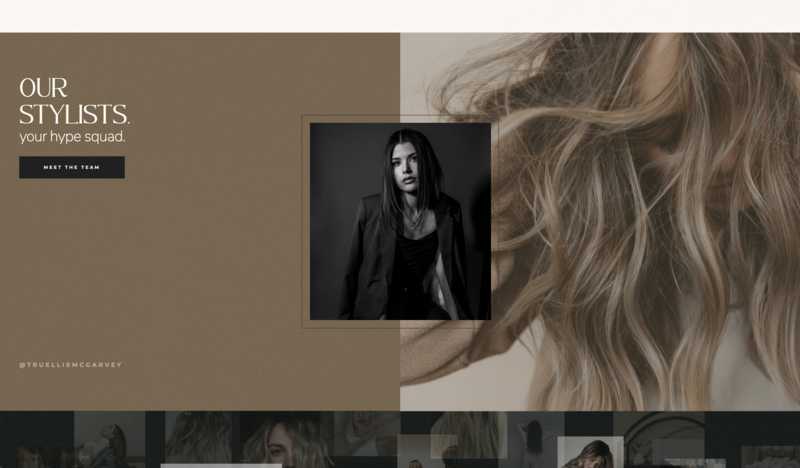
- Personalize the layout: Templates often feel templated because the spacing and structure stay untouched. Adjust section spacing, play with hierarchy, and use negative space with intention. If your platform allows it, try layering elements or slightly shifting alignment so your layout feels curated not copy-and-paste.
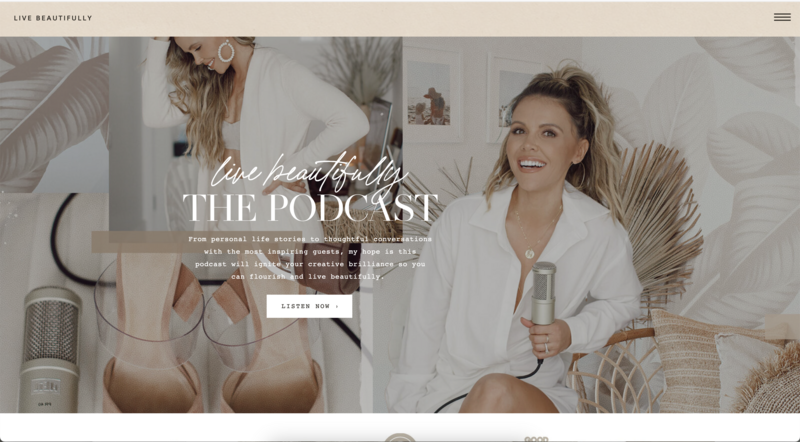
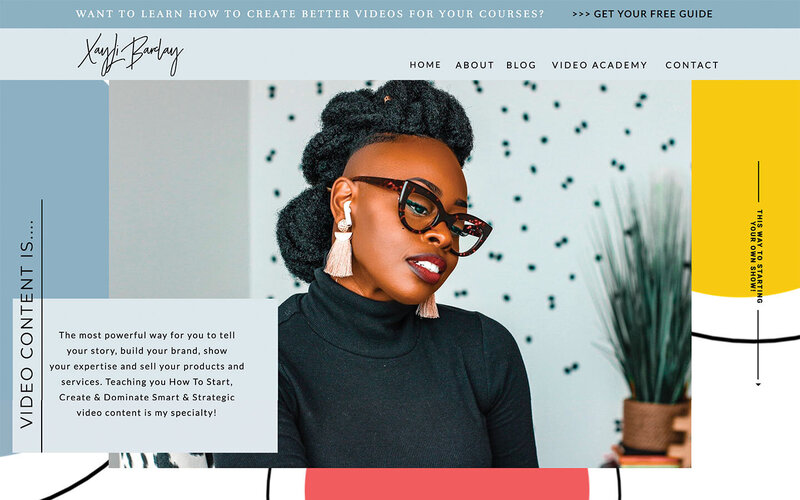
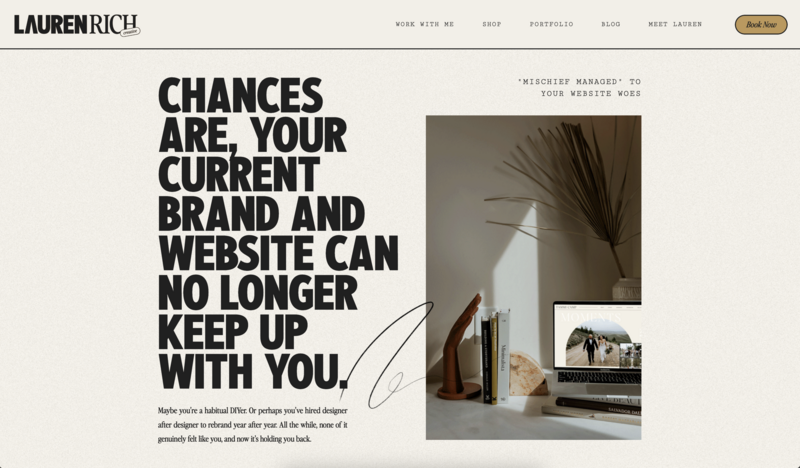
- Use typography with intention: Fonts carry personality. Changing typography is one of the fastest ways to change the “energy” of a template. Choose typefaces that match your brand tone, then use type scale (headline size, weight, spacing, and placement) to guide the reader and create a distinct visual rhythm.
- Add motion and interaction: Thoughtful motion makes a site feel modern and custom. Micro-animations, hover effects, and subtle scroll transitions add polish without overwhelming the experience. The goal isn’t fireworks—it’s “this feels alive, intentional, and professional.”
- Let your content drive the customization: Even the best design can’t save generic content. Story-led copy, specific messaging, real testimonials, and photos that reflect your personality do more to make a template feel custom than almost any design tweak. When the content is uniquely you, the site naturally becomes uniquely yours.
Step-by-Step Template Customization Checklist
Ready to stop tweaking random things and actually make progress, use this checklist in order. It’s designed to help you customize website templates in a way that feels intentional (not chaotic).
1) Choose the right base template
Look for flexibility, not perfection. The best template isn’t the one that looks closest to your dream site out of the box, it’s the one that gives you room to move things, adjust spacing, and customize layout without fighting the design.
a great place to start looking: Showit's design market,
2) Build your brand kit before you design
Before you touch layout, get your visual foundation ready:
- Brand colors
- Font choices (headline + body)
- Icon style / button style
- Any textures, shapes, or visual cues you want to repeat
This is what makes your site feel cohesive. When you skip this step, you end up with a website that looks like a template with “random upgrades.”
3) Replace the stock imagery (yes, all of it)
Stock photos and placeholders are the fastest way to keep template energy. Swap in:
- Brand photography (preferred)
- Real work samples / portfolio images
- Behind-the-scenes visuals
- Curated stock that actually matches your brand tone (if needed)
Even changing your homepage hero image and About photo can dramatically shift the vibe.
4) Adjust layout rhythm (spacing, hierarchy, emphasis)
This is where the template starts to disappear. Focus on:
- Section spacing (more breathing room often = more premium)
- Consistent alignment and margins
- Clear hierarchy (what should stand out first?)
- A few intentional “moments” (overlap, negative space, asymmetry—if it fits)
Templates feel generic when everything is evenly stacked. Custom feels curated.
5) Add subtle motion and interaction
A little movement goes a long way. Think:
- Hover states on buttons and links
- Subtle scroll-based transitions
- Small animations that guide attention (not distract)
Keep it purposeful. The goal is polish—not fireworks.
6) Optimize content for purpose (not filler)
Design won’t save generic content. As you customize, ask:
- Does every section earn its place?
- Is the copy specific to your audience and outcome?
- Are testimonials and proof easy to spot?
- Do your calls-to-action tell people exactly what to do next?
When your content is clearly you, the website naturally feels less templated—even if the structure started as a template.
FAQs Around How to Customize Website Templates
What does it mean to customize website templates “so they don’t feel like templates”?
It means your site doesn’t look like a copy-and-paste layout. The design feels intentional and brand-specific. Your visuals and content work together so the template disappears into the background.
What should I customize first?
Start with your brand kit (colors + fonts), then replace your imagery. Those two changes shift the look fastest. After that, adjust spacing/layout rhythm and polish with content and subtle motion.
Do I need to know how to code to customize website templates?
Not necessarily. If you’re using a builder with true drag-and-drop flexibility and strong design controls like Showit, you can create a custom-feeling site without touching code.
Are website templates bad for SEO?
Templates themselves aren’t bad for SEO. What matters is how your site is built and maintained, clear site structure, fast load times, mobile friendliness, and helpful content. A well-customized template can perform just as well as a custom site. And, it just so happens that all Showit website templates are fully SEO optimized out of the box.
What are the biggest mistakes that make a template look “templated”?
The most common ones are leaving stock photos in place, using default font pairings, keeping the original layout untouched, writing generic copy, and skipping social proof (like testimonials or case studies).
How much do I need to customize before launching?
Enough that your site feels cohesive and brand-specific. At minimum: update the visual identity (colors/fonts), replace all placeholder imagery, rewrite the homepage headline + key sections in your voice, and ensure your CTAs and contact path are clear.
How do I choose the right base template to start with?
A: Choose flexibility over perfection. Look for a template that’s easy to modify—one you can rearrange, restyle, and rebuild without feeling locked into the original layout.
What’s the fastest way to customize website templates if I’m short on time?
Start with high-impact pages and elements: homepage hero section, About page photo + intro, services/offer section, testimonials, and your main call-to-action. Those updates create the biggest “this feels custom” shift quickly.
If you want a platform that makes customizing website templates simpler than you may think, click below to get a free trial of Showit.
Final Thoughts
Try to keep in mind that a template is just a foundation. And when you customize website templates with intention, your visual identity the template disappears. What visitors experience instead is a website that feels personal and inviting.
That’s the shift happening right now. Modern websites don’t have to be “perfect. you could even argue that they really shouldn't. They just need to feel intentional, like there’s a real human and a real business behind the brand.
If you want a platform that gives you the creative freedom to build a site that actually feels like you, Showit was built for this. Start with a flexible template, customize every detail without code, and launch a website that supports your business goals all year long.