Load Newsreader Bold Font
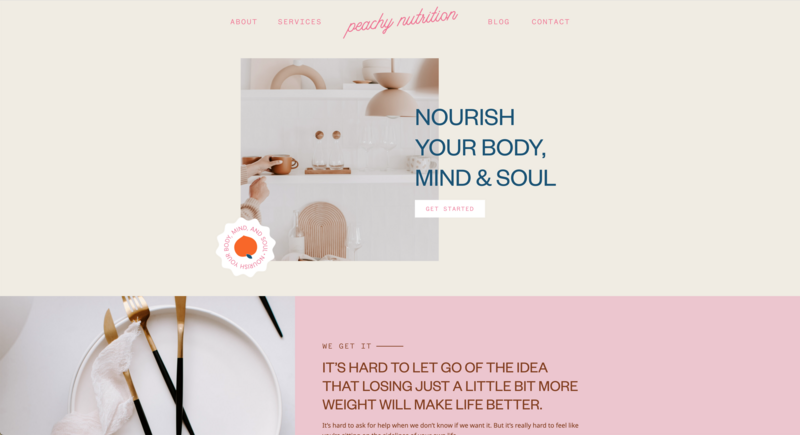
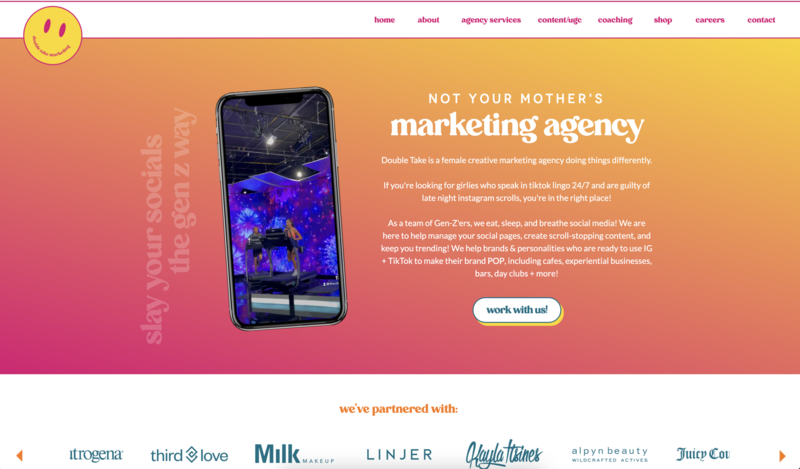
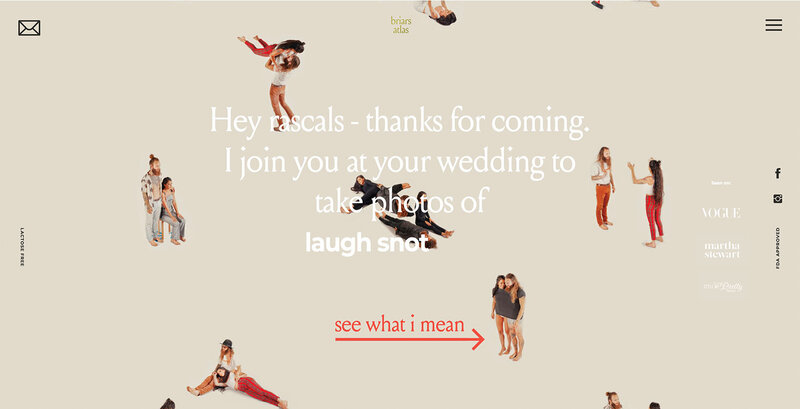
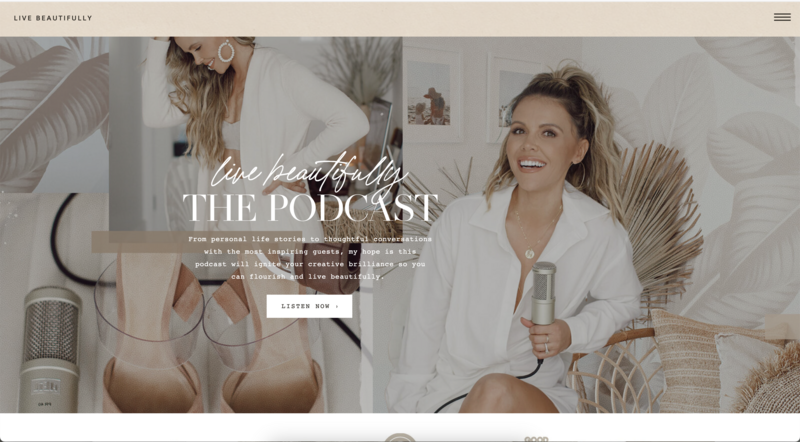
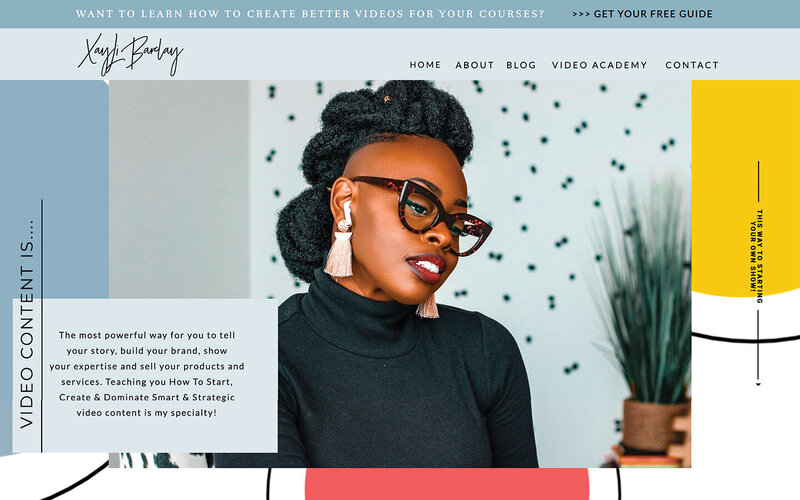
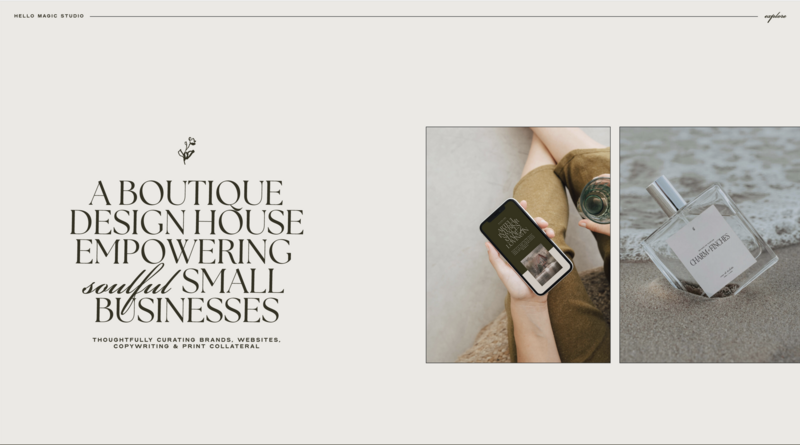
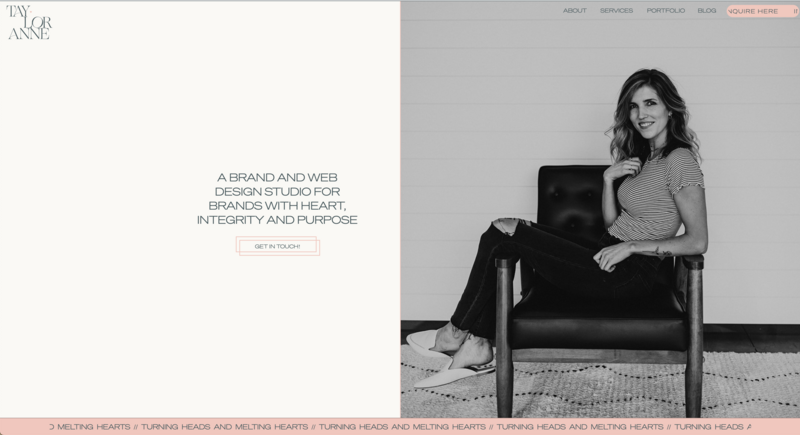
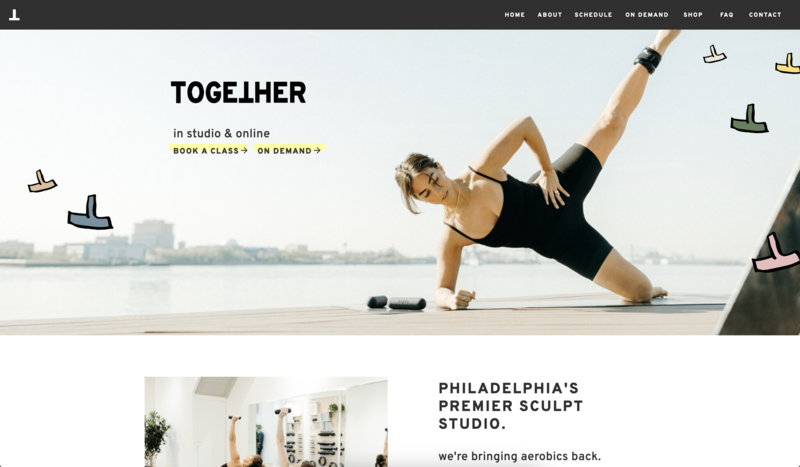
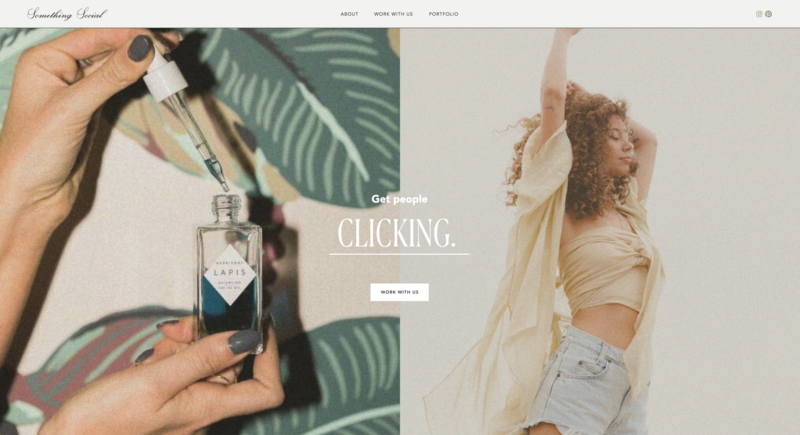
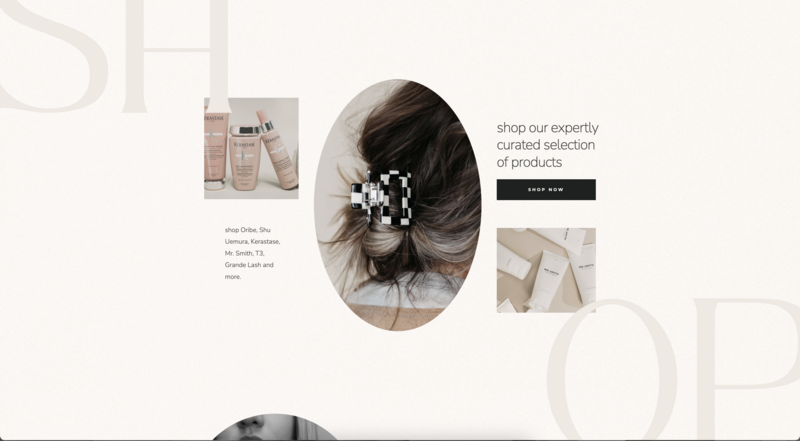
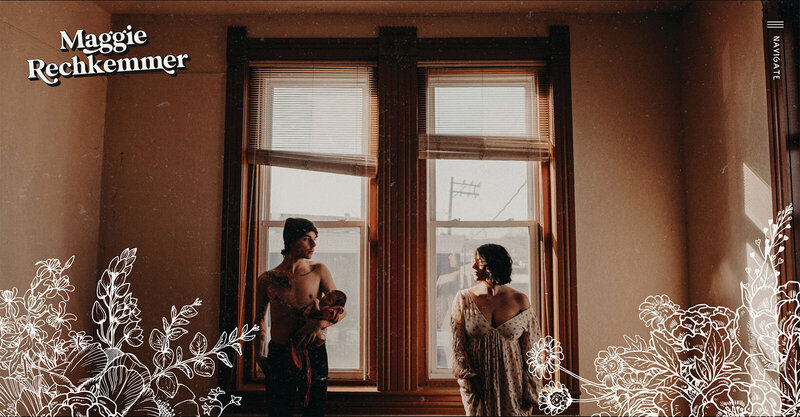
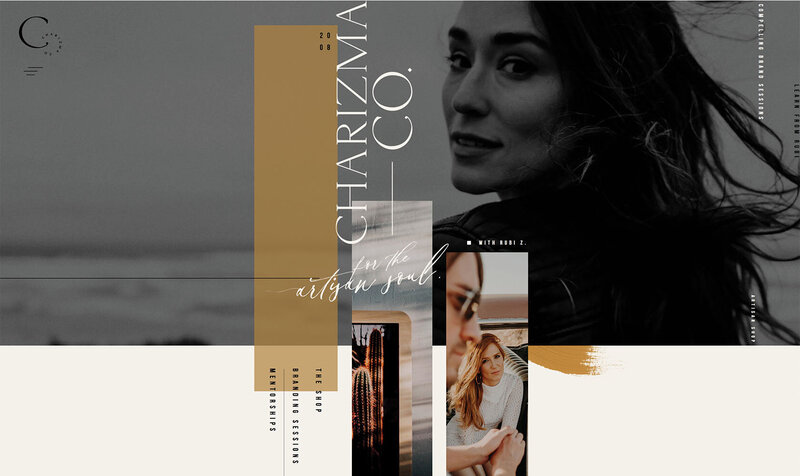
Scrolling Canvas Views brings a new level of creativity and interaction to your Showit website. Turn a series of canvas views into a scrolling experience that brings your work to life and gives visitors a new way to explore what you do.
Nate, our Product Director, just introduced the feature to a room full of Showit website designers at Spark, our annual brand and web design conference. Now we’re sharing a closer look at what you can create with it.
See Scrolling Canvas Views in action
Make the scroll part of your design.
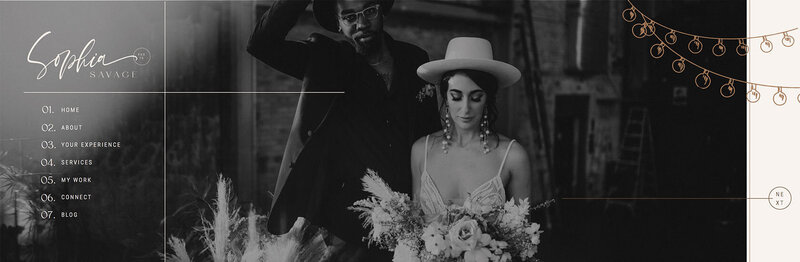
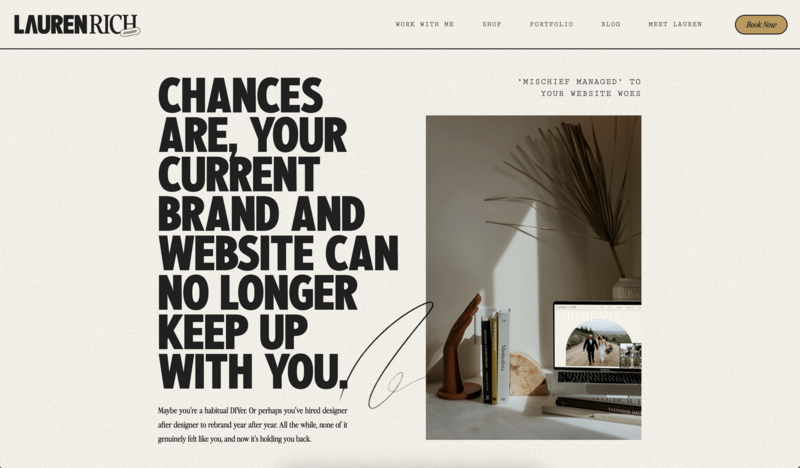
Imagine a portfolio that moves sideways as visitors scroll down the page, giving each project its own moment. Or a section that reveals your process one step at a time, helping potential clients picture what working with you could look like.
Scrolling Canvas Views gives you more ways to shape those experiences right inside Showit. You decide what visitors see, how the content moves, and how it fits the rest of your design.
Designers are already loving it!
“This is giving me SO many ideas…”
– Jordan Chan
“This is awesome!”
– Field Denny
“GUYS! I never would have done scrolling canvases before this feature. They look INCREDIBLE!”
– Krista Jones
How Scrolling Canvas Views Work
Scrolling Canvas Views is available to every Showit user with an upgraded design.
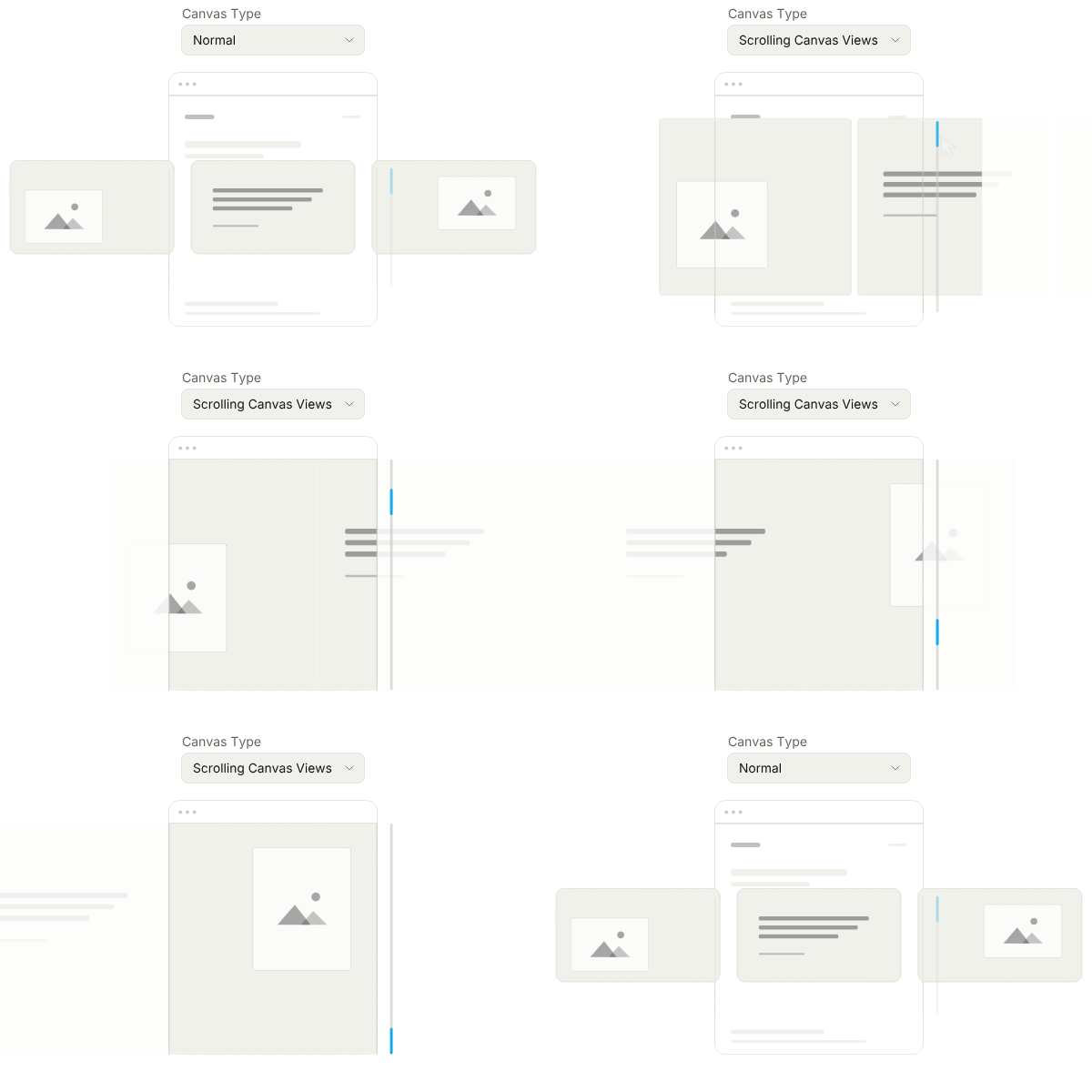
Start with a canvas and its canvas views. Change the canvas type to Scrolling Canvas Views, and those views become a scrollable sequence.
“This is seriously such a cool feature!”
– Laura Messick
As someone scrolls through that section of your website, the canvas stays in place while its views move through the screen. Choose horizontal or vertical movement to suit the experience you want to create. Once the visitor reaches the final view, the canvas releases and they continue down the page.
For a horizontal sequence, that means a visitor can keep scrolling down while your content moves sideways. A set of images, stories, or service details can feel like one continuous canvas unfolding across the screen.
And because the feature is built into Showit, you can create the scrolling sequence as part of your design.
“This is SUPER cool that it is built in!”
– Rachel at Northfolk
Add depth with static and moving layers
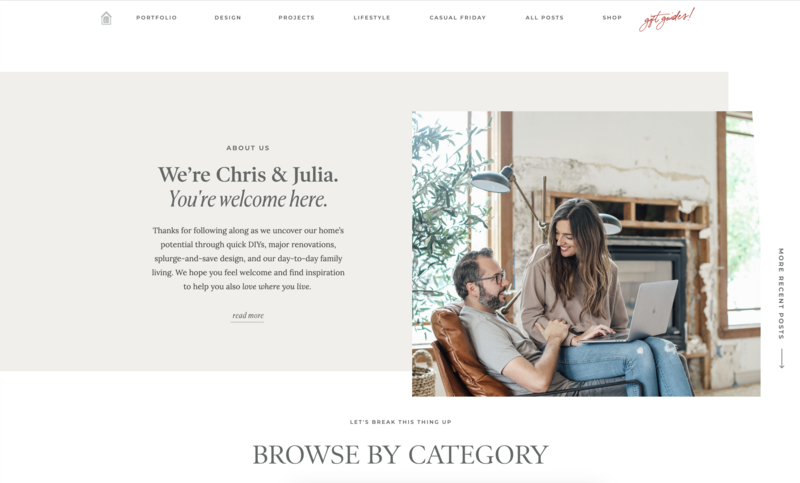
The canvas views can move while other content on the canvas stays in place. Keep a headline in front of the sequence or a background behind it, then let the content inside your views scroll through.
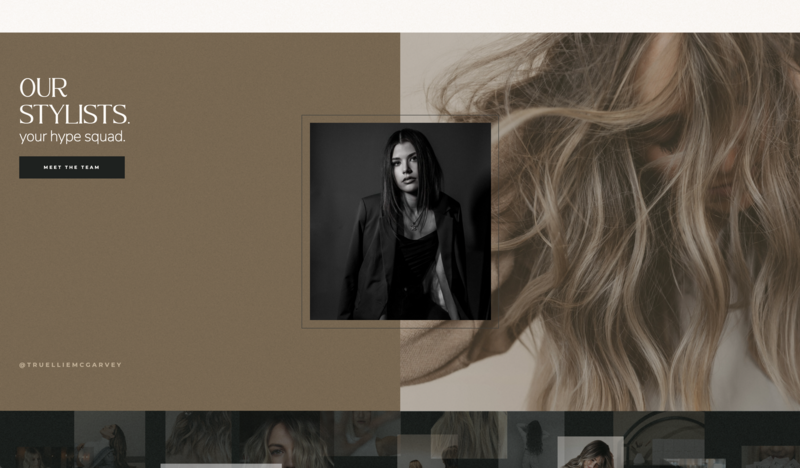
That gives you room to play with depth and reveal different details while keeping a central message visible throughout the section. Think of a portfolio moving beneath a stationary title, or a series of images passing in front of a shared backdrop.
“This is amazing!”
– Chanel Greenlaw
“Ok I have to admit, this is suuuuper sweet. I’ve never included something like this in my templates because of user experience but this makes it SO easy to have cool scrolling”
– Chelsea Lennox
Create a website that helps your work stand out
Whether you’re showcasing your own business or designing for a client, Scrolling Canvas Views gives you another way to make a website feel distinct. Use it to draw attention to your strongest work, tell the story behind an offer, or help visitors understand what makes your approach different.

JT is the Product Marketing Lead at Showit and has worked on the platform for over ten years. He partners with the Product and Marketing teams to shape features, guide launches, and advocate for customer needs. Previously, he led Showit’s designer community and brings firsthand creative experience from his background as a professional wedding photographer.