Load Newsreader Bold Font
In this guide, we’ll show you how to use a CRM to scale your creative business without losing the personal touch.
TL;DR: How to Use a CRM to Scale Your Creative Business
- What a CRM is (and isn’t): a “second brain” for leads, follow-ups, and client relationships (not project management).
- Signs you need one: if leads slip through the cracks, onboarding is rebuilt every time, or follow-ups live in your head.
- The CRM features that matter most: pipeline tracking, automations, onboarding templates, website integration, and invoices/proposals.
- A simple 4-week setup plan: connect your website → build inquiry follow-ups → build onboarding → add post-project follow-up.
- Why CRMs fail (and how to avoid it): setting up too much at once, choosing based on features not fit, skipping website integration, and quitting too early.
Picture it, You're BOOKED, Maybe even turning people away. By every measure, business is good, but you know something still feels unsustainable. Like if you keep going at the pace you’ve been going, you’ll burnout, or won’t be able to enjoy your successful business.
Every follow-up lives in your head.
Every new client onboarding gets rebuilt from scratch.
The lead who emailed three weeks ago? You meant to get back to them.
And the referral your best client sent over? Somewhere in your inbox, buried under everything else that felt more urgent.
Here's what you know deep down, but haven't said out loud yet, being busy is not the same as being scalable (and sustainable).
The difference between a creative business that grows with you and one that only grows because of you is usually one thing: a system that manages your client relationships so your brain doesn't have to.
Yup, mmhmm, MINDBLOWING right?
That system we are talking about is a CRM or (Customer Relationship Management) tool. And if the word makes you think of corporate sales teams and enterprise software, hang with us, because when it's understood and set up right, a CRM doesn't make your business feel less personal. It makes it feel more.
In this blog, you'll learn what a CRM actually is (and isn't), how to know if you're ready for one, and how to implement it in a way you'll actually stick with.
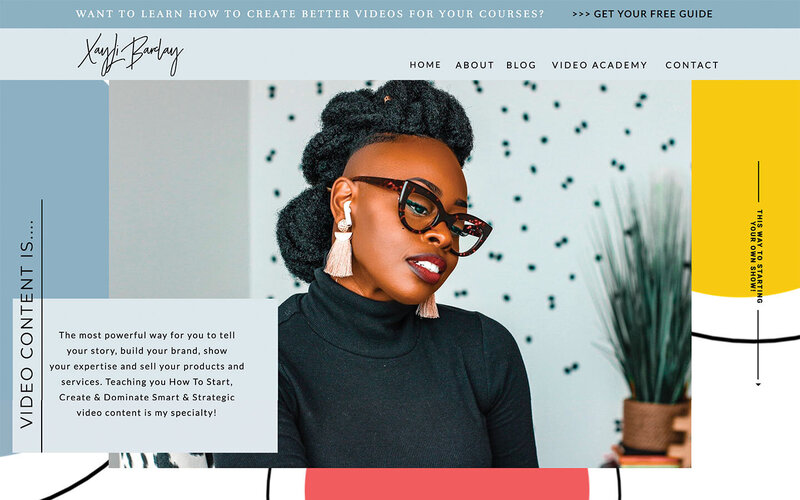
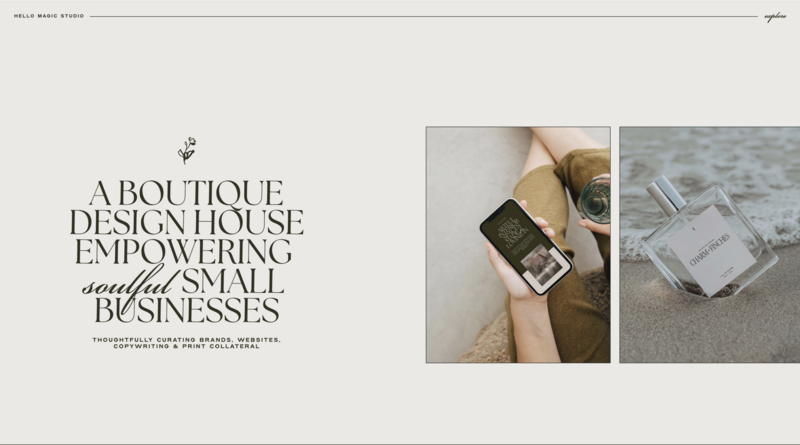
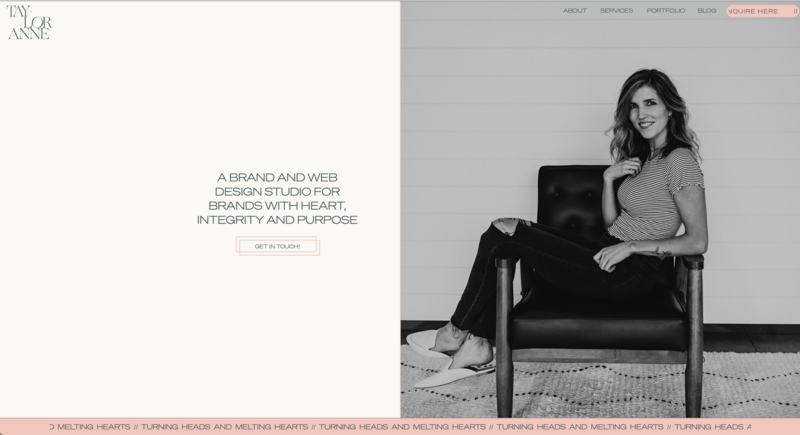
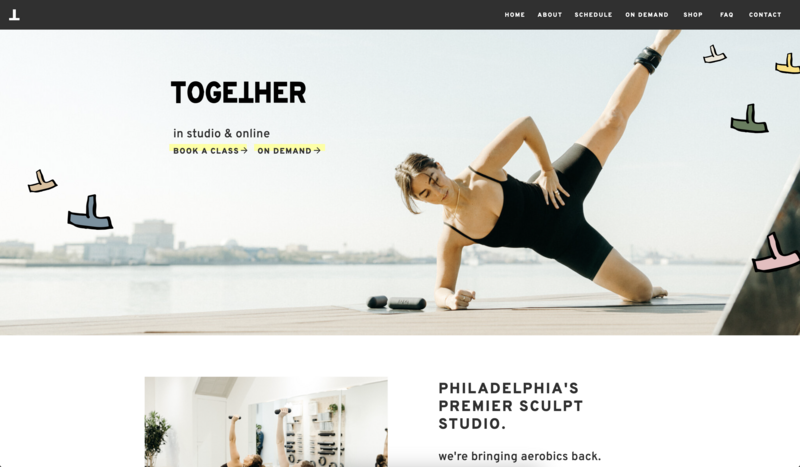
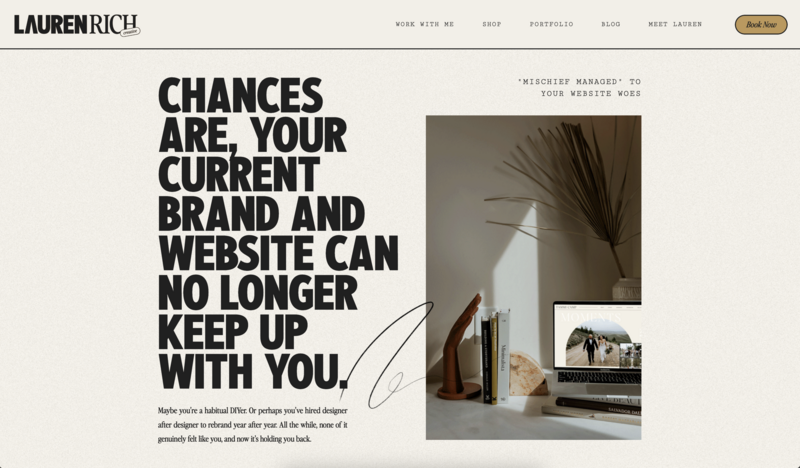
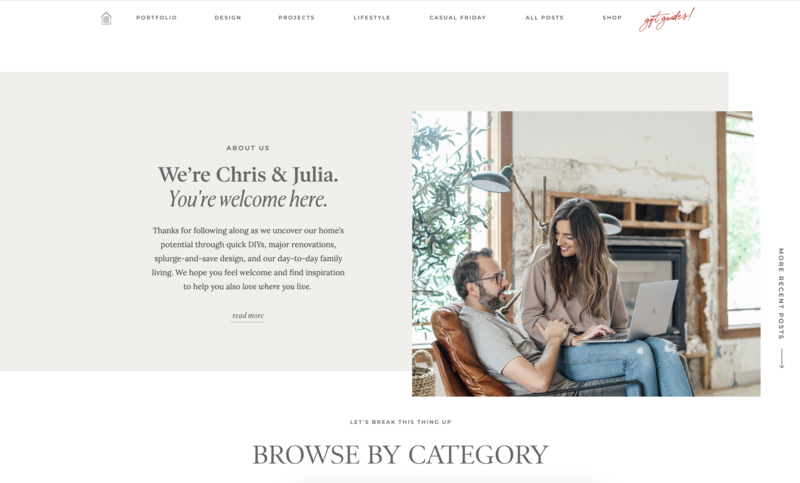
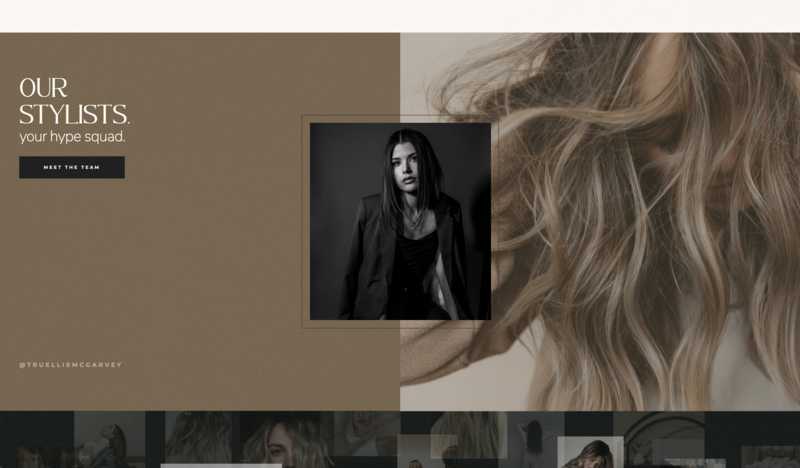
If you’re ready to upgrade the first impression potential clients get from your business, start a free Showit trial and refresh your website.
Do I Need a CRM? Signs You’re Ready
Let's play a game called “You might need a CRM if“, Ready?
You might need a CRM if:
- Leads get lost. Someone expressed interest, life got busy, and by the time you followed up, they'd already booked someone else.
- Every client onboarding feels like starting from scratch. You're rewriting the same welcome email, re-explaining your process, re-sending the same information… every single time.
- Your follow-up system is your memory. Or a sticky note. Or a folder of starred emails you keep meaning to go back to.
- You can't tell where your best clients are coming from. When someone books, you have a vague sense it was a referral or Instagram, but you couldn't back that up with data.
- Your client experience is inconsistent. Some clients get a prompt, polished experience. Others get the version of you that's running behind on a Friday afternoon.
How many of those did you say “YES” to?
If two or more of those hit close to home, a CRM isn't a luxury, it's a legit need to keep you from losing your mind trying to remember everything yourself.
And if you're still thinking “but I'm not a corporation, ins't this kinda overkill”, then this next section is for you.
What Is a CRM? (And What It's Not)?
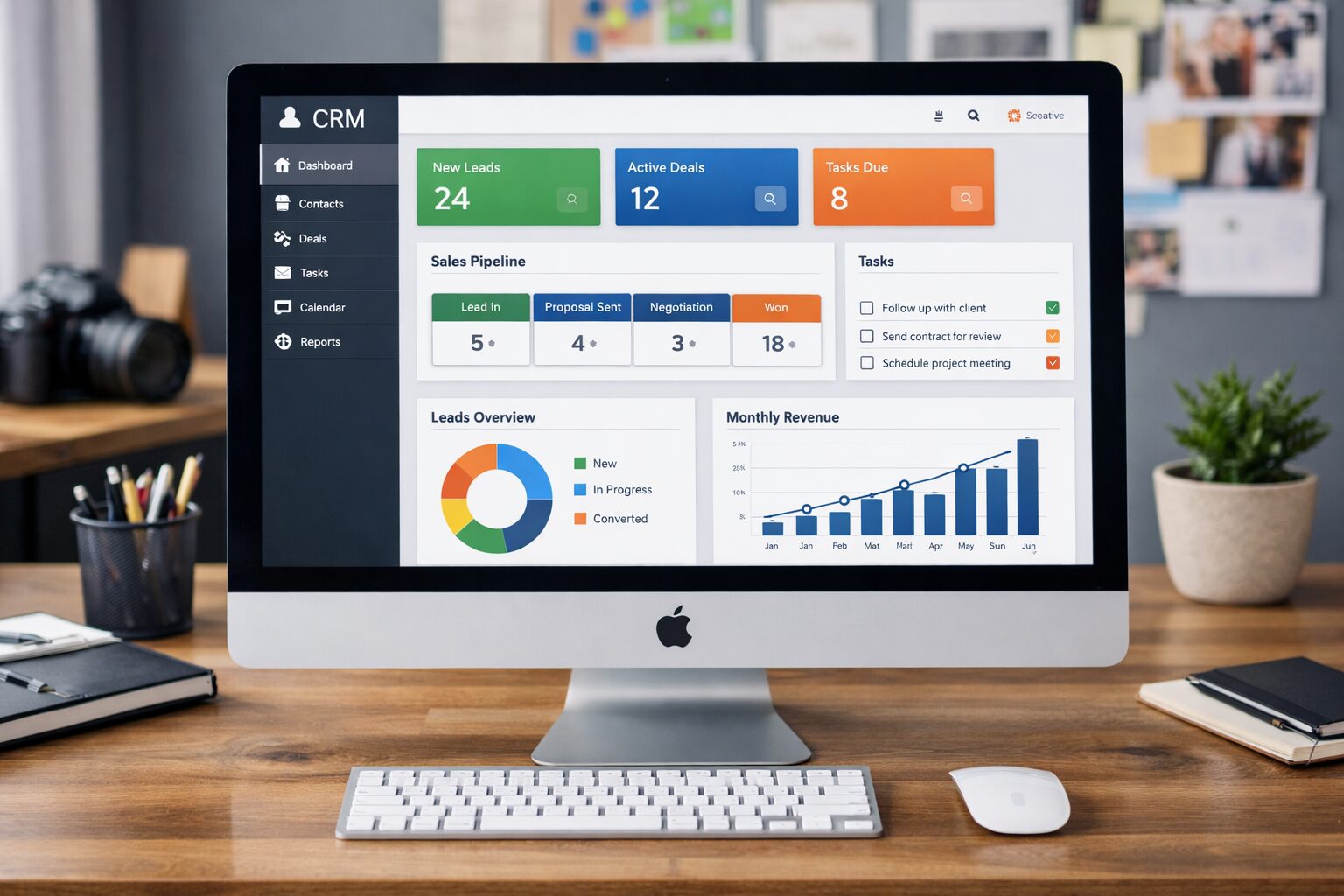
A CRM (Customer Relationship Management tool) is a system that tracks leads and clients, organizes your pipeline, and automates follow-ups so nothing gets lost and nothing depends on you remembering.
Think of it as a second brain for your business relationships. It knows who reached out, when, what they asked about, where they are in your process, what follow-ups are due, and what your history with them looks like so you always show up prepared and never start from zero.
What a CRM is not:
- It's not a project management tool (that's Asana, ClickUp, or Notion)
- It's not a fancy spreadsheet (it's smarter, automated, and connected)
- It's not just for big teams (the solo photographer or one-person design studio benefits just as much)
And here’s the distinction that matters most for creative entrepreneurs:
Growing means adding more clients.
Scaling means increasing your revenue and impact without a proportional increase in effort.
A CRM is one of the core tools that makes the second one possible.

What Can a CRM Actually Do for a Creative Business?
This is about the time where most CRM articles list technical features and lose the creative entrepreneur somewhere around “pipeline velocity.” Let's skip that.
Here's what a CRM does in the language of your actual day-to-day:
- It catches the leads you're currently losing. Instead of relying on your inbox and your memory, every inquiry that comes in gets logged, tagged, and tracked. You can see at a glance who's in what stage (new inquiry, proposal sent, contract signed, project complete) and nothing slips between the cracks during a busy week.
- It makes your client experience feel more personal, not less. This is the part that surprises most people. Automated doesn't have to mean impersonal. A well-built CRM sends a warm welcome email the moment someone books, written by you, delivered automatically. It checks in at key project milestones. It remembers to follow up after delivery. The client experiences consistency and care. They don't know (or care) that it was automated.
- It frees up your creative energy. Every hour you spend on manual admin — follow-up emails, onboarding documents, invoice reminders — is an hour you're not doing the work you actually got into this business to do. A CRM handles the repetitive stuff so you can protect the time and mental space that creative work requires.
- It tells you what's actually working. Where are your best leads coming from? What's your average time from inquiry to booking? Where do potential clients drop off? A CRM turns those gut-feel guesses into actual data — which means you can make smarter decisions about where to spend your time and energy.
- It grows with you. Whether you go from solo to a small team, or from one service offering to three, a CRM adapts. You don't have to rebuild your systems every time your business evolves.

The CRM Features That Actually Matter for Creative Entrepreneurs
When you're evaluating CRM tools, it's easy to get distracted by impressive feature lists. Here's what actually matters for a creative service business:
1. Contact and lead tracking with a pipeline view.
You need to see, at a glance, where every lead and client stands. Not in a spreadsheet, in a visual, drag-and-drop pipeline that makes it easy to move people through stages.
2. Automated follow-up sequences.
The ability to set up a series of emails that go out automatically based on where someone is in your process. Inquiry received → send welcome + questionnaire → follow up in 48 hours if no response. Built once, runs forever.
3. Client onboarding workflows and templates.
emplated emails, contracts, and questionnaires that get triggered when a new client books. This is what transforms a chaotic onboarding into a consistent, professional experience… every time.
4. Website integration.
Your CRM is only as good as the leads flowing into it. Make sure it connects to your website inquiry form so that every submission lands directly in your pipeline and not manual data entry or dropped leads (more on this in a moment, so keep reading!)
5. Proposal and invoice integration.
If your CRM can send proposals and collect payment in the same place, even better. The fewer tools your client has to interact with, the smoother their experience (and the more time you save!)
6. Mobile accessibility.
You're not always at your desk. A CRM that works well on mobile means you can follow up from a shoot location, check pipeline status between sessions, and respond to leads before someone else does.
What this looks like in real life (a simple CRM flow):
- Inquiry form submitted → lead automatically appears in your pipeline
- Auto-confirmation email + next steps send instantly
- If no reply in 48 hours → friendly follow-up email sends automatically
- Proposal + invoice sent → booking triggers onboarding workflow
- Project complete → review request + referral ask send one week later
Tools commonly used in the creative space like HoneyBook, Dubsado, and HubSpot’s free tier check most of these boxes for small, service-based businesses. The best CRM is the one you’ll actually use consistently, so run a free trial with your real workflows (not demo data) before committing.
Pro Tip for Showit Users
If you A, already have a Showit website, or B, are interested in building a site on Showit, HoneyBook may be the perfect option for you.
Showit and HoneyBook have collaborated to create client management templates in the same style as some of they best website templates. That way, you can ensure a seamless client experience from inquire to project delivery.
How to Use a CRM (Step-by-Step Setup for Creatives)
Here's what you need to know and keep in mind: the setup is not the hard part. The adoption is.
Most creative entrepreneurs who abandon their CRM do so within the first 30 days, not because the tool failed them, but because they tried to build everything at once, got overwhelmed, and went back to their inbox. The fix isn't a better tool. It's a smarter start.
So here’s the step by step plan you could follow to find success:
Step 1: Start with your biggest pain point, not all the features.
Focusing on what’s not working or what we havent done right, is a natural and easy step so don't try to automate your entire business in week one. Identify the single most painful part of your client journey. Is it leads going cold? Is it the onboarding chaos? Start there, build that one workflow, and get it working before you touch anything else.
Step 2: Map your process on paper before you touch the tool.
Take your inquiry-to-booked process and write it out as a simple flow. Who reaches out → what happens next → what do you send → what do you wait for → what triggers the next step? Getting clear on your actual process makes building it in a CRM dramatically easier.
Step 3: Connect your website first.
Your website is the front door of your business, and your CRM is what keeps the relationship going after someone walks through it. Your Showit inquiry form should feed directly into your CRM pipeline, so every lead is captured automatically. If you're using BDOW! for pop-ups or opt-ins, that's another powerful feeder into your CRM, leads who download a freebie or join your list can flow straight into a nurture sequence without any manual effort on your part.
Step 4: Build one automation at a time.
A realistic phased approach looks something like this:
- Week 1: Get your inquiry form connected and leads flowing in
- Week 2: Build your inquiry response and follow-up sequence
- Week 3: Build your onboarding workflow for new bookings
- Week 4: Add a post-project follow-up or review request
By the end of month one, you have four workflows running automatically. That's already more than most creative businesses have.
Step 5: Give it 90 days before you judge it.
The first few weeks are awkward. You'll second-guess your sequences, tweak your emails, and wonder if it's actually working. That's normal. A CRM's real value shows up over time, in the leads you didn't lose, the onboarding that ran smoothly while you were busy with another client, and the client who told you working with you was “so easy and professional.” Give it the runway it needs.
Why Creative Entrepreneurs Abandon Their CRM (And How Not To)
If you've tried a CRM before and it didn't stick, you're not alone, and it probably wasn't the tool's fault. Here's what usually goes wrong:
- They tried to set up everything at once. An ambitious weekend of CRM building leads to an overwhelming mess of half-built workflows and decision fatigue. Fix: one workflow at a time, in the order that solves your biggest pain point first.
- They chose a tool based on features, not fit. The most popular tool isn't always the right tool for how you work. Fix: run a free trial using your actual client process, not the demo scenarios the tool provides.
- They never connected it to their website. A CRM with no leads flowing in is just an empty database. Fix: the website-to-CRM connection isn't optional — it's the starting point. Get that handoff working before anything else.
- They gave up in the first two weeks. Two weeks isn't enough time to see results. CRM ROI is a 60–90 day game. Fix: commit to the process timeline above and resist the urge to evaluate too early.
FAQs
- What is a CRM for creative businesses? A CRM (Customer Relationship Management tool) is software that centralizes all of your client and lead interactions in one place. For creative businesses, it tracks inquiries, automates follow-ups, streamlines onboarding, and helps ensure every client gets a consistent, professional experience — without requiring you to manually manage every touchpoint.
- When should a creative entrepreneur invest in a CRM? The right time is usually when manual processes start costing you, in lost leads, inconsistent client experiences, or hours spent on admin instead of creative work. If you're regularly missing follow-ups or rebuilding onboarding from scratch, you're ready.
- What's the best CRM for photographers or designers? There's no single answer, but tools built specifically for creative service businesses, like HoneyBook and Dubsado, tend to be a strong fit because they include proposals, contracts, and invoicing alongside CRM features. HubSpot's free tier is worth exploring if you want something more robust. The best CRM is the one that fits your actual workflow and that you'll commit to using.
- Can a CRM help me retain more clients? Yes, and this is one of the most underappreciated benefits. Consistent communication, timely follow-ups, and a smooth client experience all contribute to retention and referrals. A CRM makes delivering that consistency automatic rather than effortful.
- Is a CRM worth it for a solo creative business owner? Absolutely. Solo creatives often benefit most from a CRM, because they don't have a team to absorb the administrative load. Automation does the work of a second person without the overhead.
- How does a CRM connect to my website? Most CRM tools offer direct integrations or Zapier connections that link your website inquiry form to your CRM pipeline. When someone fills out your contact form, their information flows automatically into your CRM as a new lead, no manual entry required.
- Do I need a CRM if I already use project management software? These tools serve different purposes. Project management software (Asana, ClickUp, Notion) manages tasks and deliverables. A CRM manages relationships and pipelines, from first inquiry through booking and beyond. Most established creative businesses eventually use both.
You Got Into This to Create. Your Systems Should Protect That
A CRM won't make your business less personal. Done right, it makes the personal parts more consistent, more intentional, and more sustainable.
You don't have to choose between building real relationships and building a scalable business. The creative entrepreneurs who do both aren't working harder — they're working with better systems underneath them.
The tool matters less than the commitment to actually using it. Pick one that fits how you work. Start with one workflow. Connect it to your website. Give it 90 days.
Your future self, the one who isn't spending Sunday nights catching up on follow-up emails, will thank you.
Ready to make sure the front door of your business is working as hard as your CRM?
Your website is where every client relationship begins. Build your site on Showit and see why creative entrepreneurs choose it for complete creative freedom. Start a 14-day FREE trial today.
Already capturing leads on your site? See how BDOW! can help improve your lead capture process.

Sarah has been part of the Showit team for nearly four years, where she works as a copywriter crafting content that educates, encourages, and celebrates the creative entrepreneurs who make up the Showit community. When she's not writing, you'll find her with a book in hand (usually something about leadership or personal growth), cheering on Arizona sports teams, or connecting with people over a really good cup of coffee because, let's be honest, there's always a cup nearby. Sarah believes in the power of stories, the importance of showing up authentically, and that every entrepreneur deserves to be celebrated for the brave work they're doing.