Load Newsreader Bold Font
When the new year hits, inspiration follows, and we chase it hard. Clean slate. Reset energy. That “anything is possible” feeling.
You set bigger goals.
You refine your offers.
You commit to showing up more consistently.
But there’s one update that quietly determines whether those goals actually turn into revenue:
Your website.
Not because it needs to look prettier, but because it’s where future clients decide, in seconds, whether you’re worth reaching out to.
You can raise your prices.
You can post more.
You can launch the next offer.
But if someone lands on your site and it still feels like last year’s business, you’ll lose momentum (and inquiries) before you ever get the chance to connect.
What “more profitable” means in 2026
In this post, “more profitable” doesn’t mean working more. It means your website helps you get more qualified inquiries, creates less confusion, and makes it easier for the right people to say yes.
How to update your website for a more profitable 2026?
We’re going to walk through 5 essentials, the highest-impact updates that improve clarity, credibility, and conversion without rebuilding your entire site:
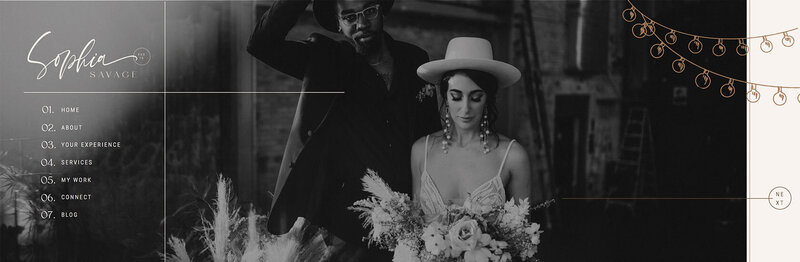
- Refresh your imagery so your first impression matches your current level
- Update your marketing language so the right clients instantly understand what you do
- Refresh key pages (portfolio, testimonials, services, FAQs), so your site feels current and trustworthy
- Simplify your offers so visitors can choose faster
- Check your contact path so inquiries don’t slip through the cracks
Let’s get into it.
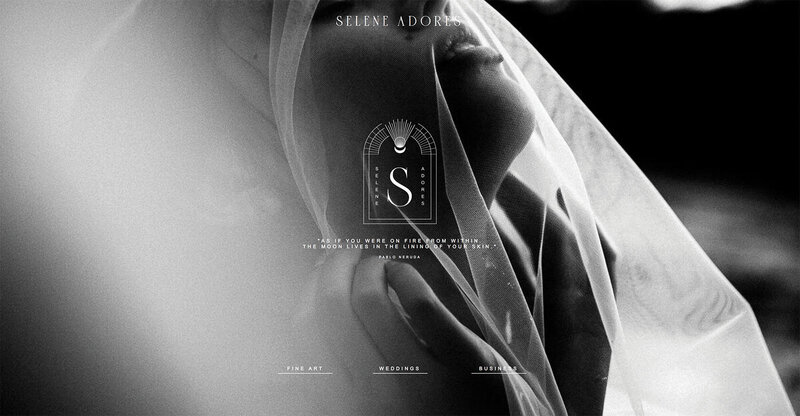
1) Refresh Your Imagery to Strengthen Your First Impression
Imagine landing on a website and seeing photos that:
- Don't reflect the creator’s current style
- Use an outdated headshot
- Rely on generic stock images
Even if the work is good, your brain goes: “This feels old.” “Not sure this is for me.”
And that matters, because visuals do more than “look pretty.” They communicate trust. They signal:
- The caliber of your work
- Your attention to detail
- The experience someone can expect when they hire you
When your imagery feels current and aligned, visitors stay longer, trust you faster, and are more likely to inquire.
How to update your imagery (quick wins)
Start with the pages people see most:
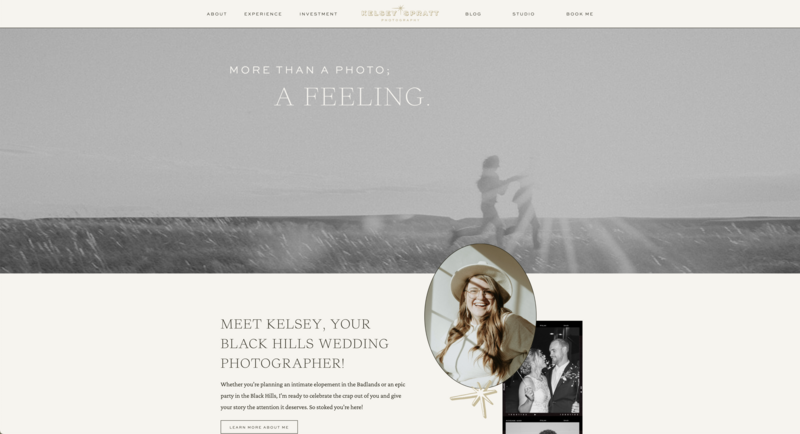
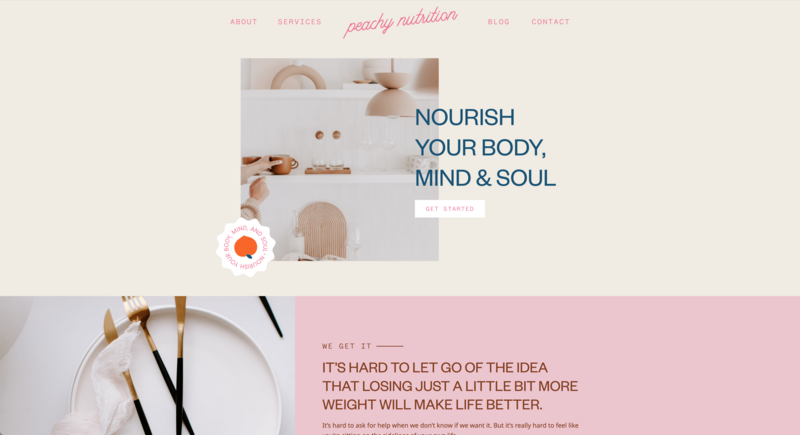
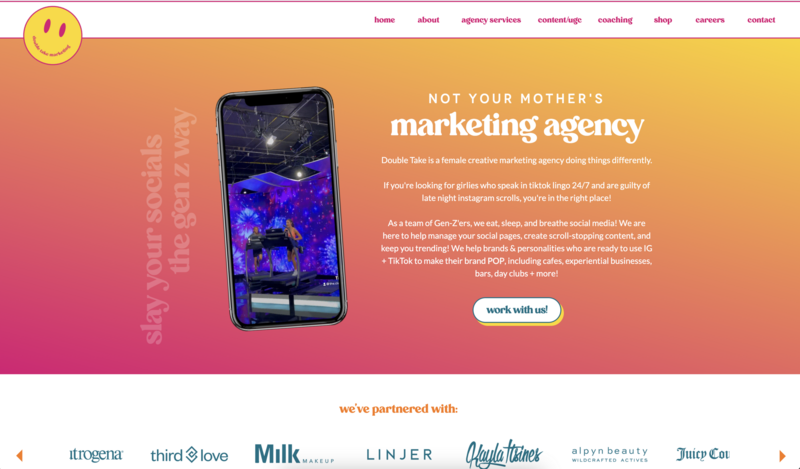
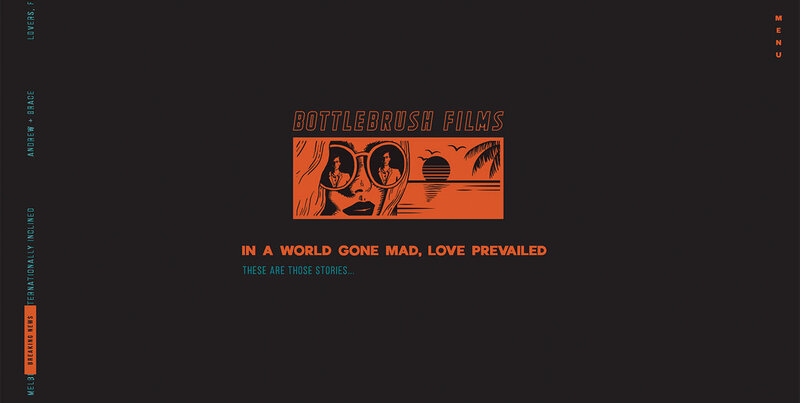
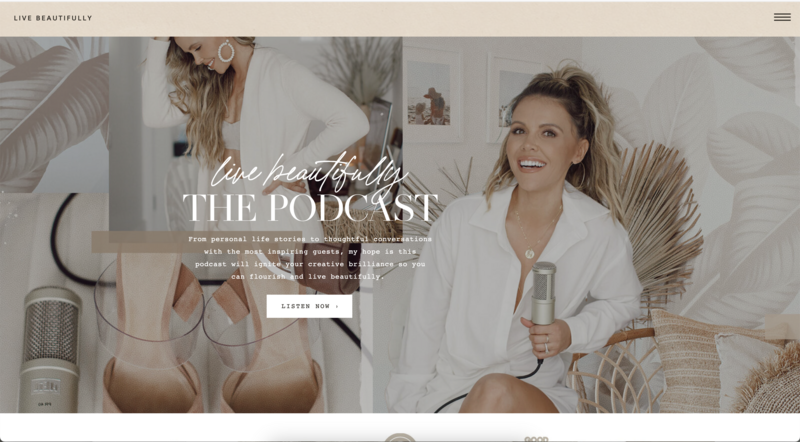
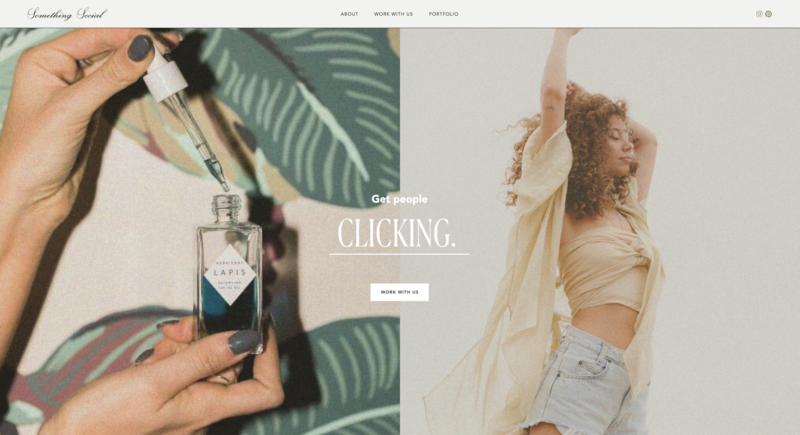
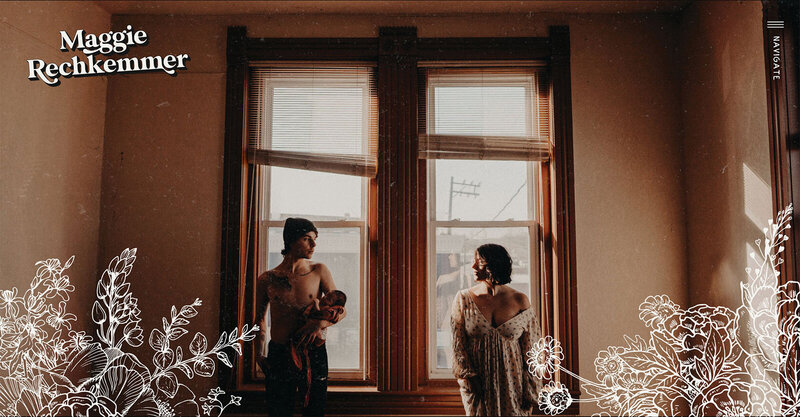
Update your homepage hero + top gallery images
- Choose your most recent, most aligned work — the work you want more of.
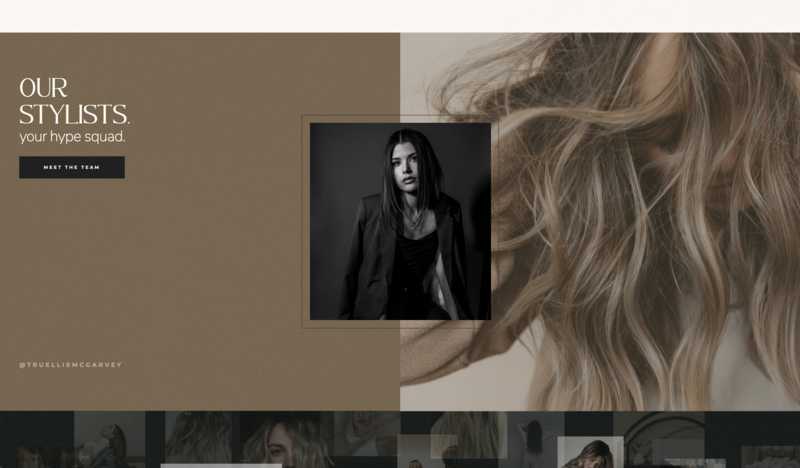
Refresh your headshot/team photos
- Your headshot doesn’t have to be brand-new, but it should reflect the version of you showing up in 2026.
Replace generic stock with visuals that feel like you
- Ideally: brand photos. If not: curated stock that matches your vibe and industry.
If you’re short on time, start small
Swap your homepage hero image, update your About photo, and add 2–3 behind-the-scenes/process images. Even a few intentional changes signal: active, current, worth paying attention to.

2) Refresh Your Marketing Language to Attract the Right 2026 Clients
Your website copy shouldn’t just explain what you do. It should quickly answer three questions for the right person:
- Who is this for?
- What do I get here?
- Why should I trust this?
Most creatives write their website copy once early on and never touch it again. But you’re not the same business owner you were a year ago. You’ve refined your offers, learned what works, and gotten clearer about who you serve best.
Clear, specific messaging reduces hesitation. It helps the right people self-select faster which means more qualified inquiries (and fewer “not a fit” calls).
What to update first (high-impact pages)
Start here:
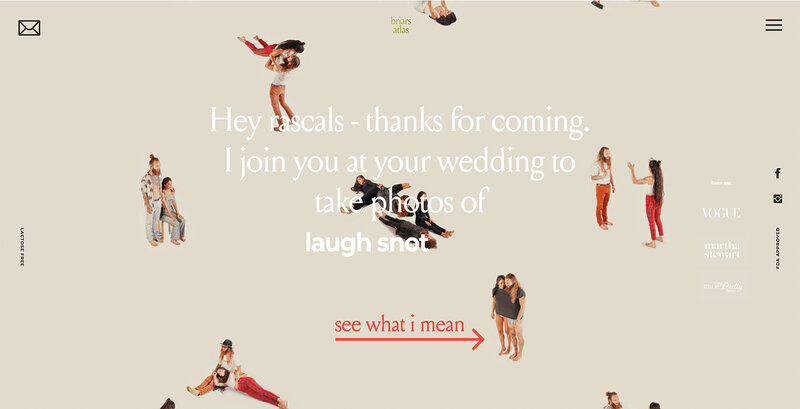
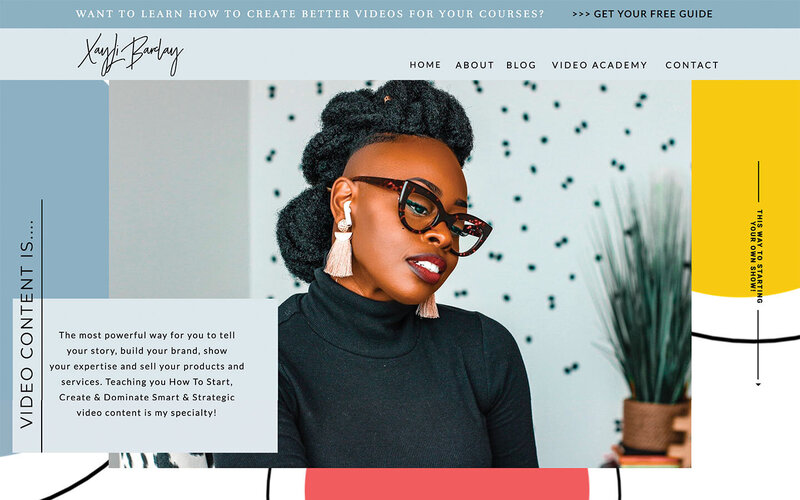
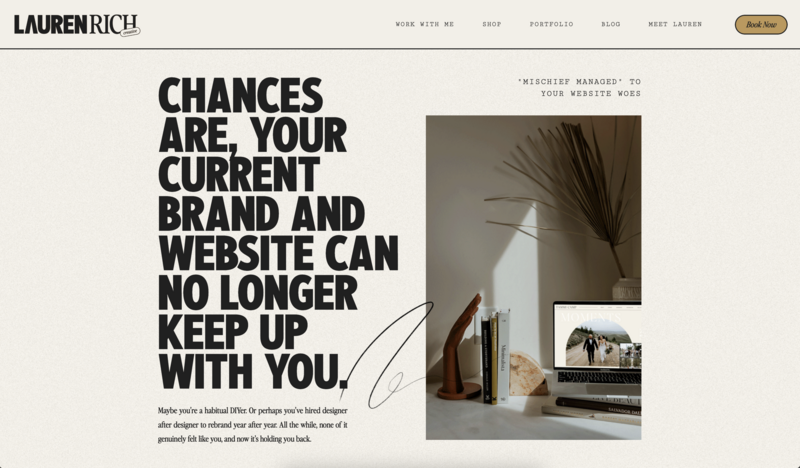
- Your homepage headline + subhead: Does it feel current, bold, and specific, or could it describe anyone?
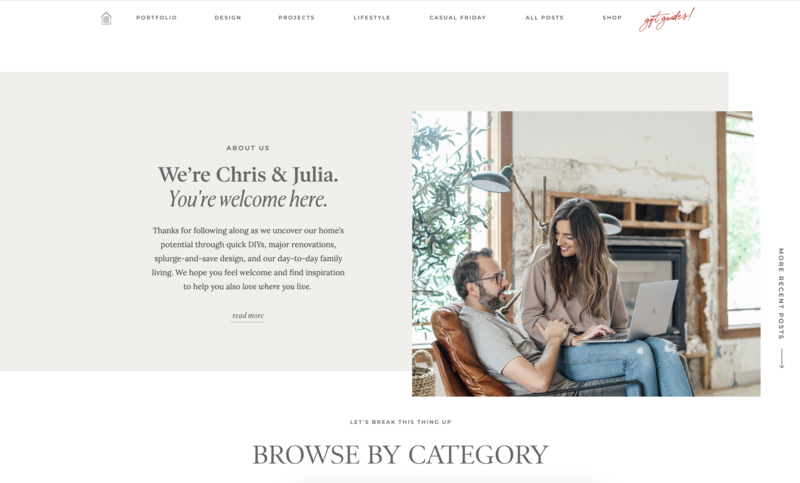
- Your About page: Does it reflect the direction you’re headed (and the kind of clients you want in 2026)?
- Your Services page: Is it instantly clear what clients get, what the process looks like, and why it’s worth it?
- Your calls-to-action: Do they guide visitors toward one clear next step (inquire, book, browse, buy)
A quick example: vague vs. specific
“I’m a photographer who loves capturing beautiful moments.”
vs.
“I help wellness founders build trust through editorial brand photography that shows the real humans behind their mission.”
One blends in.
One makes the right person stop and think: “That’s exactly what I need.”
Quick self-check
Read your site like a stranger. In the first 10 seconds, can someone tell:
- who you serve
- what you offer
- what to do next
A small copy refresh can change how confident your brand feels—and how often the right people reach out.
3) Update Your Proof + Core Pages So Your Site Feels Current (and Trustworthy)
Over the course of a year, your business can change a lot. New offers, pricing, and leveled-up skills from the previous year.
If your website doesn’t reflect that growth, visitors feel it, even if they can’t explain why. And that subtle “something’s off” feeling creates friction.
Remember, friction kills conversions.
The more current and consistent your website feels, the easier it is for someone to trust you and take the next step.
Here are the high-impact areas to refresh first:
FAQ Section (reduce objections before they bounce)
Every question you can answer upfront is one less reason for someone to hesitate.
Update it with:
- the questions you hear in discovery calls, DMs, and emails
- anything that changed this year (process, timeline, deliverables, pricing structure)
- the “silent objections” people are afraid to ask
Portfolio or Case Studies (prove you’re active + aligned)
Your portfolio tells two stories: what you create, and who you are as a creative.
If your newest work is from 2023, visitors may wonder: Are they still booking? Is their style current? Are they in demand?
Refresh it by:
- featuring your most recent, most aligned work (the kind you want more of)
- adding context (the goal, the outcome, the transformation)
- swapping “old favorites” to a deeper page if needed
Testimonials + Social Proof (momentum builds confidence)
Social proof is powerful. Recent social proof is even more powerful.
A great review from 2022 is nice. A great review from last quarter signals: this business is active, trusted, and delivering right now.
Quick win: Email 3–5 recent clients and ask for a short testimonial you can add this week.
Service Pages (remove confusion so people can choose faster)
If you’ve streamlined packages, added a VIP option, changed pricing, or shifted your offer, your service pages need to match.
Outdated service info doesn’t just confuse people. It can cost you bookings.
Update for clarity:
- What’s included (and what’s not)
- Who it’s for
- What results/experience can they expect
- What to do next (clear CTA)
A website that’s aligned with who you are right now builds confidence, not just curiosity.
4) Simplify and Clarify Your Offers So People Can Choose Faster
Too many options create indecision. And indecision delays action.
At the start of the year, simplify your offers so a visitor can instantly understand:
- what you do
- who it’s for
- what they get / what changes for them
Clarity reduces friction. Less friction = more qualified inquiries.
How to update this (quick steps)
- Lead with 1–2 core offers (your highest-value, most-booked services)
- Move “extra options” to a secondary section (or an “add-ons” line)
- For each offer, include: a one-sentence “best for” statement, 3–5 bullets of what’s included, and one clear CTA (inquire/apply / book)
You don’t have to eliminate everything—you just need to prioritize what you want to sell most in 2026.
5) Check Your Contact Path So It’s Easy to Say Yes
A beautiful website doesn’t help much if someone’s ready to reach out… and they can’t.
Your contact path is one of the fastest ways to increase inquiries—because fixing leaks stops you from losing warm leads you already earned.
How to update your contact pathway (quick check)
Test your contact form like a real client
Pull up your site on your phone and submit your form. Ask:
- Is the contact button easy to find?
- Does the form load fast and work smoothly?
- Does it ask for the right info without feeling like a job application?
Small issues like a broken form, missing button can silently cost you inquiries for months.
Confirm the “after” experience is working
After someone submits:
- Do they see a clear confirmation message?
- Do you get notified immediately?
- Are notifications landing in spam?
A potential client shouldn’t wonder if their message went through, and you shouldn’t wonder why inquiries slowed down.
Make the form copy match your refreshed site
This is one of the last touchpoints before someone hits submit. Keep it aligned, warm, and confident:
- Reinforce what happens next (“Here’s what to expect”)
- Set a response timeline
- make the CTA clear (“Submit inquiry” / “Let’s work together”)
Your contact form is the bridge between your website and your next ideal client. Make it strong.
Quick Start Checklist for Your Website Refresh
This Week
- Update key images to reflect your current brand
- Rewrite your headline and About section language
- Test your contact form (believe it or not, this is commonly missed!)
This Month
- Streamline your service offerings
- Add or update testimonials from the past year
- Clarify your calls-to-action throughout the site
This Quarter
- Publish a recent portfolio or case study
- Add an FAQ section based on real questions you've gotten
- Review pricing to make sure it reflects the value you deliver
Your Website Sets the Tone for Your Entire Year
Starting the year with a strategic website refresh isn't just proactive it's one of the smartest moves you can make to ensure your business grows on your terms in 2026.
Your work is amazing. Your talent is real. Your creative voice matters.
Your business deserves a website that reflects that.
And remember: Instagram may introduce you, but your website closes the loop.
Your Website Is Your Marketing Powerhouse (Not Just a Portfolio)
Your refreshed website should:
- Clearly communicate your niche
- Show your best work as examples of what clients get
- Include strategic calls-to-action on every page
- Make it easy for someone to contact you
- Position you as a professional worth investing i
When your website is aligned, everything else works better.
That's what turns browsers into inquiries.
Get Started Updating Your Site
If you're ready to refresh your website and want a platform that gives you full creative freedom without needing to code, Showit was built for you.
Showit lets you design a website that actually reflects your brand, your style, and the direction your business is headed. You can launch quickly, make changes as you grow, and stay in control of every detail.
You don't need to have everything perfect to start. You just need a website that grows with you.

Sarah has been part of the Showit team for nearly four years, where she works as a copywriter crafting content that educates, encourages, and celebrates the creative entrepreneurs who make up the Showit community. When she's not writing, you'll find her with a book in hand (usually something about leadership or personal growth), cheering on Arizona sports teams, or connecting with people over a really good cup of coffee because, let's be honest, there's always a cup nearby. Sarah believes in the power of stories, the importance of showing up authentically, and that every entrepreneur deserves to be celebrated for the brave work they're doing.